Image to Prompt: Turn Any Picture into a Better AI Prompt
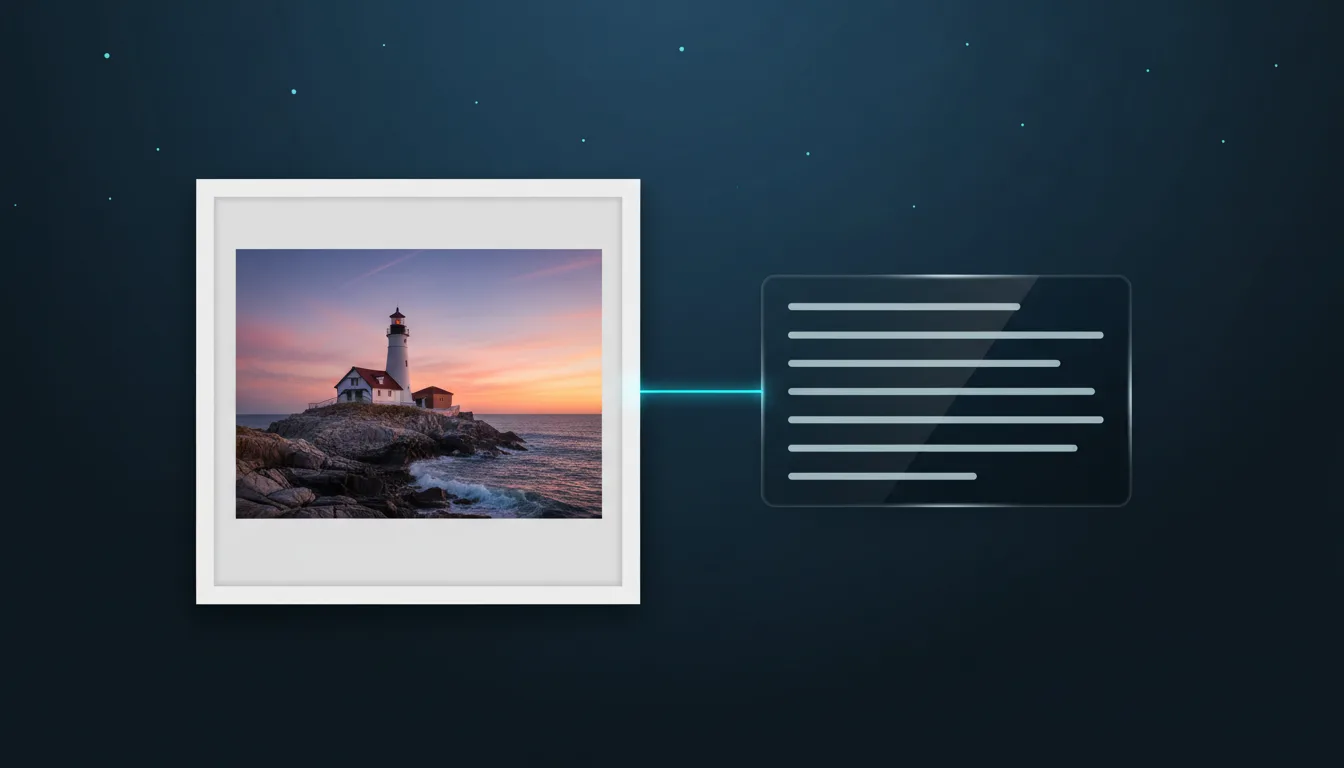
Upload a picture and get a detailed prompt that describes its subject, style, light and composition. Learn how to use it for Midjourney, FLUX and the studio.
By VectorSVG Team2 min read
Upload a picture and get a detailed prompt that describes its subject, style, light and composition. Learn how to use it for Midjourney, FLUX and the studio.
By VectorSVG Team2 min read
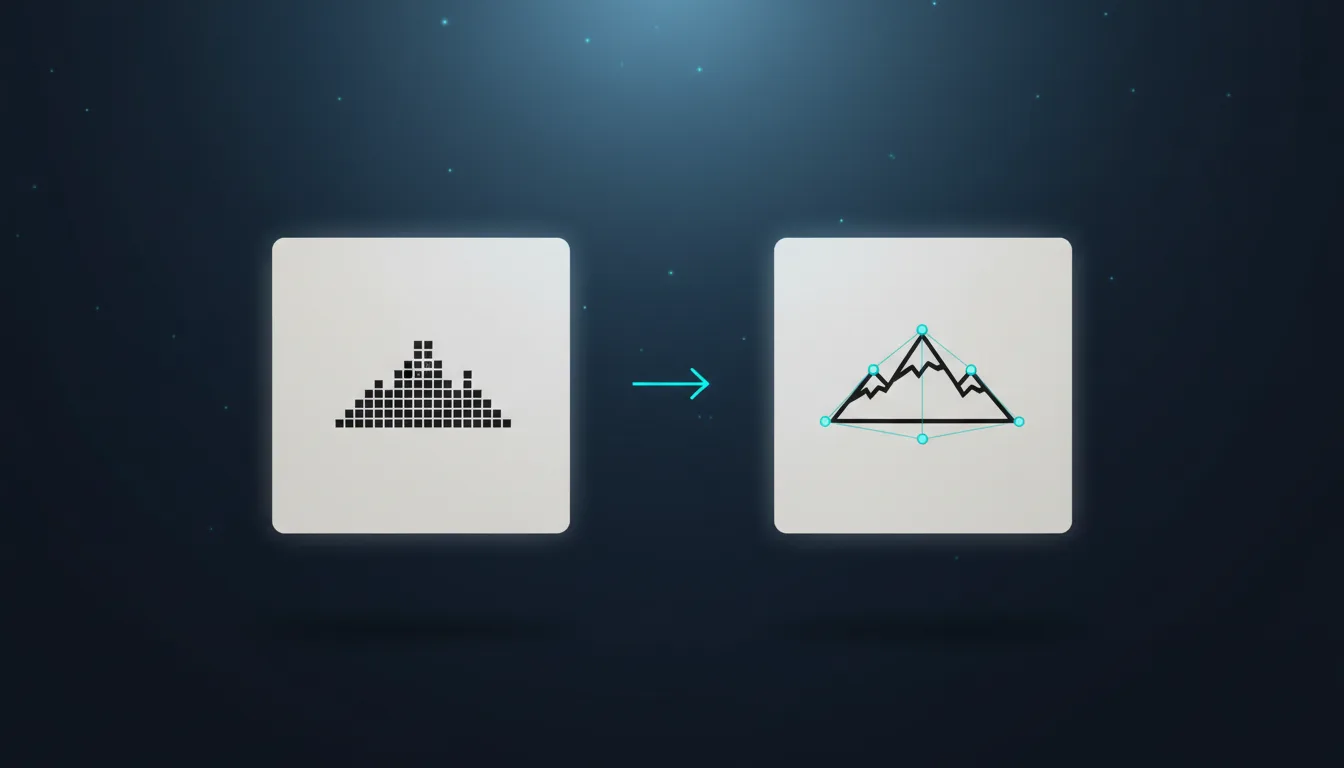
Turn a logo, drawing or photo into a clean SVG. Learn when to use black & white, flat colour or colour photo tracing, and how to get smooth, cut-ready paths.
By VectorSVG Team3 min read

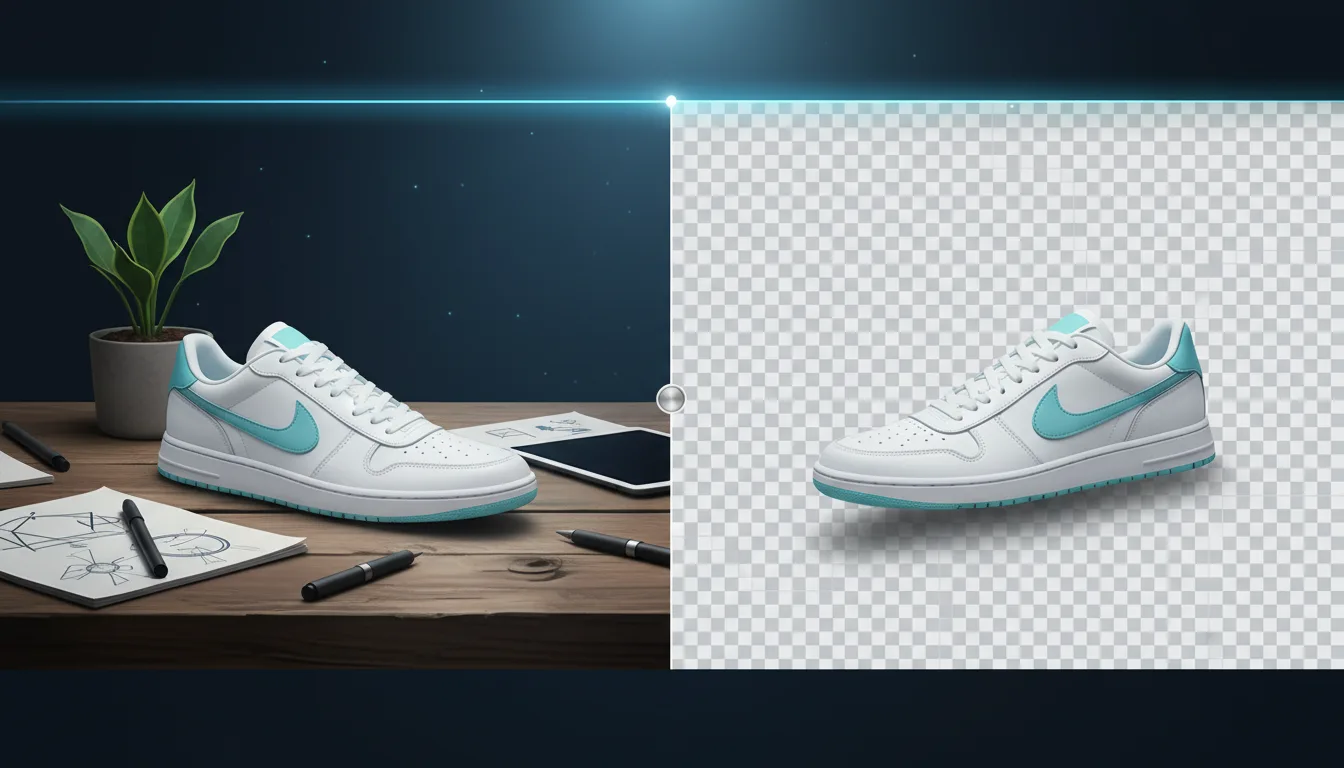
Remove the background from any photo in one click and get a transparent PNG. How it works, which mode to pick, and how to use cutouts for laser, Cricut and shops.
By VectorSVG Team2 min read

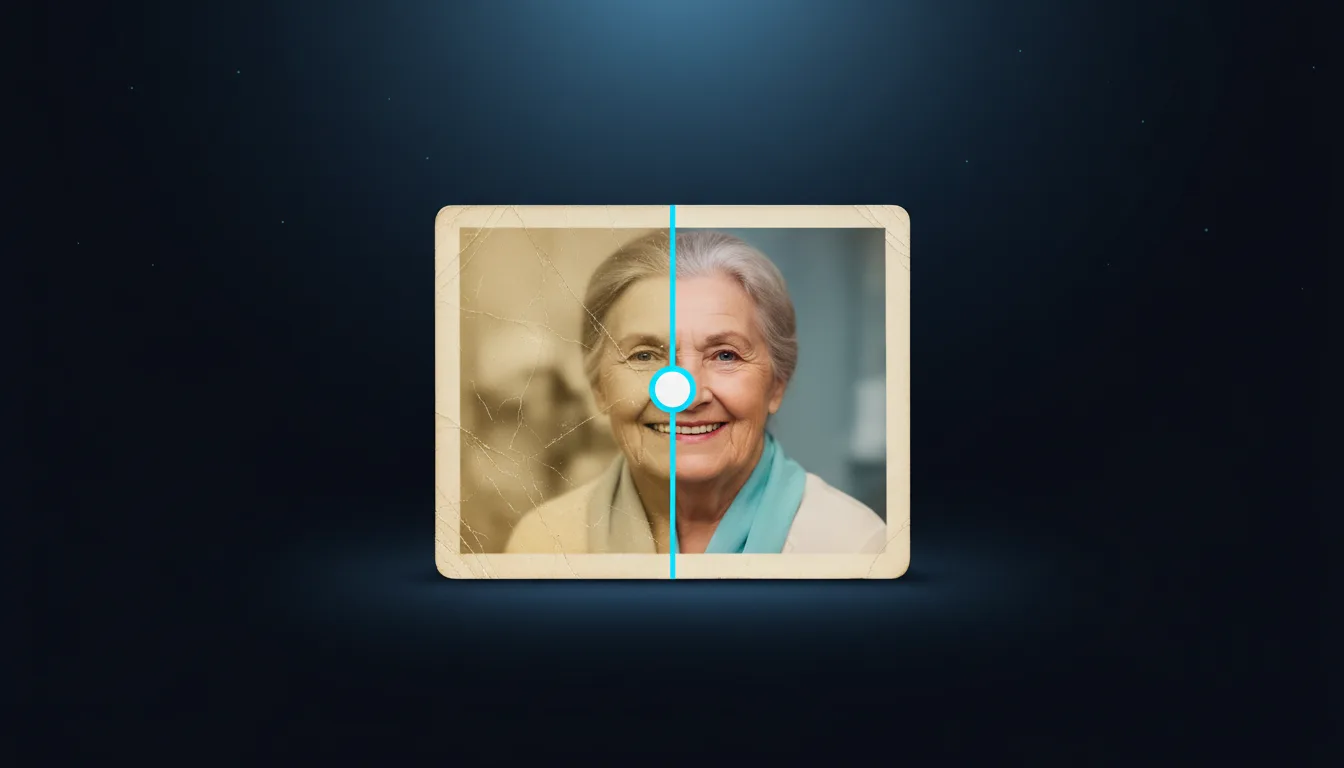
Repair scratches, tears and fading in old family photos with AI, bring faces back into focus and add natural colour. A simple guide to scanning and restoring.
By VectorSVG Team2 min read

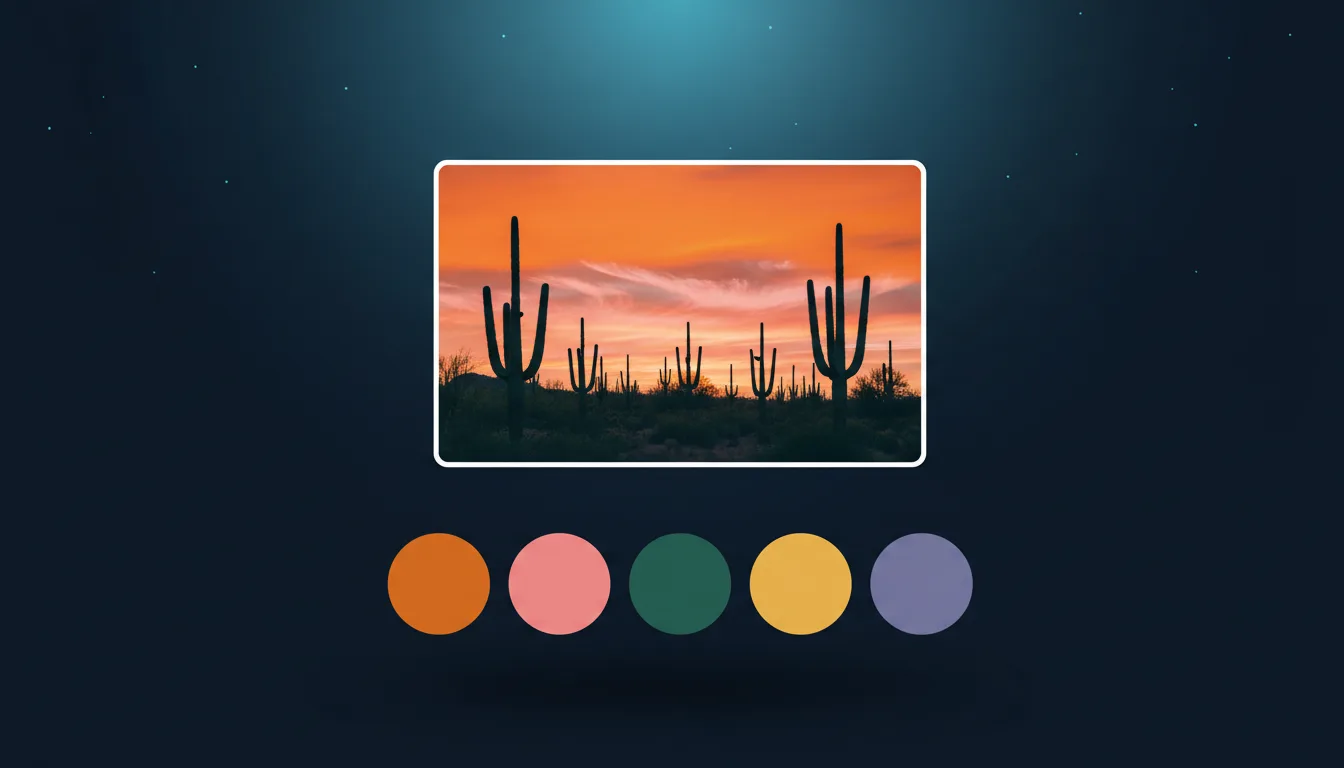
Get the main colours of any photo or artwork as HEX codes in seconds. Export CSS variables, SVG swatches or an ASE file for Illustrator. Free, in your browser.
By VectorSVG Team2 min read

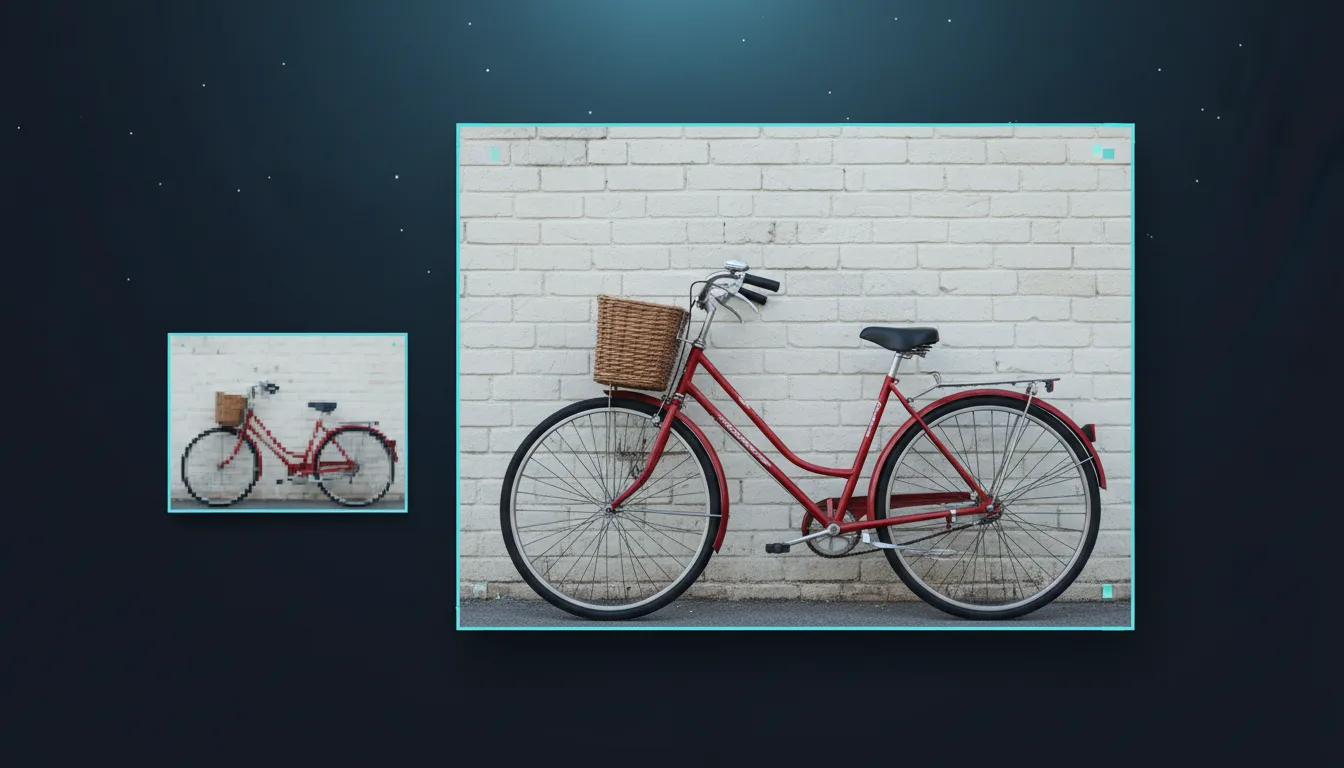
Enlarge small or blurry images 2× or 4× with AI and keep them sharp. Which model to choose, and how upscaling helps printing, laser engraving and vectorizing.
By VectorSVG Team2 min read

Soft, fluid mesh gradients are everywhere in modern web design. Learn why SVG beats JPG and PNG for them, and how to make one for free in your browser.
By VectorSVG Team2 min read