ExampleBlack & White
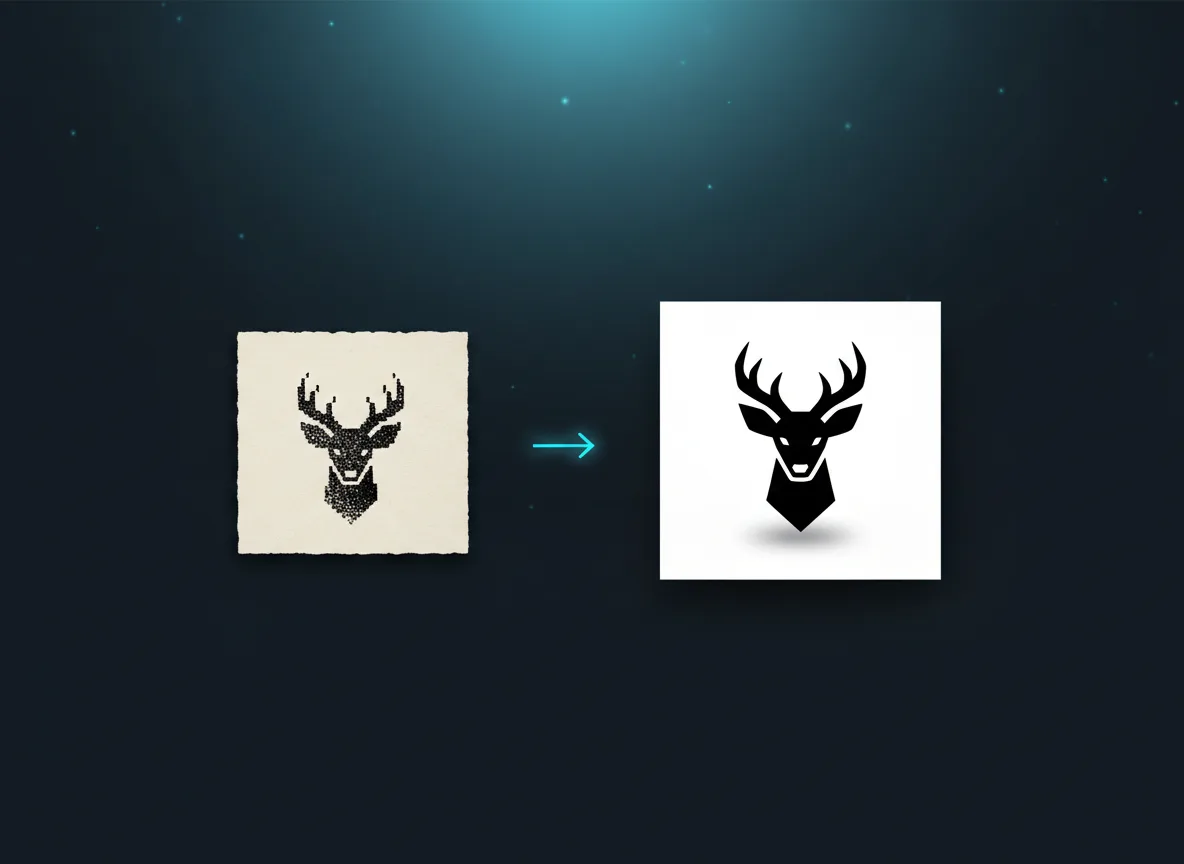
Turns everything into solid black shapes with crisp, smooth edges. It is the cleanest choice for cutting and the fastest to weed.
Best for: logos, line art, handwriting, stamps, stencils and silhouettes.
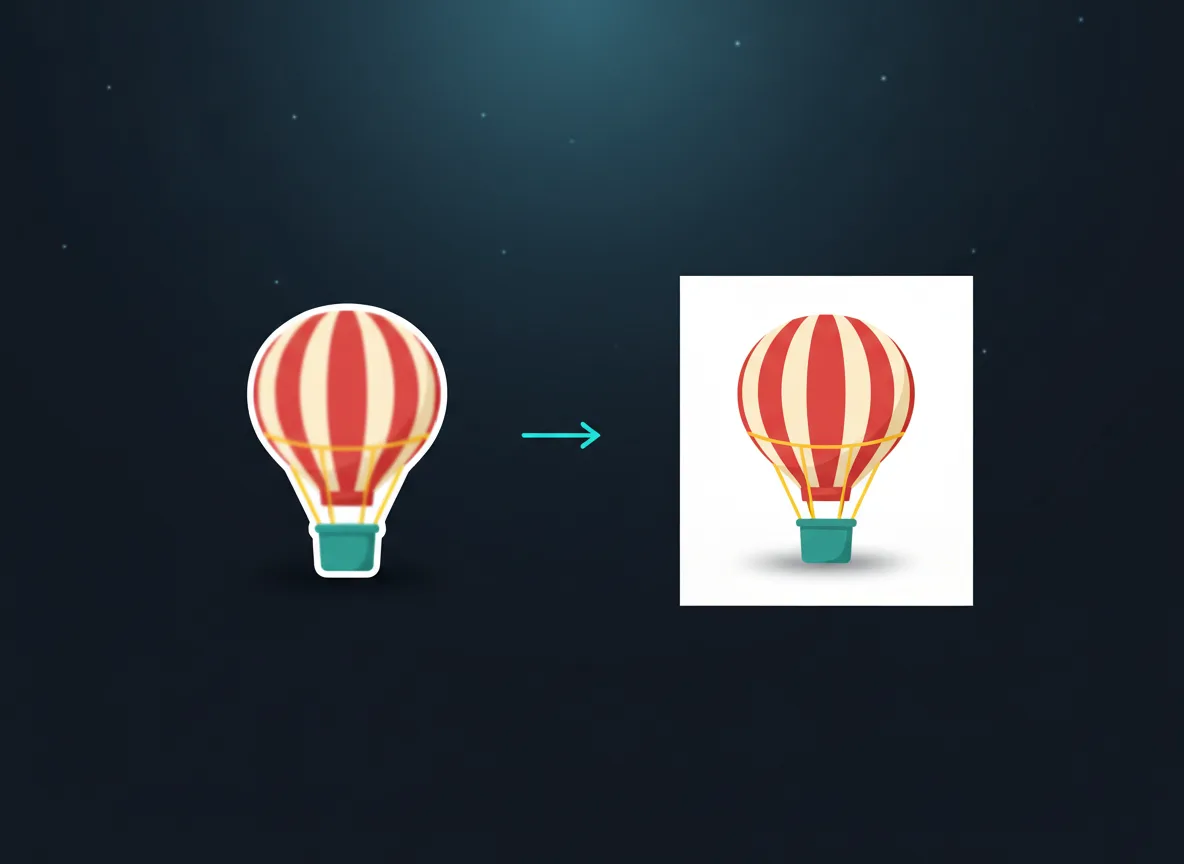
Upload an image to start. The mode is detected automatically and you can change any option afterwards.
PNG · JPG · WEBP · HEIC · up to 20 MB
Drop a logo, a drawing or a photo and get clean vector paths for Cricut, Silhouette, laser cutting and print. The mode is picked for you; every setting stays one tap away.
No design software needed. The whole job takes less than a minute.
Drop a PNG, JPG, WEBP or HEIC file up to 20 MB, or paste it from the clipboard. Larger, sharper images give cleaner paths.
The vectorizer detects Black & White, Colour illustration or Colour photo for you. Adjust colours, smoothing and detail, or remove the background.
Compare the original and the vector with the slider, then download the SVG or a PNG.
Each kind of picture needs a different tracer. Auto-detection picks one; you can always switch.
ExampleTurns everything into solid black shapes with crisp, smooth edges. It is the cleanest choice for cutting and the fastest to weed.
Best for: logos, line art, handwriting, stamps, stencils and silhouettes.
ExampleFinds the flat colours in your artwork and gives each one its own layer, so you can cut layered vinyl or recolour the design.
Best for: clipart, stickers, cartoons, badges and screen-print designs.
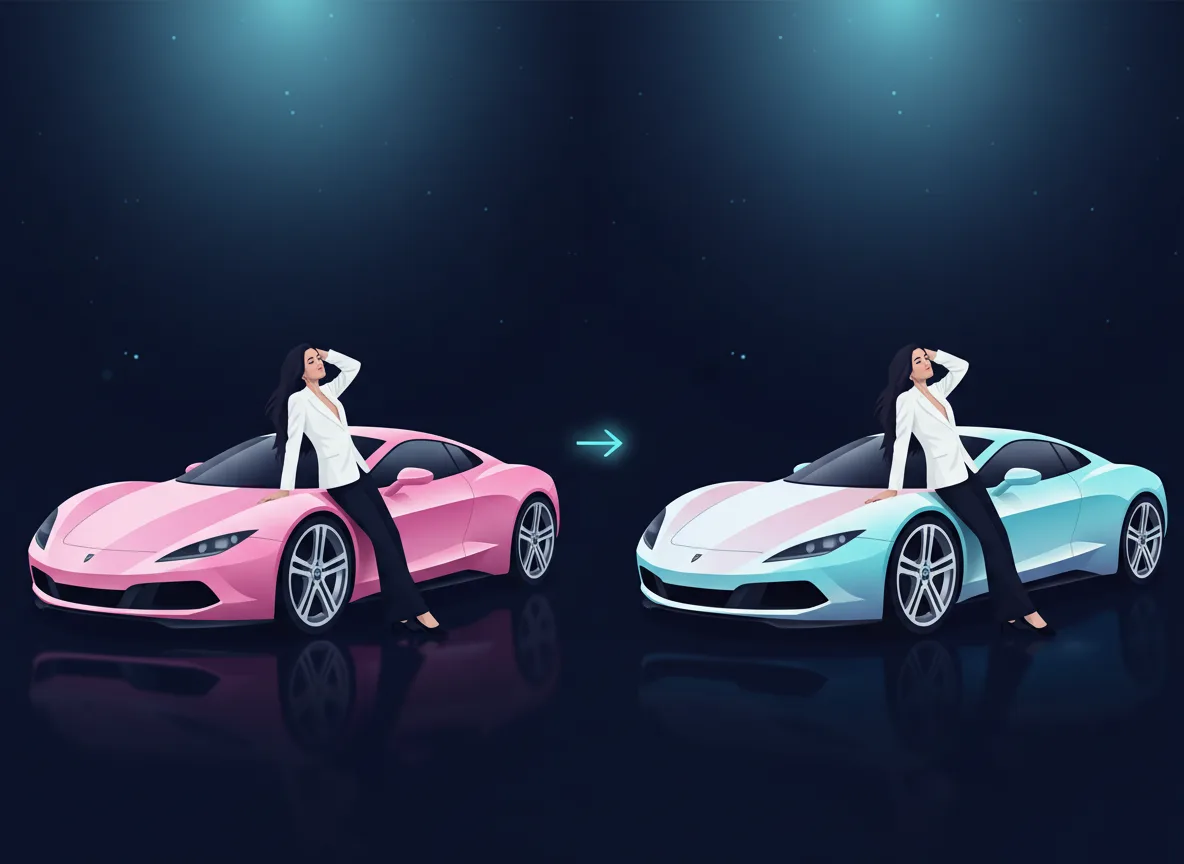
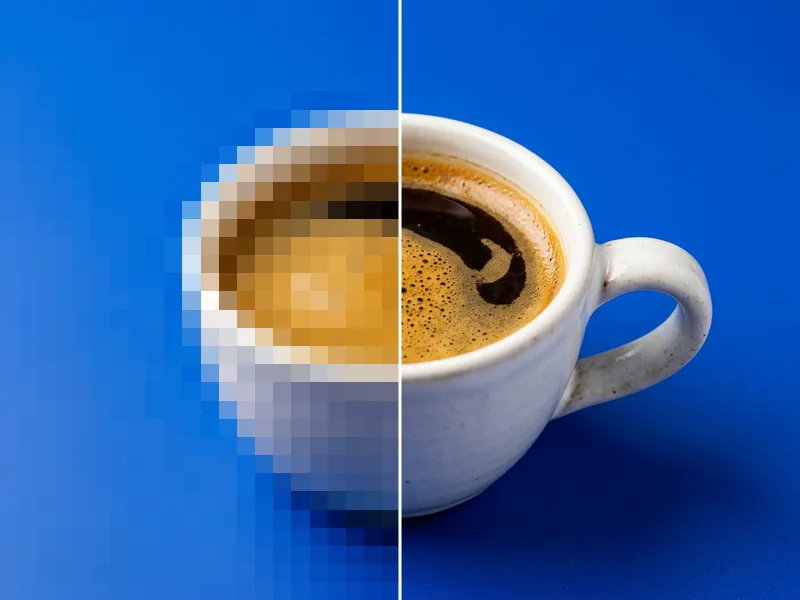
ExampleRebuilds a photo from many colour layers. Lower the colour count for a poster look, raise it for more realism.
Best for: posters, illustrations from photos and layered paper art.
Every result can be saved in four vector formats, so it opens wherever you work.
The files are plain, standards-based vectors with closed paths, so they import without warnings.
Cricut, Silhouette and Brother ScanNCut cut the closed paths directly, with fewer nodes for smoother cuts and easier weeding.
Glowforge, xTool and LightBurn read the SVG or DXF as cut and score lines; filled shapes engrave as solid areas.
Scale a small logo to a banner or a vehicle wrap without blur, and send a vector PDF to any print shop.
You can upload and preview results for free. Paid plans include unlimited vectorizing of black and white images and colour illustrations, a monthly allowance of colour photos, and watermark-free downloads.
A real vector. The result is made of closed paths and fills, not an embedded picture, so it scales to any size and works on cutting machines and lasers.
A sharp image with clear edges and at least 500 px on the short side. For small or blurry images, run them through the AI upscaler first.
Yes. Colour photo mode rebuilds the photo from colour layers. For an engraving-style result from a photo, try the Pencil Sketch style in the AI SVG Studio.
Your files are private. They are used only to make your result and are deleted automatically after 2 days. Nothing is shown publicly unless you share it.
Yes. Upload the SVG in Design Space and it arrives as separate, cuttable layers. Black & White mode gives a single layer, which is perfect for vinyl.
Turn the picture you already have into a clean, usable file: vector, cut-out, sharper or restored.
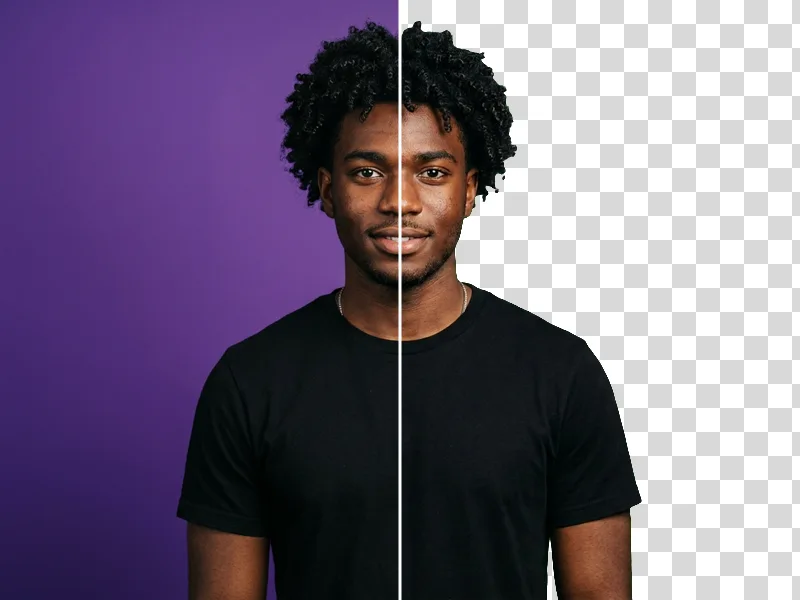
Photo → Transparent PNGAI Background RemoverCut out the subject in one click1 credit
Image → PNGAI Image UpscalerEnlarge images 2× or 4× without blur1 credit
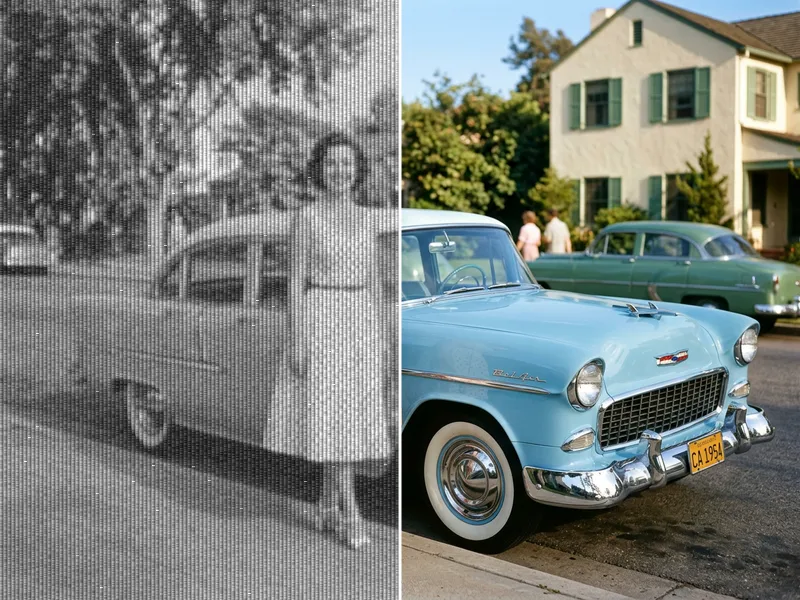
Photo → PNGAI Photo RestorationRepair old, faded and scratched photos2 credits
Image → PromptNewImage to PromptDescribe any image as an AI prompt1 credit