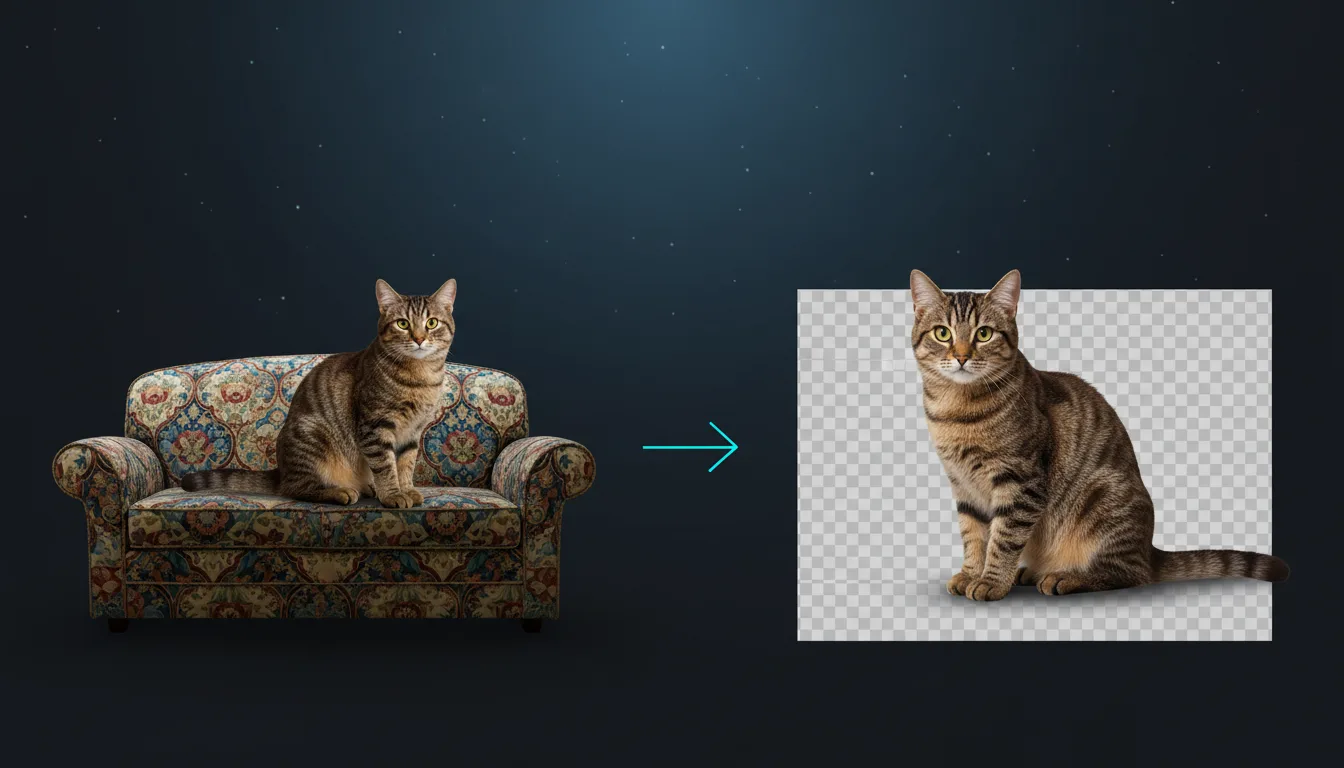
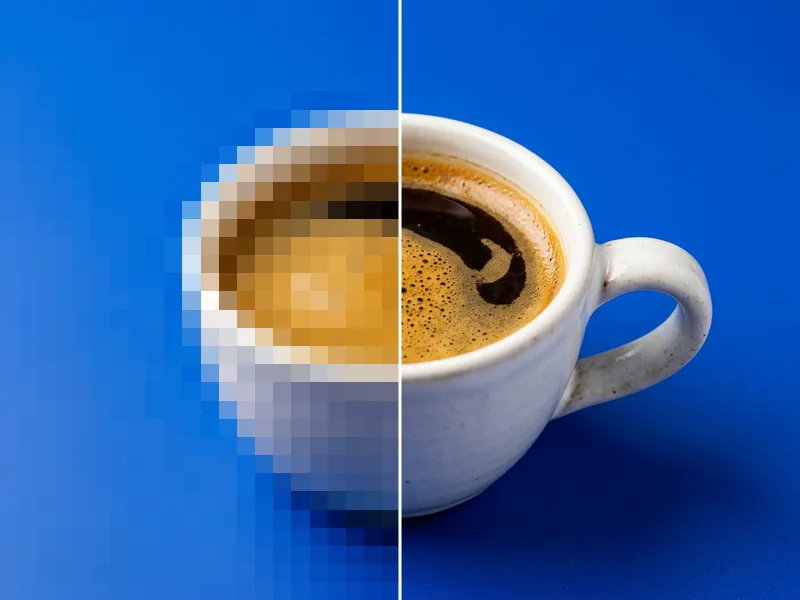
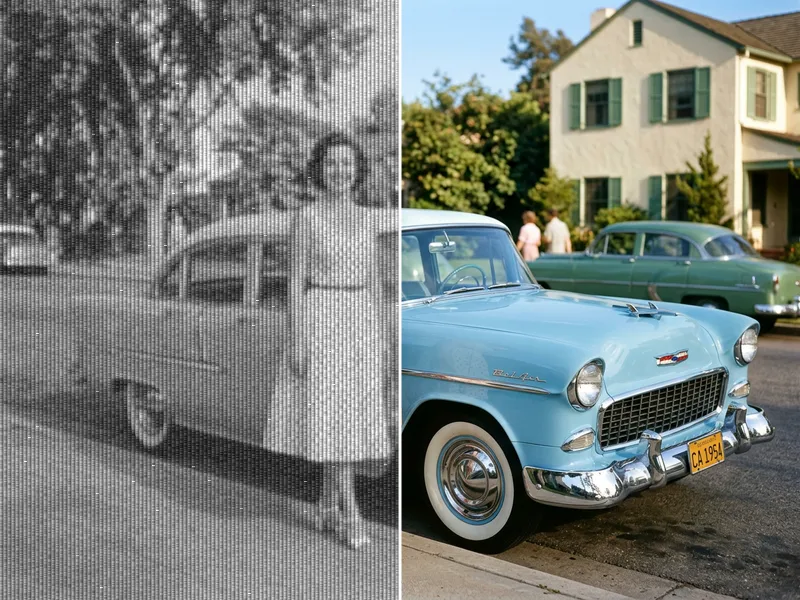
Remove the background from any photo and keep a clean, transparent PNG. Ideal before vectorizing or engraving.
PNG · JPG · WEBP · HEIC · up to 20 MB
Cut the subject out of any photo in one click and keep a clean, transparent PNG ready for vectorizing, engraving or print.
Drop, paste or choose an image up to 20 MB. Photos with a clear subject give the cleanest edges.
Leave it on Auto or choose Person, Product or Graphic, then set the edge softness and the background you want.
Save a transparent PNG or WEBP, or send it to the vectorizer to turn it into a laser-ready SVG.

The AI Background Remover finds the main subject of a photo (a person, a pet, a product or a graphic) and removes everything behind it. You get a PNG or WEBP with a transparent background and soft, natural edges around hair and fur.
Makers use it as the first step before tracing: a clean cut-out gives the vectorizer and laser software one clear shape to work with instead of a busy scene. Each image costs 1 credit.
Upload PNG, JPG, WEBP, HEIC or AVIF up to 20 MB. You receive a PNG or WEBP with transparency at the original resolution. 1 credit per image.
Isolate a pet or portrait before photo engraving, so the laser burns only the subject and not the sofa behind it.
Make print-then-cut stickers with a clean outline that Cricut Design Space can detect around the subject.
Place products on white for shop listings, flyers and catalogues without a photo studio.
Prepare transparent designs for t-shirts, mugs and tote bags that print without a box around them.
Tip 1: Use a photo where the subject is in focus and fills a good part of the frame.
Tip 2: Choose Product for objects with hard edges and Person for hair and soft outlines.
Tip 3: For engraving, set a white background and raise the contrast afterwards in the depth map tool.
Tip 4: Run the cut-out through the vectorizer to get a single-colour SVG silhouette.
Each image costs 1 credit. Credits come with every paid plan.
Yes. The model is trained on portraits and pets and keeps soft edges. Pick Person or Auto for the best hair detail.
A PNG or WEBP with a transparent background, at the same resolution as your upload. You can also choose a white or black background.
Yes. A clean cut-out is the best start for photo engraving and for tracing into SVG. Send it to the vectorizer or the depth map tool next.
It is processed on our servers and deleted automatically after 2 days. We never use your images to train models.
Yes. Choose Graphic: it keeps hard edges and flat colours, which is ideal for logos you want to vectorize.
Turn the picture you already have into a clean, usable file: vector, cut-out, sharper or restored.
Image → SVGImage to SVG VectorizerTurn any picture into clean, editable SVGUnlimited
Image → PNGAI Image UpscalerEnlarge images 2× or 4× without blur1 credit
Photo → PNGAI Photo RestorationRepair old, faded and scratched photos2 credits
Image → PromptNewImage to PromptDescribe any image as an AI prompt1 credit