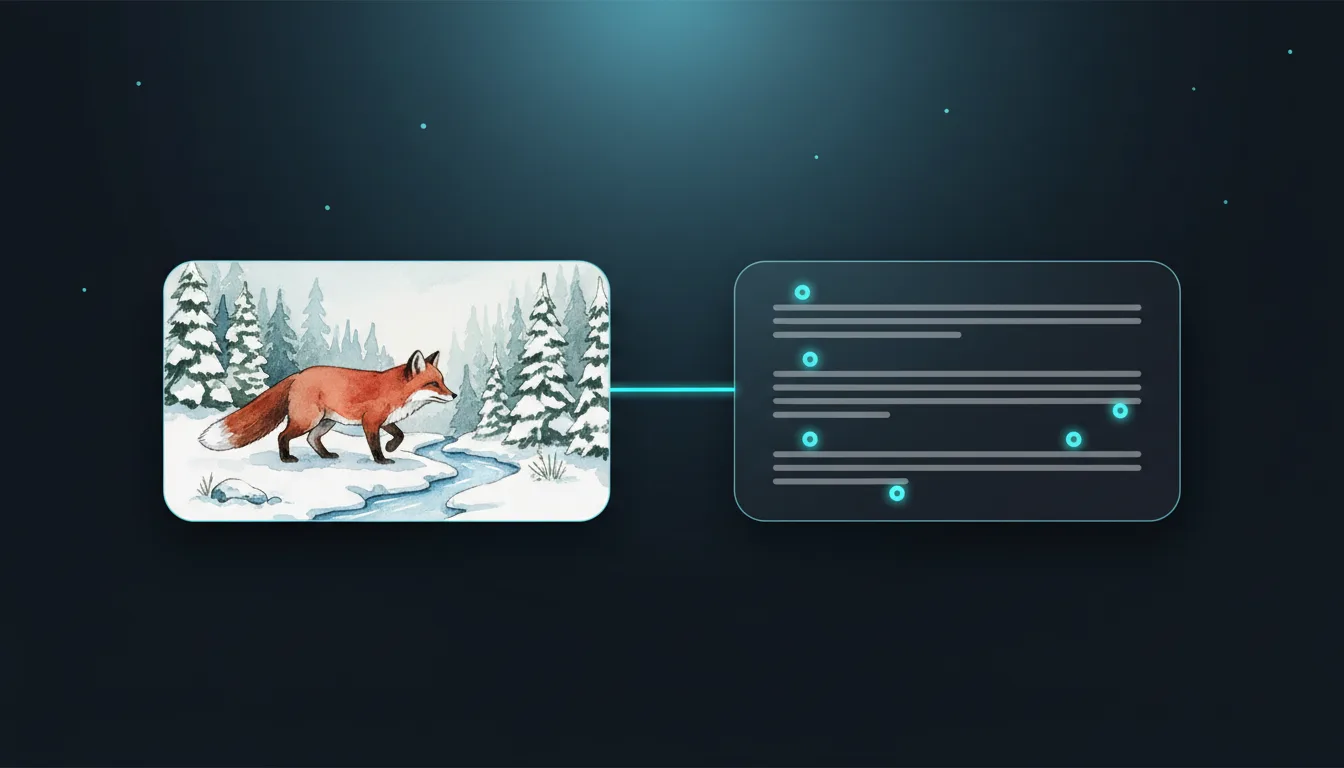
Upload a picture and get a detailed text prompt describing its subject, style and lighting, ready for the AI studio.
PNG · JPG · WEBP · HEIC · up to 20 MB
Upload a picture and get a detailed text prompt that describes its subject, style, colours and lighting, ready to reuse.
Add any picture up to 20 MB: a photo, an illustration or a design you want to learn from.
Pick a short or detailed prompt, the model it is written for and whether to add style tags.
Copy the prompt, edit it, or open it straight in the AI studio to generate a new SVG.

Image to Prompt looks at a picture and writes the text prompt an image model would need to make something similar: subject, composition, art style, colour palette, lighting and mood.
Use it to learn how a style is described, to recreate a look you like, or to start a new design in the VectorSVG studio with one click. Prompts are written in English, the language image models understand best. 1 credit per image.
Upload PNG, JPG, WEBP, HEIC or AVIF up to 20 MB. You receive plain text you can copy or save as TXT. 1 credit per image.
Describe a reference picture, then generate an original line-art version that engraves cleanly.
Turn a craft idea photo into a prompt for a single-colour cut design.
Recreate a poster style for your own print series with consistent wording.
Build a library of prompts for a product line so every design matches.
Tip 1: Images with one clear subject give the most accurate prompts.
Tip 2: Choose Detailed when you want to recreate a style, and Short when you will add your own ideas.
Tip 3: Edit the subject words and keep the style words to make something new in the same look.
Tip 4: Only use the prompt to make original work; do not copy someone else's artwork.
The prompt works in the VectorSVG studio and in most image models, including Midjourney, Flux and Stable Diffusion. Pick the target to adjust the wording.
Image models are trained mostly on English captions, so English prompts give the most reliable results in every language interface.
Yes. Copy it or open it in the studio, where you can change any word before generating.
It describes what it sees, such as age range, clothing and pose, but it never identifies who someone is.
1 credit per image. Credits come with every paid plan.
It is deleted automatically after 2 days and never used for training.
Turn the picture you already have into a clean, usable file: vector, cut-out, sharper or restored.
Image → SVGImage to SVG VectorizerTurn any picture into clean, editable SVGUnlimited
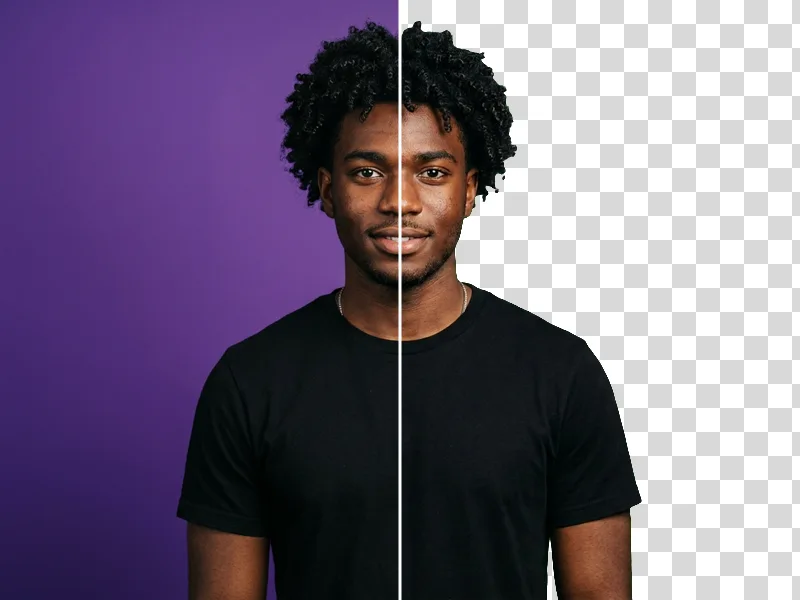
Photo → Transparent PNGAI Background RemoverCut out the subject in one click1 credit
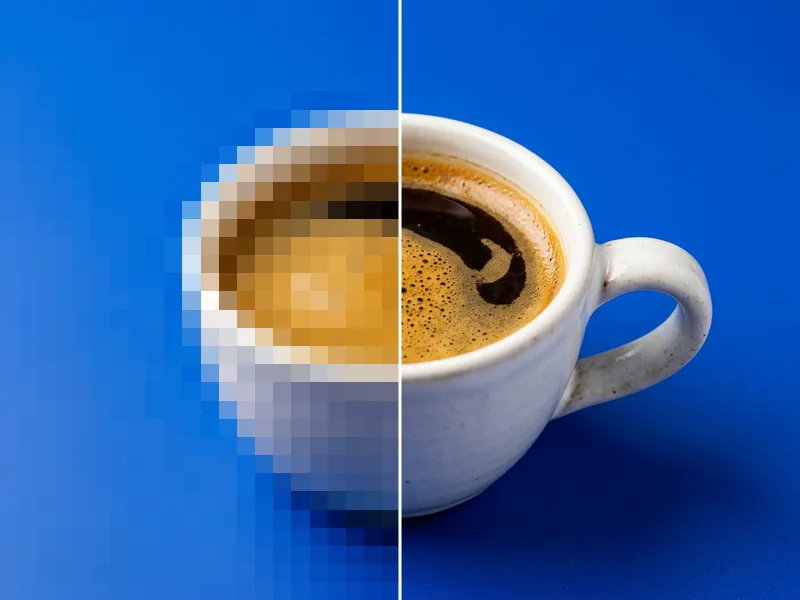
Image → PNGAI Image UpscalerEnlarge images 2× or 4× without blur1 credit
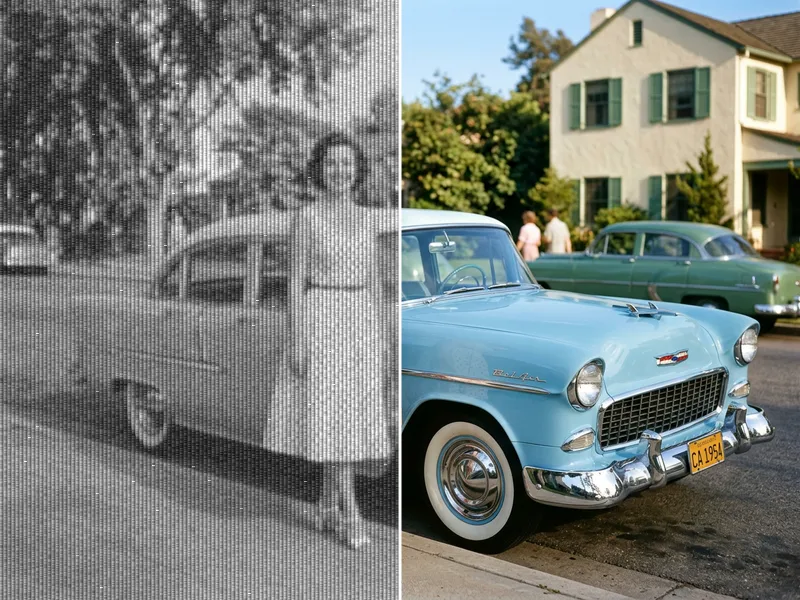
Photo → PNGAI Photo RestorationRepair old, faded and scratched photos2 credits