Make a grayscale depth map in your browser with levels, contrast, blur and invert. Nothing is uploaded.
PNG · JPG · WEBP · HEIC · up to 20 MB
Turn any photo into a grayscale depth map in your browser, with levels, contrast, blur and invert. Free, unlimited and private.
Drop or choose a picture, or try the sample. Nothing is uploaded.
Move the black and white points, contrast, midtones and blur until the depth reads right.
Download a PNG or BMP height map at full resolution, up to 4096 px.

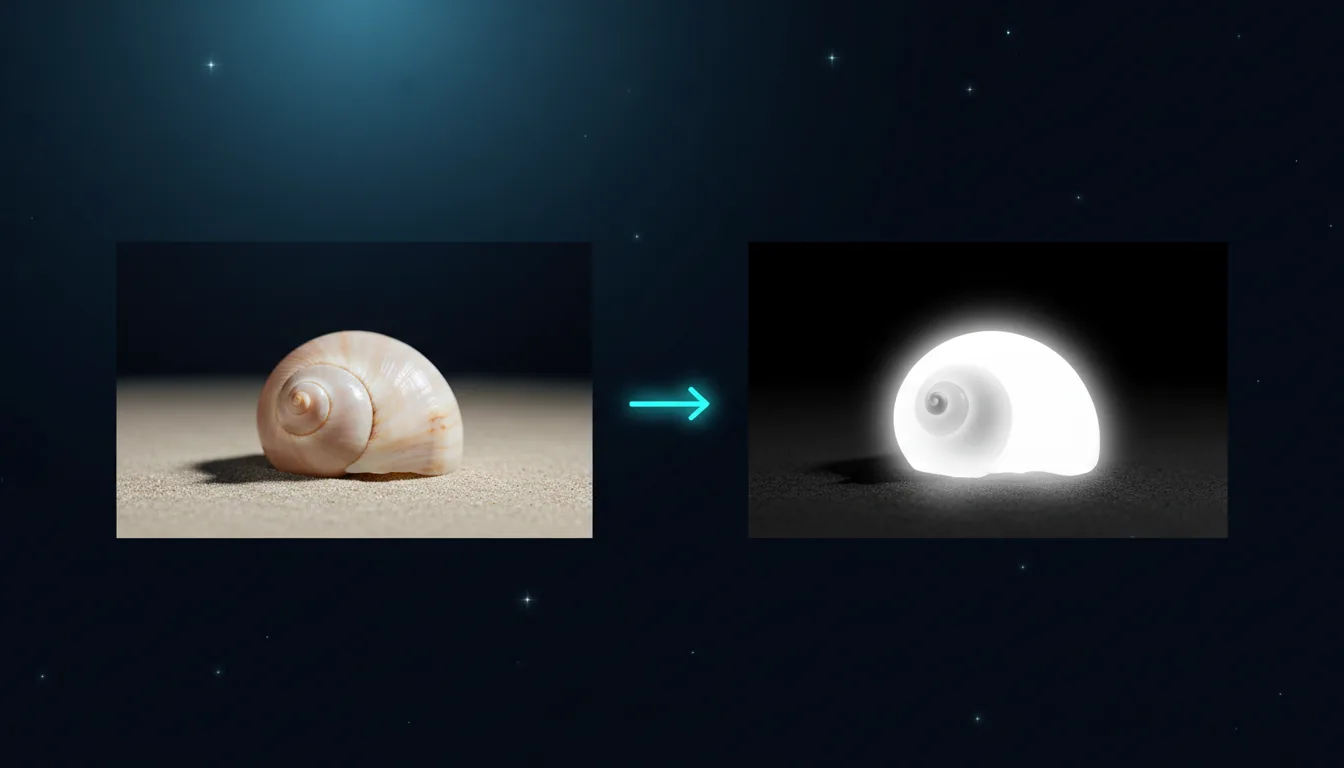
The Depth Map Generator converts a picture to luminance (perceived brightness) and lets you shape it into a height map: set the black and white points, contrast, midtones and blur, and flip it with invert.
Everything runs on your device with the canvas of your browser, so it is free, instant and private. For relief that understands shapes, use the AI 3D Relief Generator instead.
Open PNG, JPG, WEBP or AVIF up to 20 MB. Export PNG or BMP at up to 4096 px on the long side. Free, no account, runs in your browser.
Prepare grayscale images for 3D and photo engraving, with clean blacks and whites.
Check the tonal balance of a picture before turning it into layered paper art.
Create grayscale versions with controlled contrast for risograph and screen print.
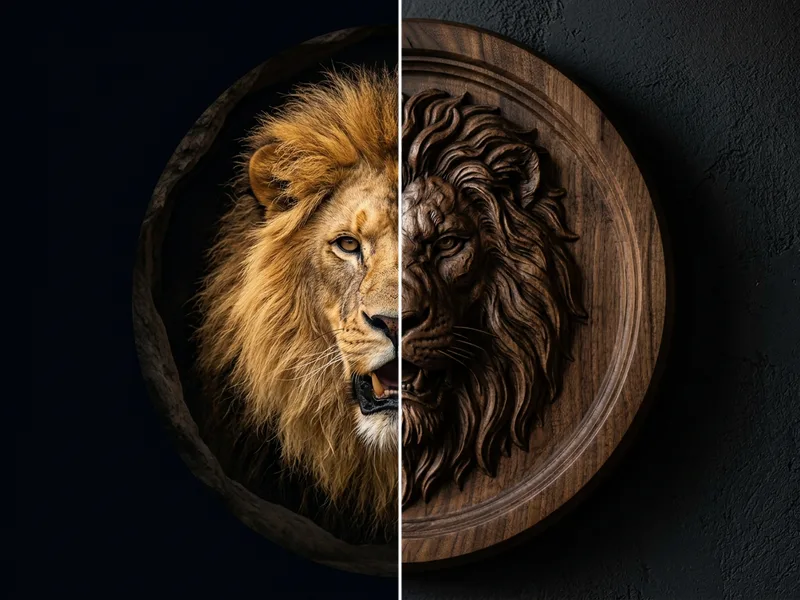
Make embossing and displacement maps for product mockups.
Tip 1: A little blur (2–4 px) removes texture noise that would otherwise carve as bumps.
Tip 2: Raise the black point to flatten a busy background into the base level.
Tip 3: Use Invert if your machine reads black as the highest point.
Tip 4: Remove the background first for portraits; the subject then stands out clearly.
Yes, free and unlimited. It runs in your browser, so there are no credits and no account.
No. The picture is read and processed on your device only and never leaves it.
It uses perceived brightness: light areas become high and dark areas low. You shape the result with levels, contrast, midtones and blur.
Laser software with grayscale or 3D engraving (LightBurn, xTool Creative Space), CNC relief software and 3D lithophane makers.
Some older laser and CNC programs only import BMP. The export is an uncompressed 24-bit BMP.
When dark details such as eyes or shadows should not be carved deep. The AI version models real shapes rather than brightness.
Depth maps, 3D relief and puzzles tuned for engraving, carving and cutting.