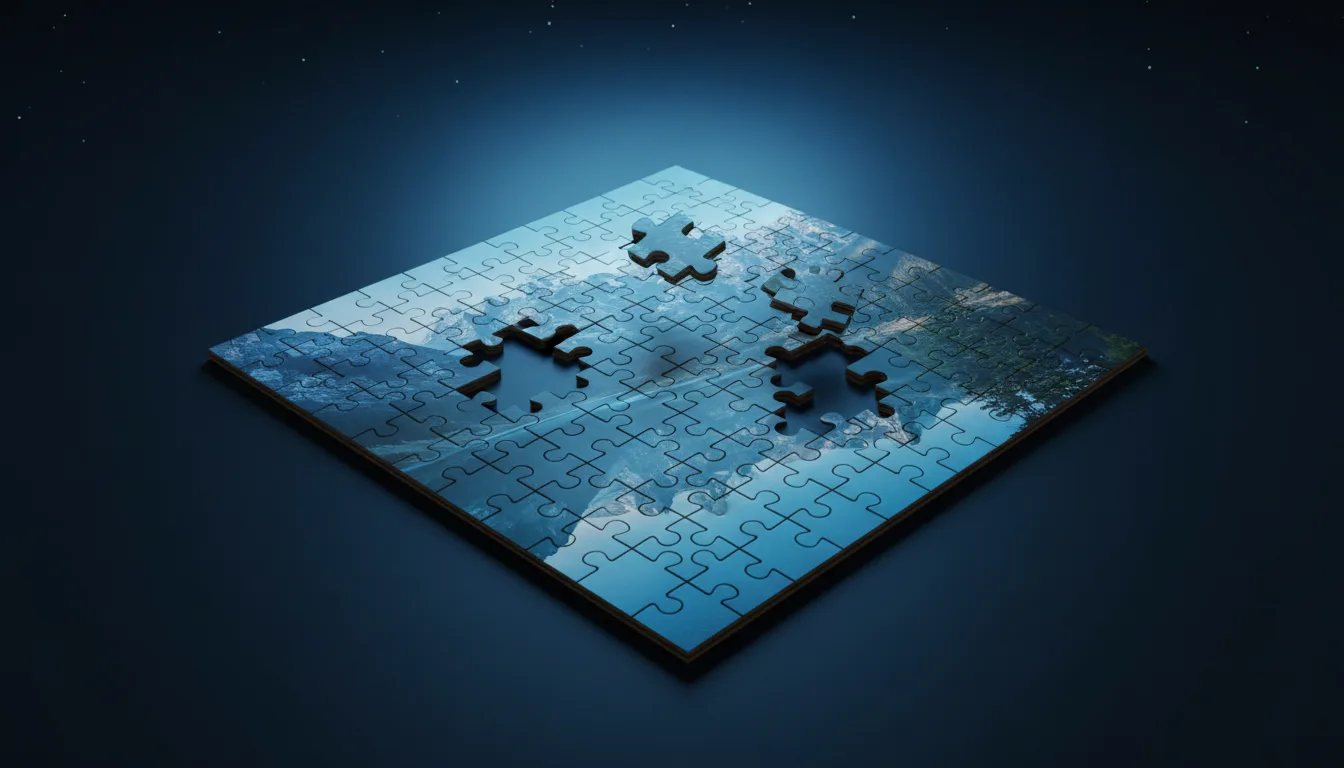
Lay a classic jigsaw grid over your picture, up to 30 × 30 pieces, and download the SVG cut template for laser or Cricut.
PNG · JPG · WEBP · HEIC · up to 20 MB
Lay a classic jigsaw grid over your picture, up to 30 × 30 pieces, and download a laser-ready SVG cut template. Free, in your browser.
Drop or choose the photo for your puzzle, or try the sample.
Pick a preset or set rows and columns, then tune tab size, variation, width and corners.
Download the SVG cut template for your laser or Cricut, or a PNG preview.

The Jigsaw Puzzle Maker draws interlocking pieces with classic rounded tabs over your image. Every tab is a smooth Bézier curve and every edge is shared, so the laser cuts each line only once.
Choose a preset or set rows and columns from 2 to 30, adjust tab size and variation, and set the real width in millimetres. Export the cut lines alone or together with the picture for print-and-cut.
Open PNG, JPG, WEBP or AVIF up to 20 MB. Export an SVG cut template in millimetres (with or without the picture) or a PNG preview. Free, runs in your browser.
Cut wooden and acrylic puzzles: engrave or UV print the photo, then cut along the template.
Make cardboard and chipboard puzzles with print-then-cut and the SVG lines.
Print the picture with the piece outline for party games and classroom activities.
Sell personalised photo puzzles made from customer pictures.
Tip 1: For 3 mm plywood, keep pieces at least 20 mm wide so the tabs stay strong.
Tip 2: A little variation makes pieces look hand-cut and easier to tell apart.
Tip 3: Set the width to your material size before exporting; the SVG is saved in millimetres.
Tip 4: Use a hairline stroke in your laser software so the cut follows the centre of each line.
From 2 × 2 up to 30 × 30, which is 900 pieces. Presets cover the common sizes.
Yes. Neighbouring pieces share their edge paths, so there are no double cuts that would burn the material.
You choose the width in millimetres; the height follows the picture's proportions. The file opens at true size in LightBurn, xTool, Glowforge and Cricut Design Space.
Yes, free and unlimited. Your photo stays in your browser and is never uploaded.
3 mm birch plywood, MDF or acrylic for lasers; heavy chipboard for Cricut Maker with the knife blade.
Yes. Press New shapes to flip the tabs into a new random layout as often as you like.
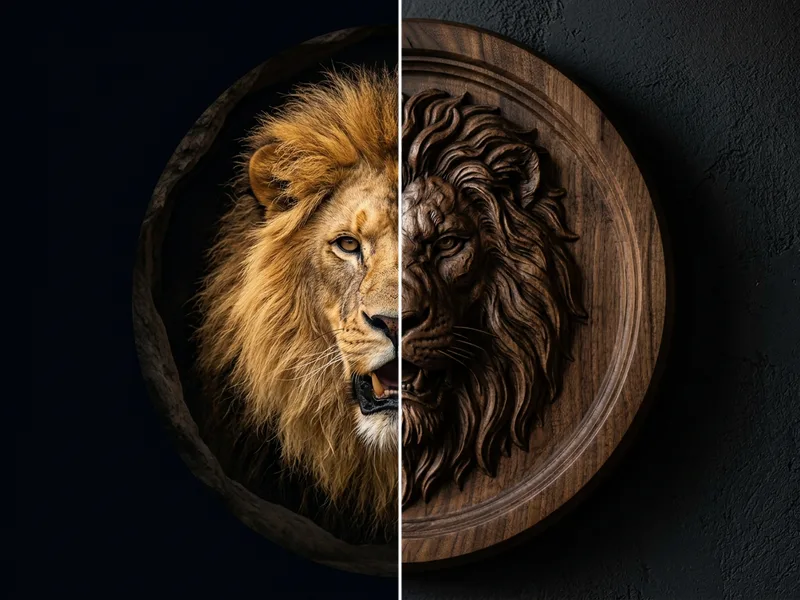
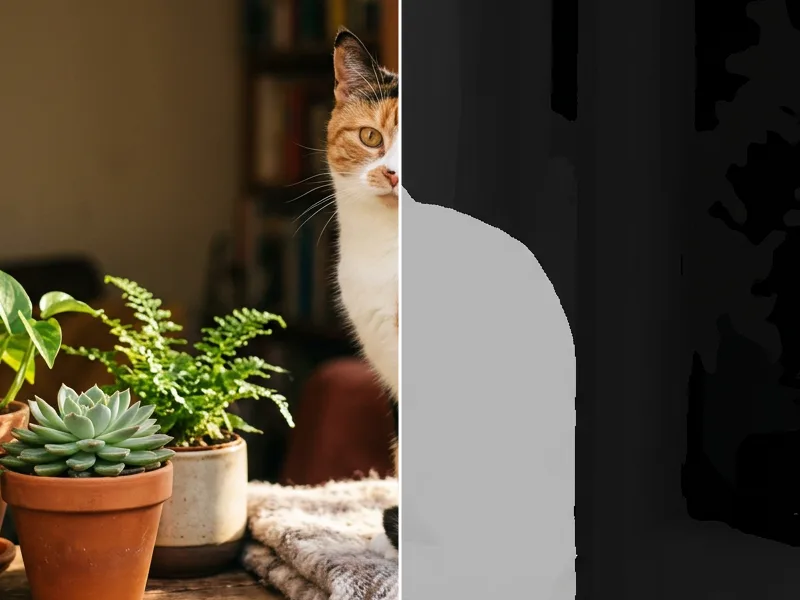
Depth maps, 3D relief and puzzles tuned for engraving, carving and cutting.