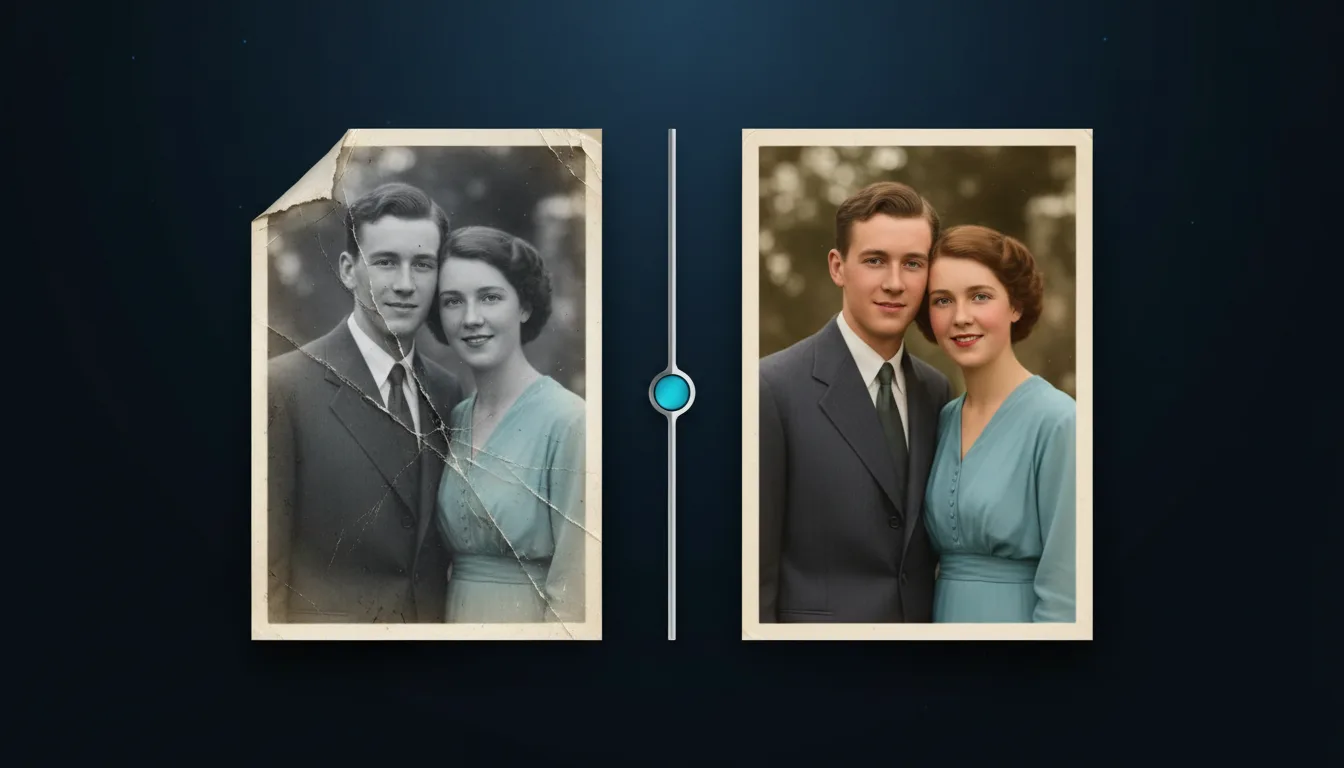
Bring old family photos back to life: fix scratches, fading and noise, and recover faces and detail.
PNG · JPG · WEBP · HEIC · up to 20 MB
Repair old, faded and scratched photos: clean up damage, recover faces and bring back contrast and colour.
Upload a scan or a straight, glare-free phone photo of the original, up to 20 MB.
Turn scratch removal, face recovery and colourize on or off, and set the strength.
Check the before and after with the slider, then download the restored PNG or JPG.

AI Photo Restoration cleans up scans of old prints. It removes scratches, dust and creases, recovers blurred faces, fixes faded contrast and can add natural colour to black-and-white pictures.
Restored photos make moving gifts: print them, frame them or engrave them on wood, slate or glass. A run costs 2 credits because it combines several models in one pass.
Upload PNG, JPG, WEBP, HEIC or AVIF up to 20 MB. You receive a PNG or JPG at the original size or larger. 2 credits per run.
Engrave a restored family portrait on wood or slate; clean faces engrave far better than a damaged print.
Use a restored photo with print-then-cut for memory books and scrapbook pages.
Reprint old photos for frames, albums and memorial cards with recovered contrast.
Offer restored photos on canvas, blankets and mugs as personalised gifts.
Tip 1: Scan at 600 DPI or more if you can; a sharper scan gives the model more to work with.
Tip 2: Photograph prints in soft daylight without flash to avoid glare spots.
Tip 3: Lower the strength for photos that are only slightly faded, so they keep their character.
Tip 4: For engraving, keep the result in black and white and adjust levels in the depth map tool.
Small tears, cracks and scratches are filled in well. Large missing areas are reconstructed, but the result may not match the original exactly.
It uses realistic skin, sky and fabric tones. You can turn it off to keep the photo in black and white.
Restoration combines damage removal, face recovery and colour in one pass, which needs more computing than a single tool.
Face recovery sharpens features but keeps the person recognisable. Lower the strength if a face looks too smooth.
Yes. Uploads are deleted automatically after 2 days, never shared and never used for training.
Yes. Restored photos engrave well on wood, slate, leather and anodised aluminium. Convert it to a depth map or use your laser software's dithering.
Turn the picture you already have into a clean, usable file: vector, cut-out, sharper or restored.
Image → SVGImage to SVG VectorizerTurn any picture into clean, editable SVGUnlimited
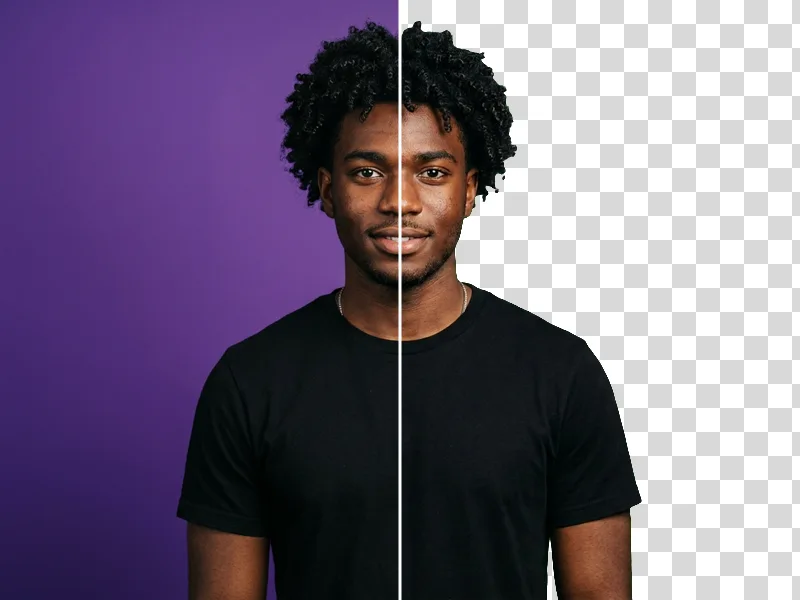
Photo → Transparent PNGAI Background RemoverCut out the subject in one click1 credit
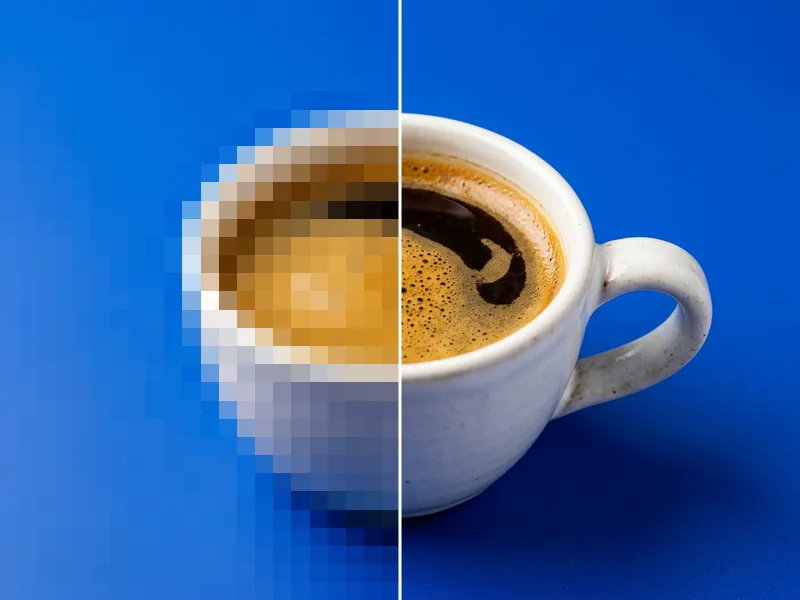
Image → PNGAI Image UpscalerEnlarge images 2× or 4× without blur1 credit
Image → PromptNewImage to PromptDescribe any image as an AI prompt1 credit