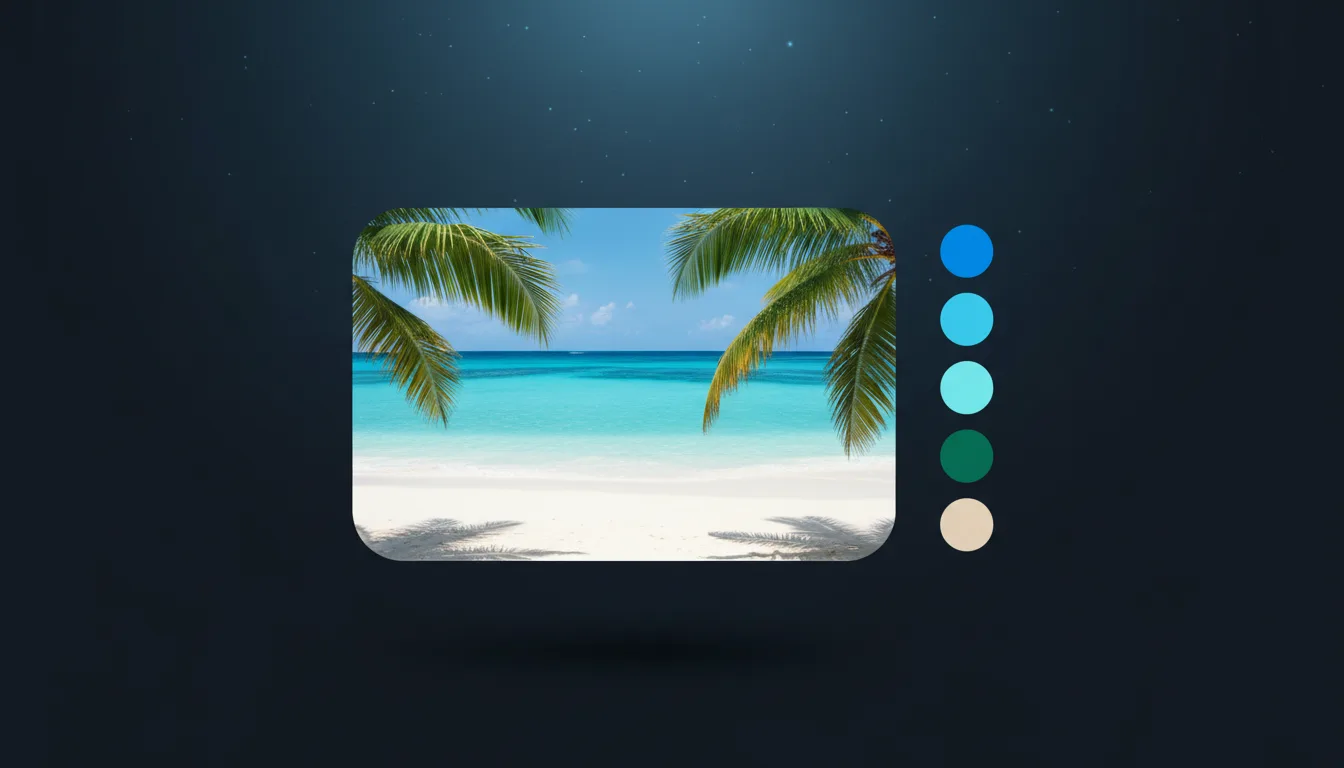
Extract 2 to 8 main colours from a picture, or drag dots to pick exact ones. HEX, RGB and HSL values; copy them or export CSS, SVG and ASE.
PNG · JPG · WEBP · HEIC · up to 20 MB
Pull the 2 to 8 main colours from any image, or drag a dot to pick the exact colour under it. HEX, RGB and HSL codes; copy them or export CSS, SVG and ASE. Free, in your browser.
Drop or choose a photo, artwork or design, or use the sample.
Set 2 to 8 colours. Drag a dot on the picture (a magnifier follows) to pick an exact colour, or shuffle for new picks.
Click a value to copy it, or download CSS, SVG or ASE swatches.

The Color Palette Extractor samples the pixels of your picture and groups them with k-means clustering, a method that finds the colours that represent the image best. Swatches are sorted by how much of the picture they cover.
Copy any value with one click, or export the palette as CSS variables, an SVG swatch card or an ASE file for Adobe Illustrator, Photoshop and Affinity. It runs on your device and nothing is uploaded.
Open PNG, JPG, WEBP or AVIF up to 20 MB. Export CSS, SVG or ASE. Free, unlimited, runs in your browser.
Pick acrylic and wood stain colours that match a customer's photo for layered pieces.
Match vinyl and cardstock colours to an inspiration picture before you cut.
Build a brand or poster palette from a photo and keep every print consistent.
Choose shirt and ink colours that suit a design across your whole product line.
Tip 1: Use 5 colours for a bold, simple palette and 8 to capture subtle tones.
Tip 2: Crop the image to the area you care about to avoid background colours.
Tip 3: Export ASE to load the palette straight into Illustrator or Affinity Designer.
Tip 4: Use the CSS export as design tokens for a website or shop banner.
The tool samples thousands of pixels and groups them with k-means clustering. Each swatch is the average of one group, sorted by how much of the picture it covers.
Adobe Swatch Exchange, a palette format that Illustrator, Photoshop, InDesign and Affinity apps can import.
No. All the work happens in your browser and the picture never leaves your device.
You should not: the clustering starts from a fixed seed, so the same image and count always give the same palette.
The tool works with 2 to 8, which covers most design work. For more detail, run it on cropped parts of the image or drag the dots to the colours you need.
Yes, free and unlimited, with no account.
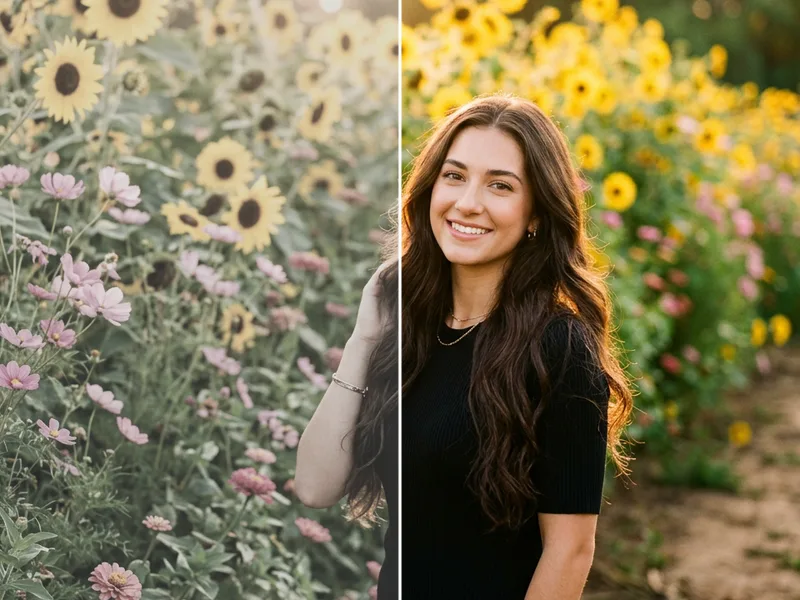
Pick colour palettes, make gradients and carry photo looks over to Lightroom.