What do you want to make today?
 AI SVG GeneratorAI SVG generator: turn text or a photo into SVG and laser art1 credit
 SVG EditorEdit SVG in your browser: shapes, curved text, artboards; export SVG, PNG, PDF, DXFFreeNew
 Image to SVG VectorizerConvert PNG and JPG to SVG with clean, editable vector pathsFree
 Image ConverterConvert PNG, JPG, SVG, HEIC, WebP and more, freeFreeNew
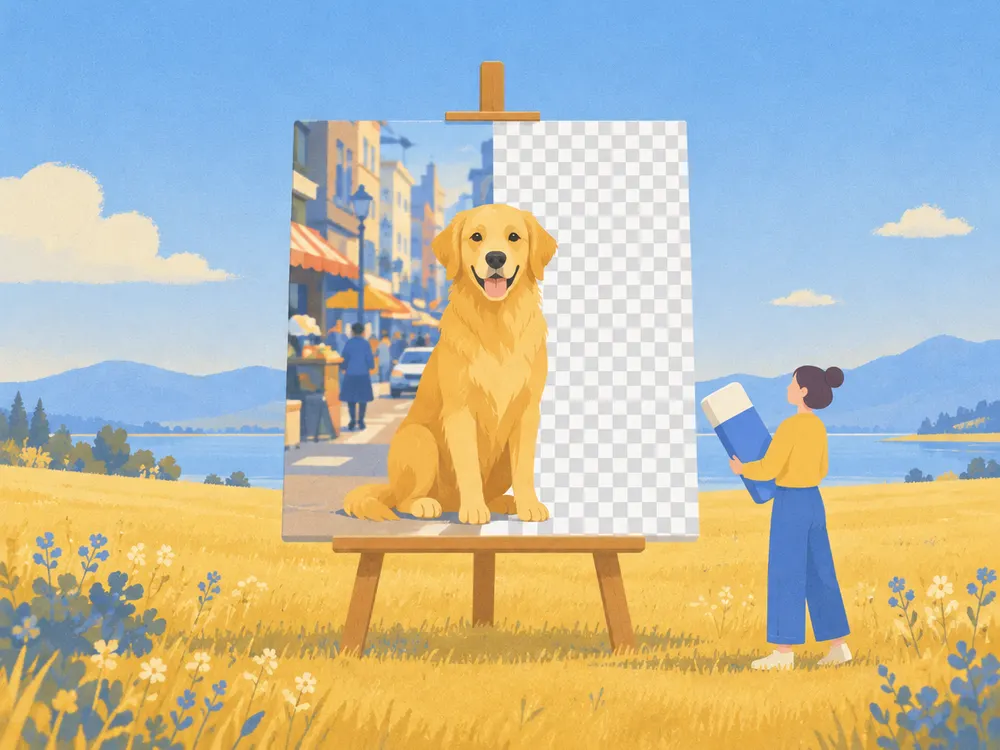 AI Background RemoverRemove the background from any photo and get a transparent PNG1 credit
 AI Image UpscalerUpscale images 2× or 4× and sharpen blurry photos with AI1 credit
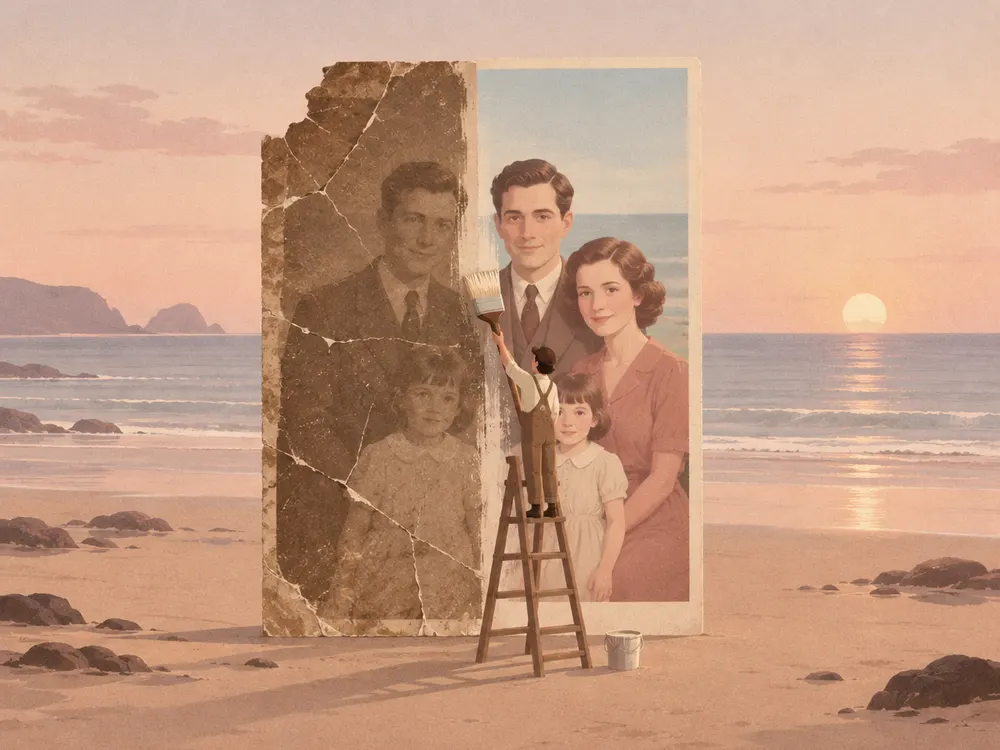 AI Photo RestorationRestore old photos: fix scratches, tears and faded colours1 credit
 Image to PromptTurn any image into a detailed AI art prompt1 creditNewTattoo Stencil MakerTurn a photo into tattoo stencil line artFreeNew
 Depth Map GeneratorGrayscale depth from any photo, free in your browserFree
 Halftone GeneratorDots, squares or lines from any photo as real SVG for laserFree
 Color Palette Generator14 moods, or pull HEX colours from any imageFree
 Mesh Gradient GeneratorSoft colour blends with free SVG, PNG and CSS exportFree
Image Converter
Sixteen converters and six editing tools for the files makers handle every day: pictures into SVG and DXF for cutting machines, SVG into PNG and PDF, photos into formats every app opens, and images compressed, resized, cropped or cleaned of EXIF data.
Vector and cutting files
Pictures into vector paths and cut files for lasers, Cricut, CNC and print.
- PNGSVGPNG to SVGTrace a PNG into clean, scalable vector pathsFree
- JPGSVGJPG to SVGTurn a JPG photo or scan into an SVG vectorFree
- SVGDXFSVG to DXFOutlines in millimetres for lasers, CNC and CADFree
- PNGDXFPNG to DXFFrom a picture straight to a cut-ready DXFFree
- SVGPDFSVG to PDFA vector PDF that stays sharp in printFree
- WEBPSVGWebP to SVGVectorize WebP images from the web into SVGFree
- ProcreateSVGProcreate to SVGTurn Procreate drawings into vector cut files for Cricut and lasersFree
- LBRN2SVGLBRN2 to SVGOpen LightBurn projects as SVG or DXF, layer colours keptFree
- XCSSVGXCS to SVGTurn xTool Creative Space projects into SVG or DXFFree
- PESSVGPES to SVGEmbroidery files (PES, DST, JEF, EXP) as SVG stitch drawingsFree
Edit images
Make pictures smaller, resize, crop, rotate and clean them before you post or print, in your browser.
- CompressCompress ImageMake JPG, PNG and WEBP files smaller, many at onceFree
- ResizeResize ImageChange the size in pixels or percent, keep the shapeFree
- CropCrop ImageCut a picture to 1:1, 4:5, 16:9 or any frameFree
- Remove EXIFRemove EXIF DataDelete location, camera and date from photosFree
- Rotate & flipRotate & Flip ImageTurn pictures 90° or mirror them, many at onceFree
- Bulk resizeBulk Resize & RenameResize and rename up to 10 pictures in one go1 credit / batch
SVG to picture
Render an SVG as a picture at the size you need.
Photo formats
Everyday photo formats, converted in your browser, many files at once.
- HEICJPGHEIC to JPGOpen iPhone photos anywhere as JPGFree
- PNGJPGPNG to JPGSmaller JPG files from PNG, many at onceFree
- JPGPNGJPG to PNGLossless PNG copies of your JPG filesFree
- WEBPPNGWebP to PNGSave WebP images as PNG that every app opensFree
- WEBPJPGWebP to JPGTurn WebP downloads into everyday JPGFree
- JPGPDFJPG to PDFPut one or many pictures in a single PDFFree
- PNGICOPNG to ICOA favicon .ico with every size insideFree
- AVIFJPGAVIF to JPGOpen AVIF images in any app as JPGFree
Lightroom presets
Lightroom presets between XMP, .lrtemplate and DNG, LUTs both ways (XMP ↔ CUBE) and an XMP metadata viewer, all in your browser, nothing uploaded.
- XMPLRTXMP to LRTEMPLATE ConverterTurn Lightroom XMP presets into .lrtemplate files, freeFree
- LRTXMPLRTEMPLATE to XMP ConverterTurn old .lrtemplate presets into XMP for today's LightroomFree
- DNGXMPDNG to XMP ConverterTurn Lightroom mobile DNG presets into XMP filesFree
- XMPDNGXMP to DNG ConverterLightroom presets as DNG files for Lightroom mobileFree
- XMPCUBEXMP to CUBE ConverterTurn Lightroom presets into 3D LUTs (.cube)Free
- CUBEXMPCUBE to XMP ConverterTurn a .cube LUT into a Lightroom profileFree
- XMPMETAXMP Metadata Viewer & RemoverSee and remove what an .xmp file holdsFree
- XMPC1Lightroom to Capture One ConverterLightroom presets (XMP, LRTEMPLATE) as Capture One stylesFree
- CUBE3DLLUT ConverterConvert LUTs between CUBE, 3DL and HaldCLUT PNGFree
Procreate
Palettes in and out of Procreate: .swatches files from Adobe, GIMP and HEX colours, and back, in your browser.
Questions about the tools
Which tools are free?
The depth map, halftone generator, image converter, colour palette and mesh gradient are free and run in your browser, so nothing is uploaded: visitors get 3 downloads per tool, members are unlimited. The Lightroom preset converters give members 3 free files a day per tool, then 1 credit each, and a batch of up to 10 files costs 1 credit.
How much do the AI tools cost?
The background remover, upscaler, photo restoration and image to prompt cost 1 credit per run. The vectorizer is free for black and white and flat colour; colour photo and photo → illustration cost 1 credit each.
What happens to my uploaded files?
Most free tools run on your device and upload nothing; SVG to PDF and SVG to DXF use our server and keep nothing. Files sent to AI tools are processed by our AI provider and deleted automatically after 2 days. We do not use them to train models.
Which file formats can I use?
PNG, JPG, WEBP, HEIC and AVIF up to 20 MB. Results come as SVG, PNG, JPG, CSS or text depending on the tool; each tool page lists its exact formats.
Are the SVG files ready for laser and Cricut?
Yes. The vectorizer turns any picture into true vector paths, and SVG and DXF exports keep their real size for cutting. Open them in LightBurn, xTool Creative Space, Glowforge or Cricut Design Space.
Can I use the results commercially?
Yes. What you make from your own images is yours to sell, including on Etsy, print-on-demand shops and markets. Make sure you have the rights to the pictures you upload.