Lightroom preset →: CUBE LUT
Your result appears here
No preset yet. Drop a Lightroom .xmp preset or profile to see its look and save it as a LUT.
How to use the XMP to CUBE Converter
Turn a Lightroom preset into a 3D LUT. Drop an .xmp, see its look on a photo and download a .cube file that Photoshop, Premiere Pro, DaVinci Resolve, Final Cut Pro and many cameras read. Free and private.
- 1
Add the XMP
Drop a Lightroom .xmp preset or profile in the box.
 Upload your image
- 2
Check the look
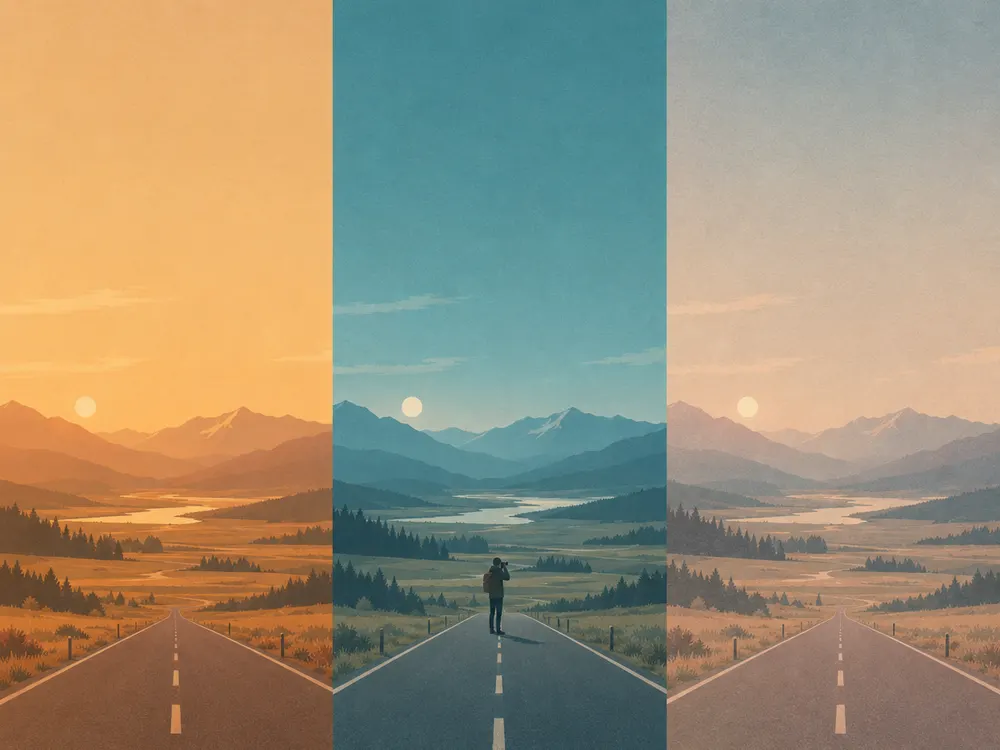
Drag across the photo to compare before and after, or try it on your own photo.
Check the lookXMP to CUBE Converter - 3
Download the CUBE
Pick 17, 33 or 65 points and save the .cube file.
W2048H2048FormatXMPXMPCUBEExportSaved
What is the XMP to CUBE Converter?
A LUT (look-up table) is a colour recipe: every colour that goes in has one colour that comes out. Video editors, Photoshop and many cameras use LUTs in .cube files, while Lightroom keeps its looks as XMP presets. The XMP to CUBE Converter reads the preset's colour settings and bakes them into a 3D LUT, so one look works across your photos and videos.
It works out white balance, exposure and the Basic tone sliders, the tone curves (red, green and blue too), HSL, vibrance and saturation, colour grading and split toning, black & white mixes and calibration. A profile XMP that already holds a LUT is copied point for point. Adobe's own processing is not public, so a preset's colours come out close to Lightroom's, not identical; clarity, texture, dehaze, sharpening, grain, vignette and masks depend on the pixels around each one and cannot be part of any LUT.
Formats and limits
- Input
- .xmp presets and profiles from Lightroom and Camera Raw
- Output
- CUBE
- Max file size
- 20 MB per file
- Price
- Free
- Runs in
- Your browser
- Privacy
- Your image never leaves your device: the browser does all the work and nothing is uploaded.
Open an .xmp preset or profile (up to 5 MB). Export a .cube 3D LUT with 17, 33 or 65 points per side, sRGB, 0–1 input. Free, runs in your browser.
What makers use it for
Laser engraving and cutting
Keep the product photos of your laser-cut pieces the same look in Photoshop as in Lightroom.
Cricut and cutting machines
Use your Lightroom look on reels and videos of your Cricut projects.
Print and stickers
Proof print designs in Photoshop with the same colour look your Lightroom preset gives.
Print on demand
Give the mockup photos and promo videos of a shop collection one look.
Tips for the best result
- 01
Tip 1: 33 points is the usual LUT size and works everywhere; choose 65 for very smooth skies and skin.
- 02
Tip 2: Presets made for raw photos use a Kelvin white balance; the LUT reads it against daylight, so check skin tones on a photo of yours.
- 03
Tip 3: In Premiere or Resolve, put the LUT on an adjustment layer and lower its opacity to soften the look.
- 04
Tip 4: A profile with its own LUT (made with Adobe's Create Profile) converts exactly; a note under the upload box says when.
Frequently asked questions
What is the difference between an XMP preset and a CUBE LUT?
An XMP preset is a list of Lightroom slider settings that Lightroom works out on each photo. A CUBE LUT is a fixed table of colours that almost any photo or video program can read. Converting turns the preset's colour settings into that table.
Will the LUT look exactly like the preset?
Close, not identical. Adobe does not publish how Lightroom processes its sliders, so the colours are worked out the way each slider behaves. A profile XMP that holds its own LUT is copied exactly.
What is not in the LUT?
Anything that depends on the pixels around each one: clarity, texture, dehaze, sharpening, noise reduction, grain, vignette, lens corrections and local masks. No LUT can hold those, from any converter.
Which programs open a .cube file?
Photoshop (Color Lookup), Premiere Pro and After Effects (Lumetri), DaVinci Resolve, Final Cut Pro, Affinity Photo, OBS, CapCut, and many cameras and phones that take custom LUTs.
Which LUT size should I choose?
33 is the usual size and the best default. 17 is smaller, for cameras and apps with limits; 65 is finer for smooth skies and skin, with a bigger file.
Is my preset uploaded?
No. The XMP is read and the LUT is made in your browser; nothing leaves your device. It is free, with no account.
More in Edit and finish
Pick colour palettes, make gradients and carry photo looks over to Lightroom.
 Color Palette Generator14 moods, or pull HEX colours from any imageFree
 Mesh Gradient GeneratorSoft colour blends with free SVG, PNG and CSS exportFree
 XMP to LRTEMPLATE ConverterTurn Lightroom XMP presets into .lrtemplate files, freeFreeLRTEMPLATE to XMP ConverterTurn old .lrtemplate presets into XMP for today's LightroomFreeNewDNG to XMP ConverterTurn Lightroom mobile DNG presets into XMP filesFreeNewCUBE to XMP ConverterTurn a .cube LUT into a Lightroom profileFreeNewXMP Metadata Viewer & RemoverSee and remove what an .xmp file holdsFreeNew

Keep going in the AI SVG GeneratorKeep going in the AI SVG Generator
Turn your result into clean vectors with the vectorizer or generate a new design from a prompt.