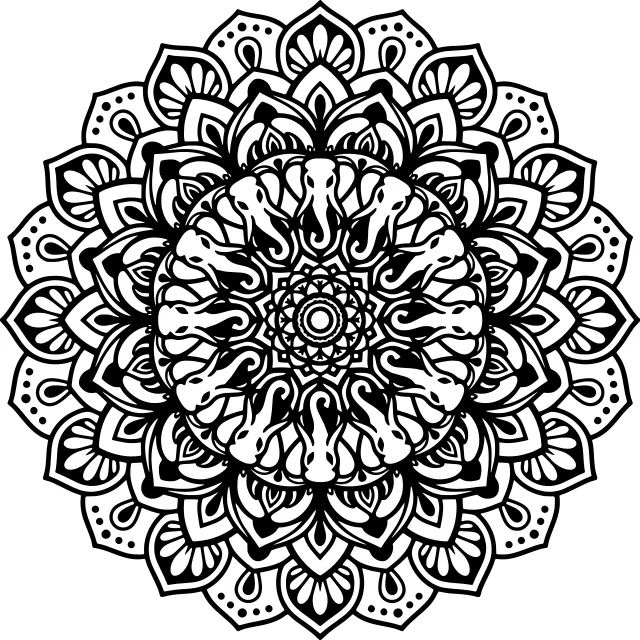

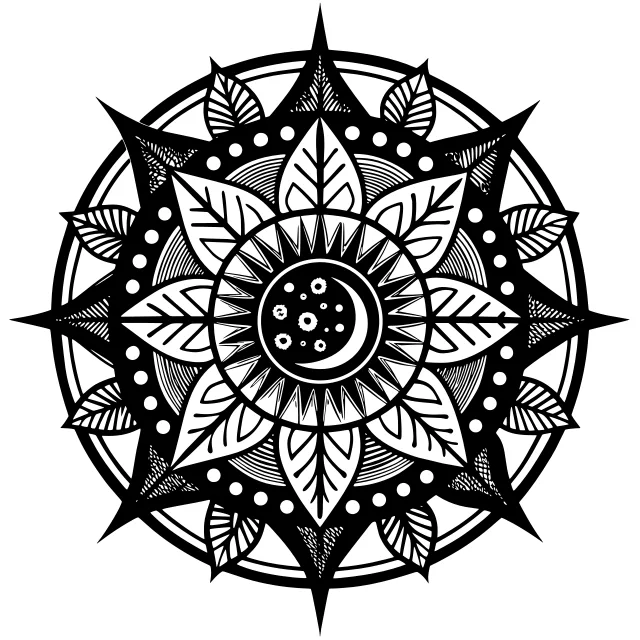
 Sun and the moon, Mandala
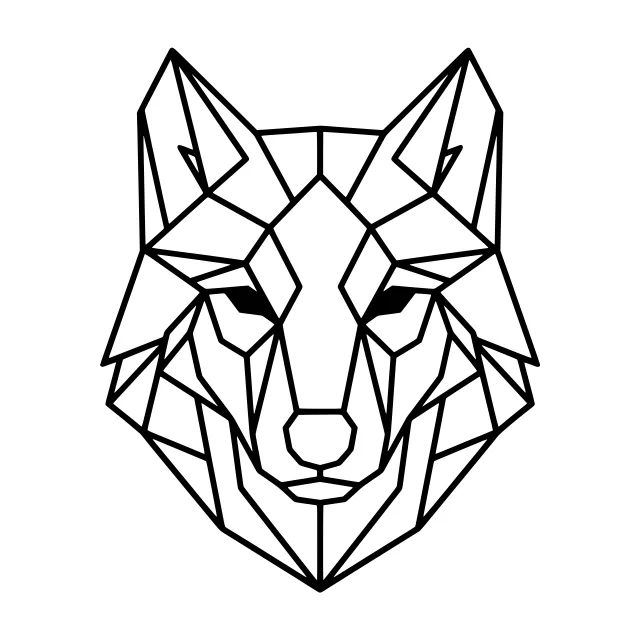
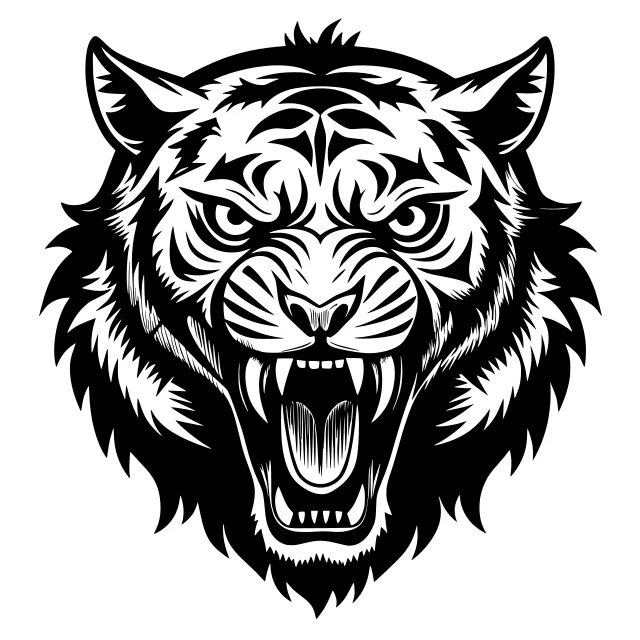 Roaring tiger head, Drawing
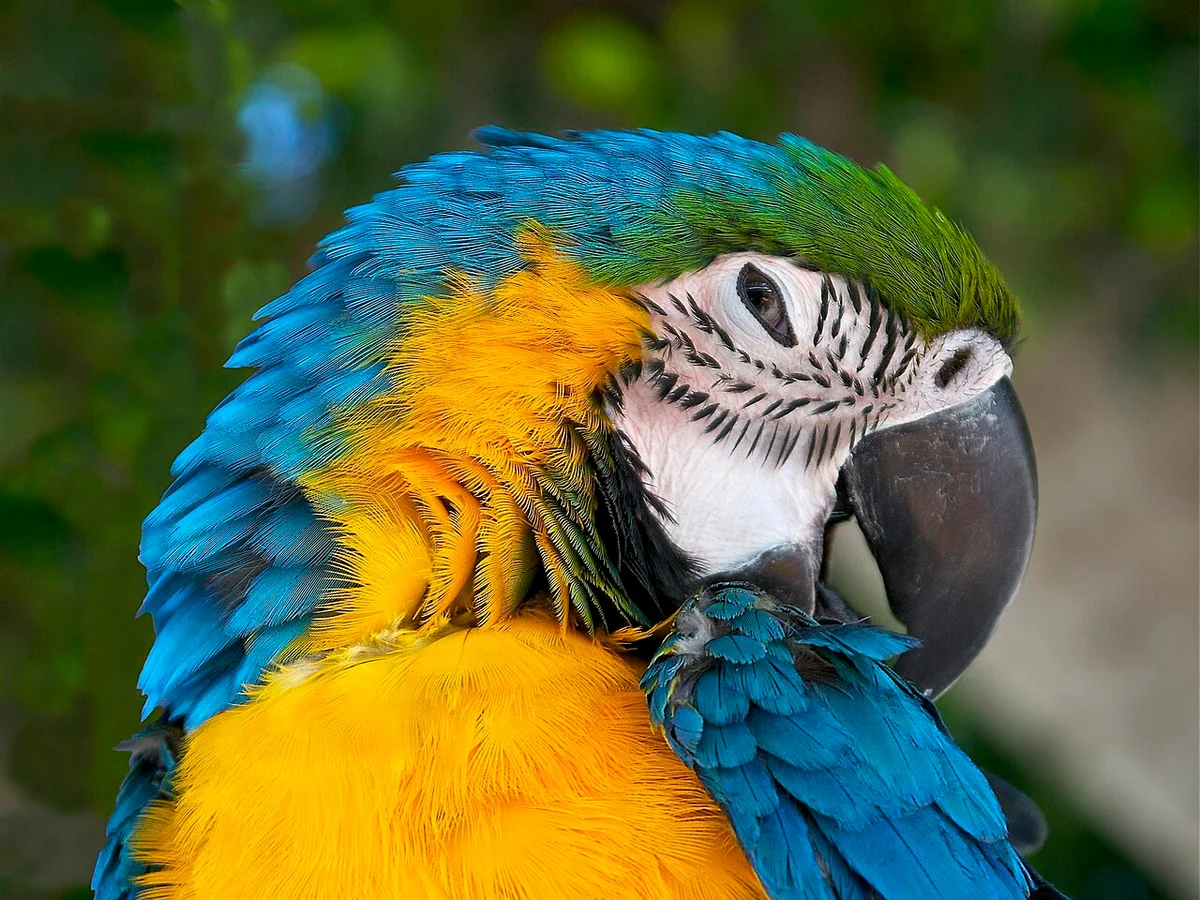
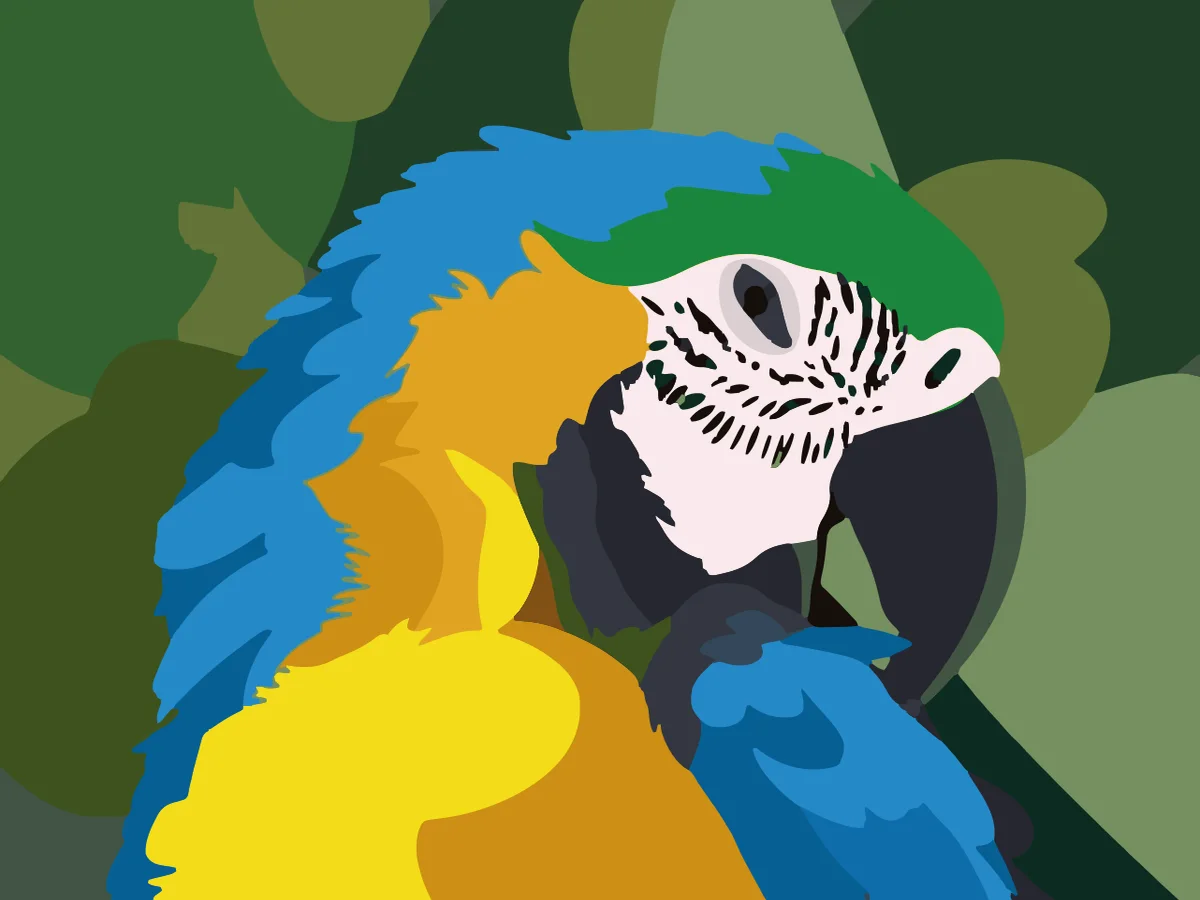
Text that follows the shape
Bend a line of words into an arc, a circle or a wave, with italic, letter spacing and line height. On export the letters become outlines, so no machine needs the font.
Open an SVG or start from a design on Explore, change every part of it and download a file your machine opens without fixes.
SVG editor
Pick any layer and change its colour, size or shape while everything else stays where it was. It runs in your browser: no install, no account to start, no watermark.
Open an SVG or DXF, drop in a photo, or pick a design from Explore and open it on your artboard.
Trace a picture into clean paths in one click, or remove its background and upscale it right on the artboard.
Duplicate an artboard to try a variation. Artboards snap into line side by side, so you can compare and export them together.
Download SVG, PNG, PDF or DXF. Texts become outlines and only what is on the artboard goes into the file.
Bend a line of words into an arc, a circle or a wave, with italic, letter spacing and line height. On export the letters become outlines, so no machine needs the font.
Drop in a photo and trace it into paths for free. Background removal and 2× upscaling cost 1 credit each and replace the picture in its place.
Features
Rectangles, ellipses, stars, polygons and lines, a pen for your own curves, and unite, subtract, intersect or exclude to weld shapes into one path.
Hand-picked Google Fonts for signs, gifts and monograms, with text on an arc, circle or wave and one-click outlines.
164 solid, cut-ready shapes: frames, banners, badges, wreaths, nature, symbols, arrows and dividers, plus every design on Explore.
Crop a picture, drop it inside any shape to frame it, trace it into paths, or take out the background.
Square, story, A4, desktop or your own size. Artboards snap like magnets and every one can go out on its own or in one ZIP.
SVG, PNG (1×, 2× or 4×, with or without the background), vector PDF and DXF in millimetres, checked for cutting first.
From Explore
Every shared design on Explore opens in the editor. Change the words, the colours or the size, and make it yours.
Formats and limits
In: SVG and DXF files open as layers you can edit one by one (an SVG exported from the editor keeps its layer names), and PNG, JPG and WEBP pictures are placed on the artboard.
Out: SVG with real paths, PNG at one, two or four times the artboard's size, a vector PDF with a page for each artboard, and DXF in millimetres for LightBurn, xTool and CNC. Texts always go out as outlines, layers past the artboard's edge are cut off, and a "Ready to cut?" check lists open lines, overlaps and pictures before an SVG or DXF is made.
The editor is free. Tracing a picture is free; background removal, upscaling and restoration use 1 credit each. Designs are saved in your browser under My designs; artboards go from 16 to 8,000 px a side.
The SVG opens in the software your machine already uses: upload it to Cricut Design Space as an image, open it in Silhouette Studio for a Cameo or Portrait, send it to a Brother ScanNCut through CanvasWorkspace, or cut, score and engrave it in the Glowforge app, xTool Creative Space and LightBurn. The DXF also works in Silhouette Studio's free edition and in CAD programs.
FAQ
Yes. Editing, the elements library, text and every export (SVG, PNG, PDF and DXF) are free, with no watermark. Only the AI picture tools inside it, background removal, upscaling and restoration, use 1 credit each.
Yes. Open it with Open file or drop it on the artboard. It is read in your browser, cleaned of scripts and split into layers, so you can move, resize and recolour each part and combine it with new shapes and text.
Yes. The editor writes standard SVG with real paths, DXF in millimetres and vector PDF. Texts are turned into outlines on export, so the file looks the same in any program and needs no fonts.
The editor's fonts are open-licence Google Fonts you may use in products you sell. Because exports turn texts into the outlines of their letters, the person who opens your file never needs the font.
Only what is on the artboard goes into the file. Layers wholly outside are left out and shapes that reach past an edge are cut at it, so your cutter never sees hidden extras.
Save keeps a design in your browser under My designs, and the one you are working on stays while you visit other pages. Export a file for anything you want to keep for good.
Yes. On a phone the tools sit in five buttons along the bottom (Add, Assets, Text, Layers, Edit), one finger moves the view and two fingers zoom.
A sign, a sticker, a gift tag or a whole set: open the editor and make the file.