AI Background Removal: Clean Cutouts in Seconds
Dieser Artikel ist auf Englisch.
Überblick
Remove the background from any photo in one click and get a transparent PNG. How it works, which mode to pick, and how to use cutouts for laser, Cricut and shops.
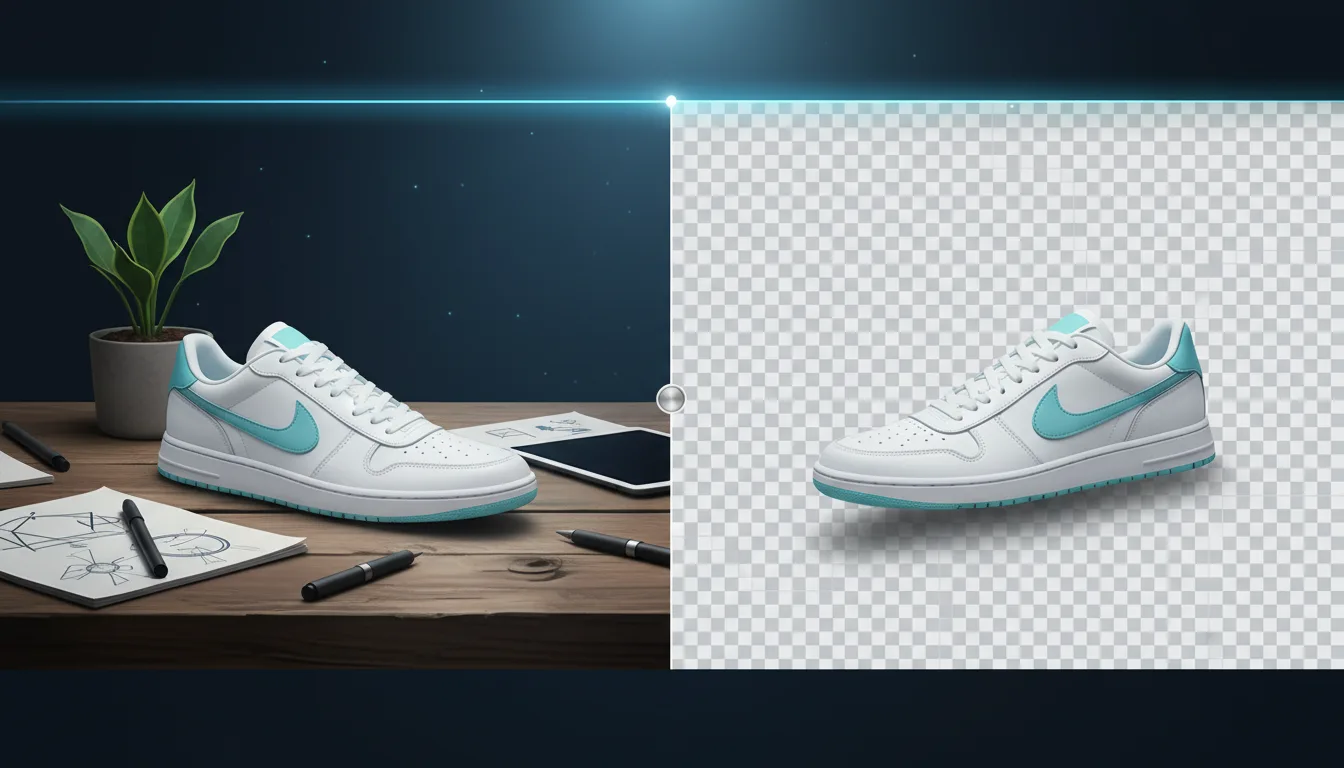
Cutting a subject out of a photo by hand means zooming in and tracing around every strand of hair with a pen tool. It takes minutes on a simple product and much longer on a person or a pet. The AI Background Remover does it in a few seconds: it finds the main subject, keeps it, and makes everything else transparent.
How it works
A segmentation model looks at the whole picture and decides, pixel by pixel, what belongs to the subject. It keeps soft edges where they should be soft, such as hair and fur, and hard edges where they should be crisp, such as a product's outline. You get a PNG or WEBP with real transparency at the original resolution.
Pick a mode
- Auto works for most pictures.
- Person is tuned for portraits, hair and clothing.
- Product keeps crisp outlines and fine parts like straps and handles.
- Graphic is for logos, illustrations and screenshots with flat colours.
You can also choose what goes behind the subject: transparent, white or black.
Where cutouts help
- Online shops: consistent, clean product photos on white for Etsy, Shopify and Amazon.
- Laser engraving: an engraving without a busy background is clearer and faster to burn.
- Cricut and print on demand: a transparent PNG for print-then-cut stickers, shirts and mugs.
- Vectorizing: removing the background first gives the Vectorizer one clean subject to trace.
Step by step
- Open the Background Remover and drop a PNG, JPG, WEBP, HEIC or AVIF up to 20 MB.
- Choose a mode and a backdrop.
- Compare before and after with the slider, then download PNG or WEBP.
Price and privacy
Each image costs 1 credit, and free accounts get daily credits to try it. Uploaded photos are deleted automatically after two days and are never used to train models.
Selbst ausprobieren
Erstelle dein eigenes SVG im Studio
Beschreibe ein Design oder lade ein Foto hoch, wähle einen von 17 Stilen und lade in Sekunden ein sauberes SVG oder ein laserfertiges Bild herunter. Credits gibt es mit jedem bezahlten Plan.