Skip to content

Anleitungen für SVG-, Laser- und Cricut-Maker

Schritt-für-Schritt-Anleitungen, Stilvergleiche und Checklisten vom VectorSVG-Team und aus der Community, dazu alles Neue im Studio.

Anleitungen

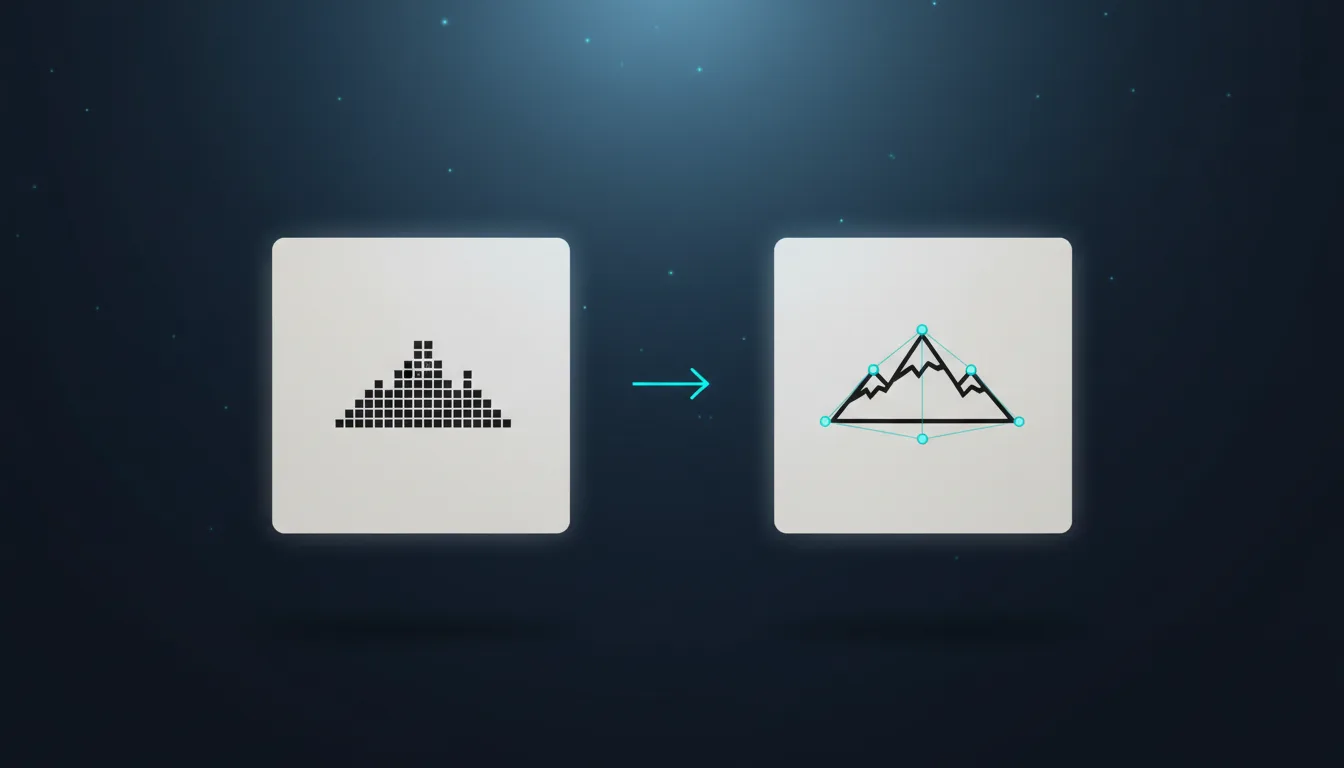
How to Convert a PNG or JPG to SVG: 3 Modes Explained
Anleitungen

How to Convert a PNG or JPG to SVG: 3 Modes Explained

Turn a logo, drawing or photo into a clean SVG. Learn when to use black & white, flat colour or colour photo tracing, and how to get smooth, cut-ready paths.

Von VectorSVG Team3 Min. Lesezeit

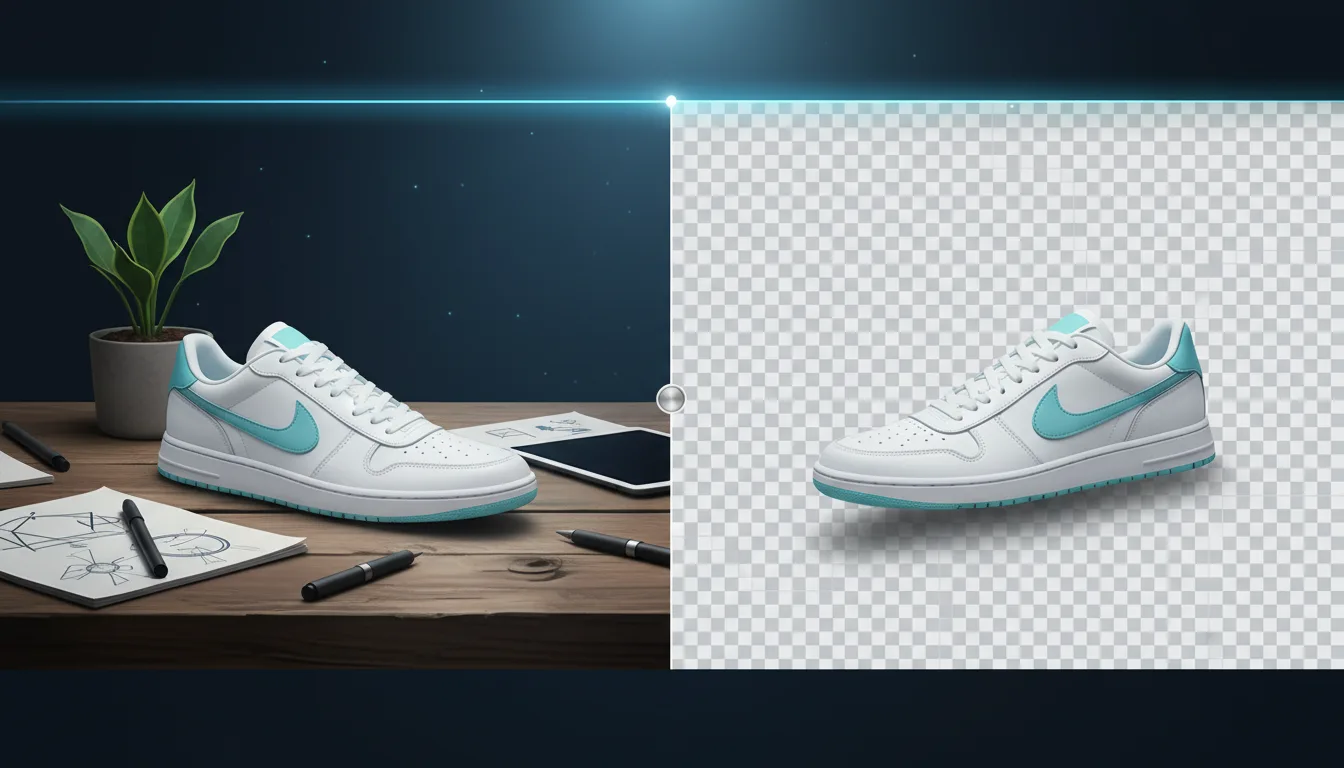
AI Background Removal: Clean Cutouts in Seconds
Anleitungen

AI Background Removal: Clean Cutouts in Seconds

Remove the background from any photo in one click and get a transparent PNG. How it works, which mode to pick, and how to use cutouts for laser, Cricut and shops.

Von VectorSVG Team2 Min. Lesezeit
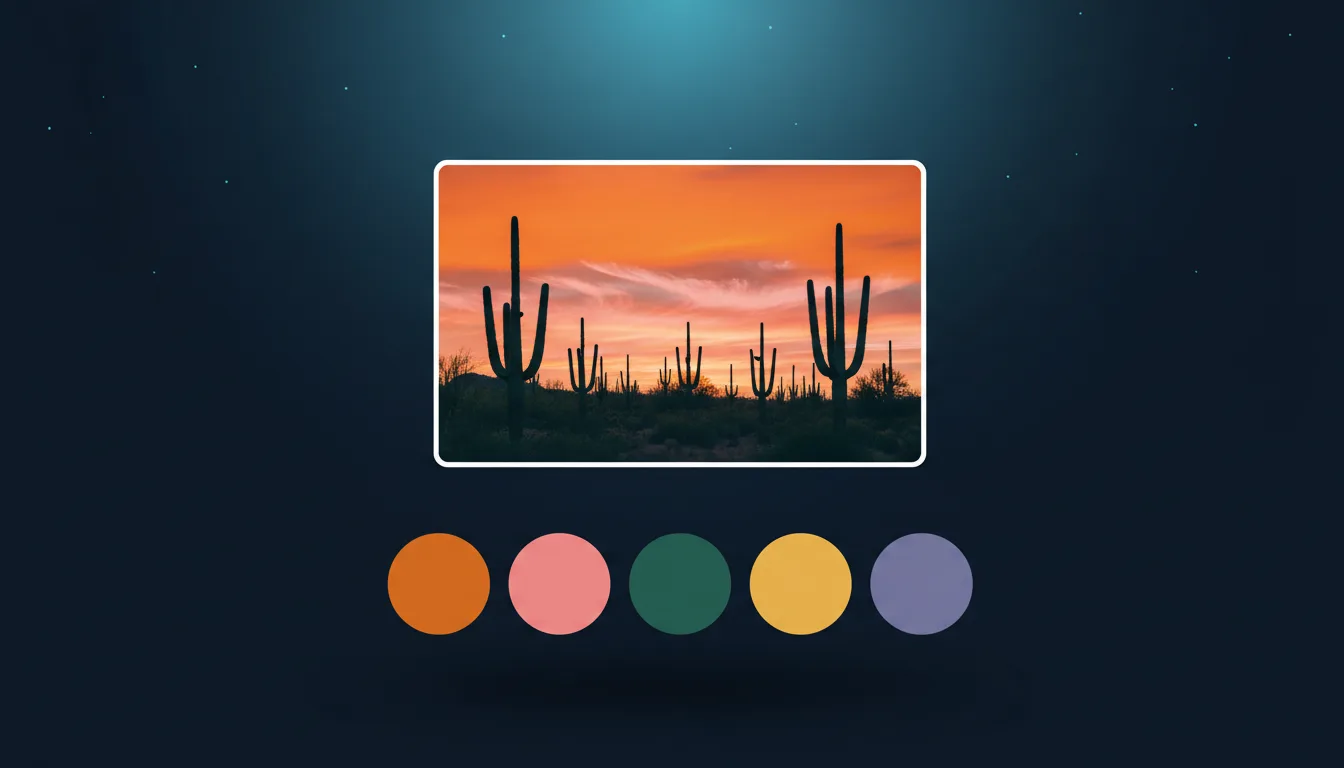
Color Palette Extractor: Pull HEX Codes from Any Image
Anleitungen

Color Palette Extractor: Pull HEX Codes from Any Image

Get the main colours of any photo or artwork as HEX codes in seconds. Export CSS variables, SVG swatches or an ASE file for Illustrator. Free, in your browser.

Von VectorSVG Team2 Min. Lesezeit

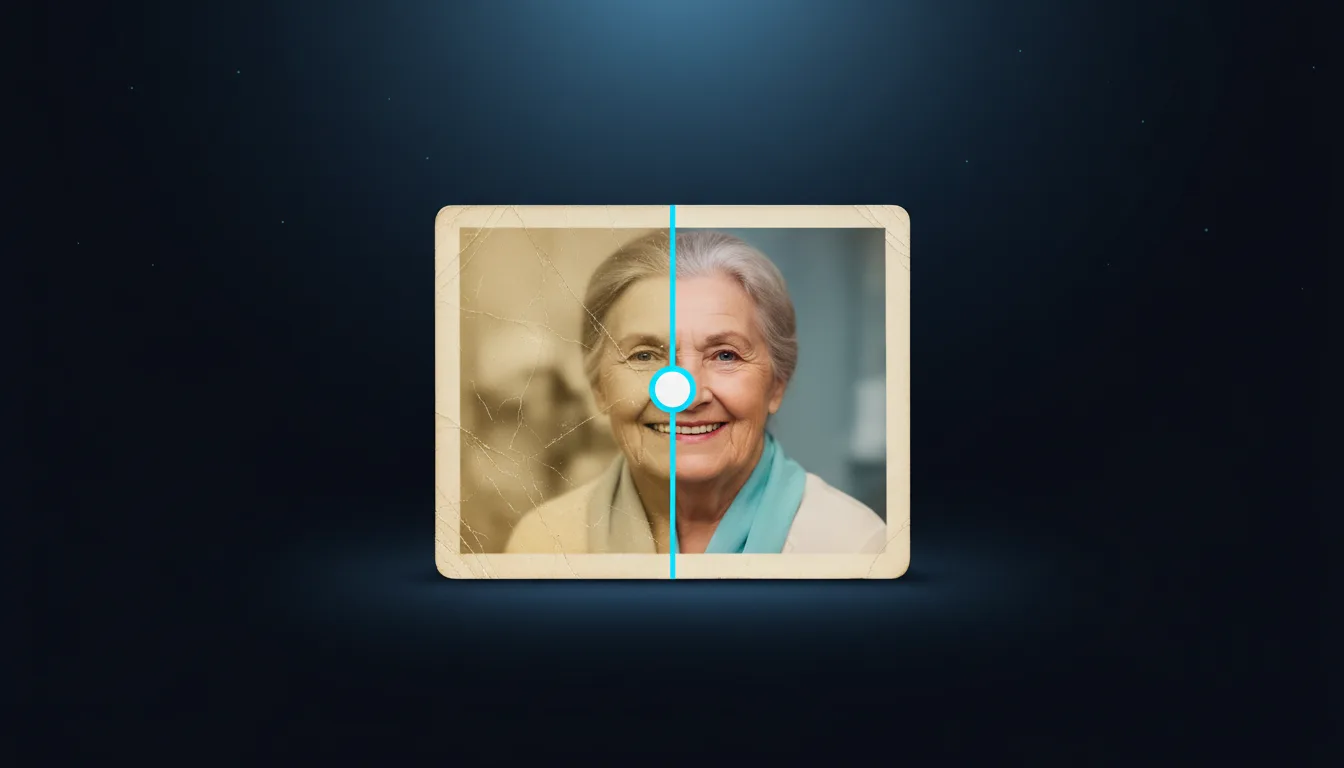
AI Image Upscaling: Sharpen Small Photos for Print
Anleitungen

AI Image Upscaling: Sharpen Small Photos for Print

Enlarge small or blurry images 2× or 4× with AI and keep them sharp. Which model to choose, and how upscaling helps printing, laser engraving and vectorizing.

Von VectorSVG Team2 Min. Lesezeit