Color Palette Extractor: Pull HEX Codes from Any Image
Dieser Artikel ist auf Englisch.
Überblick
Get the main colours of any photo or artwork as HEX codes in seconds. Export CSS variables, SVG swatches or an ASE file for Illustrator. Free, in your browser.
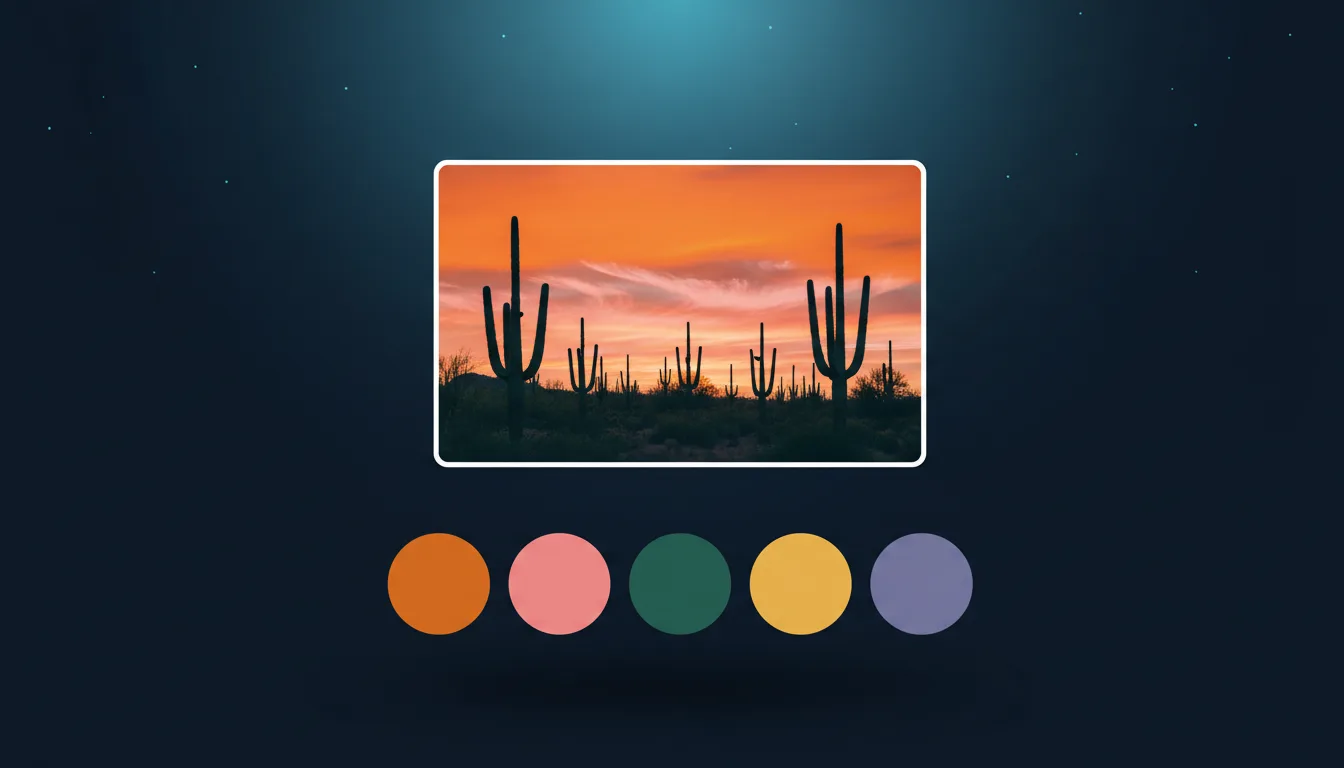
A good palette is often already in front of you: a sunset, a product shot, a painting you love. The Color Palette tool reads the main colours of any image and turns them into exact HEX codes you can use in code, in design software or in the studio.
How it works
Drop a picture in and the tool groups its pixels into the 2 to 8 colours that represent it best (k-means clustering), ordered by how much of the image they cover. Drag a dot on the picture to pick an exact colour, with a magnifier to help. It runs entirely in your browser, so nothing is uploaded, it is free and there is no limit.
Export the palette
- CSS: ready-made CSS variables to paste into a stylesheet or a Tailwind theme.
- SVG: a swatch file you can open in Inkscape, Illustrator or Figma.
- ASE: an Adobe Swatch Exchange file for Illustrator, Photoshop and Affinity.
Click any swatch to copy its HEX code.
Ideas
- Brand colours: pull a palette from a product photo so your shop graphics match the product.
- Web design: build a theme from a hero image so the page and the picture feel like one.
- Crafts: match vinyl, thread or paint to a picture by HEX code.
- AI art: name the colours in a studio prompt to steer a flat-colour design.
Tips
- Crop to the part of the image you like; the background often adds dull colours.
- Choose fewer colours for a bold, graphic palette and more for a subtle one.
- Check contrast before using a palette for text: pair a dark and a light swatch.
Selbst ausprobieren
Erstelle dein eigenes SVG im Studio
Beschreibe ein Design oder lade ein Foto hoch, wähle einen von 17 Stilen und lade in Sekunden ein sauberes SVG oder ein laserfertiges Bild herunter. Credits gibt es mit jedem bezahlten Plan.