Old Photo Restoration with AI: Repair, Sharpen, Colorize
Este artigo está em inglês.
Visão geral
Repair scratches, tears and fading in old family photos with AI, bring faces back into focus and add natural colour. A simple guide to scanning and restoring.
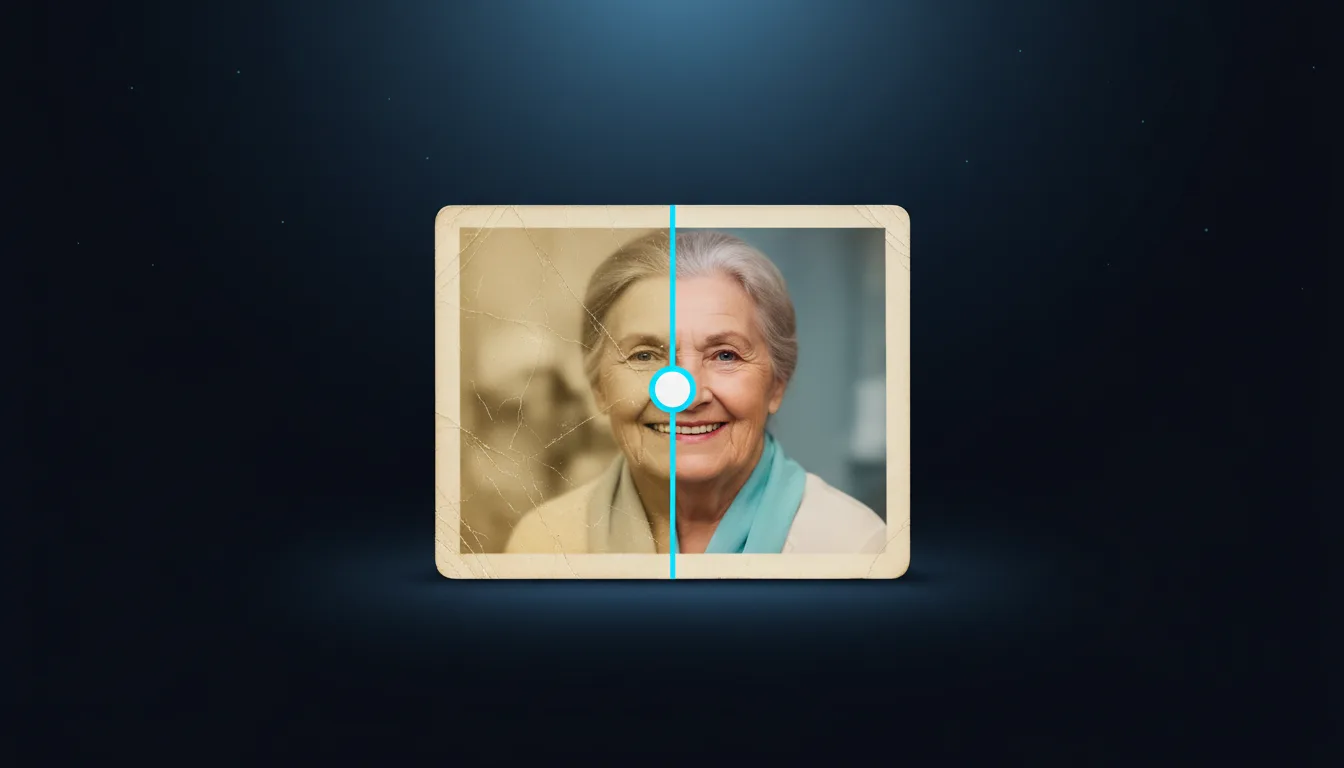
Old prints fade, crack and collect scratches, and every year they lose a little more. Restoring them by hand in a photo editor takes hours of cloning and patching. Photo Restoration does most of that work in one run: it repairs the damage, brings faces back into focus and, if you like, adds natural colour.
What it repairs
- Scratches, creases and tears: lines and missing patches are filled in from the surrounding picture.
- Fading and yellowing: contrast and tones come back so the photo looks as it did when it was printed.
- Soft faces: a dedicated face model sharpens eyes, mouths and hair without changing who the person is.
- Colour (optional): turn on Colorize to add believable colour to a black-and-white photo.
A Strength slider decides how far the repair goes. Keep it lower for photos that are only slightly worn, and raise it for heavily damaged prints.
Get a good scan first
- Scan the print at 600 dpi if you can. A phone works too: shoot straight on, in daylight, without glare.
- Crop away the frame and the table, but keep the whole photo.
- Upload the PNG or JPG (up to 20 MB) to Photo Restoration.
Restore and compare
Choose what to fix, press restore and compare the result with the original using the slider. Each run costs 2 credits. If a face looks too smooth, run it again with a lower strength; if scratches remain, raise it.
After the restore
- Enlarge it 2× or 4× with the AI Upscaler for a bigger print.
- Redraw it in a laser style in the AI SVG Studio to engrave it on wood or slate as a gift.
Privacy
Family photos are personal. Uploads are deleted automatically after two days and are never used to train models.
Experimente você mesmo
Crie seu próprio SVG no estúdio
Descreva um design ou envie uma foto, escolha um dos 17 estilos e baixe em segundos um SVG limpo ou uma imagem pronta para laser. Os créditos vêm com todo plano pago.