Image to Prompt: Turn Any Picture into a Better AI Prompt
Este artigo está em inglês.
Visão geral
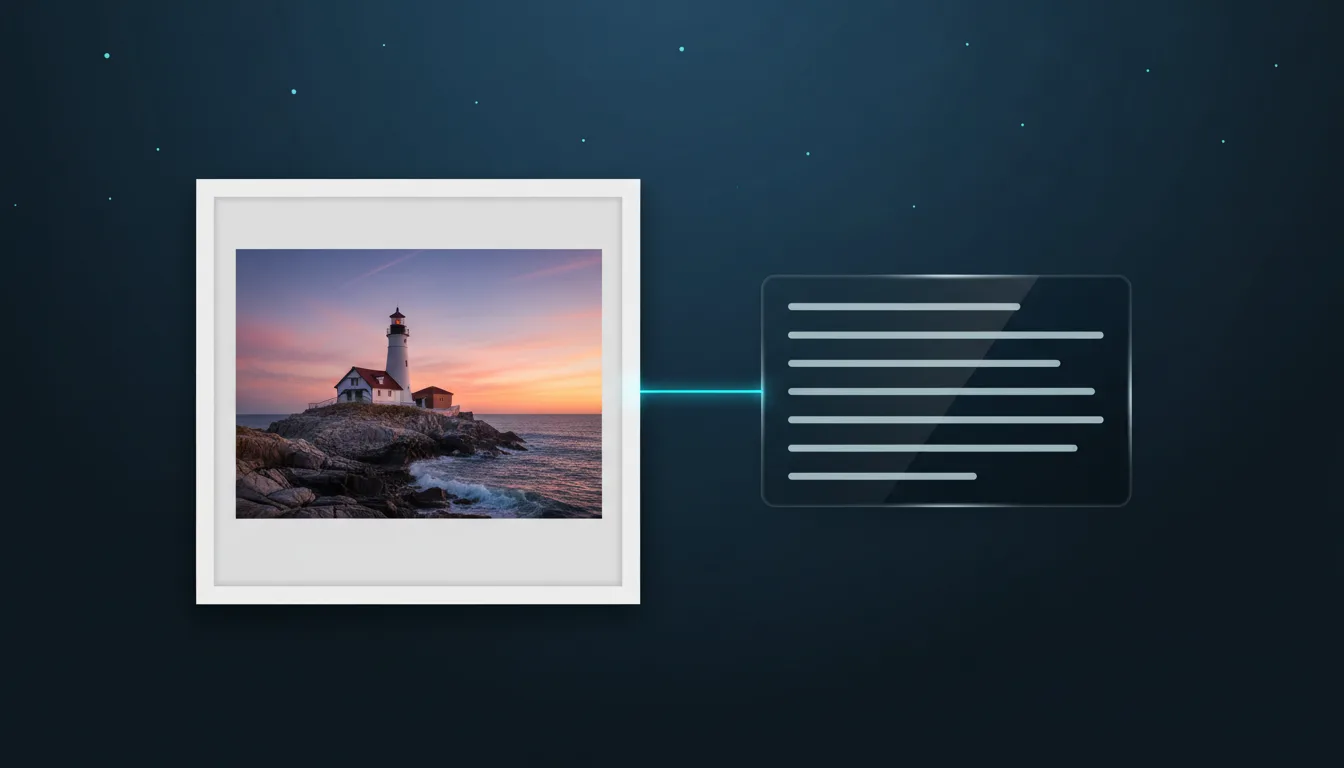
Upload a picture and get a detailed prompt that describes its subject, style, light and composition. Learn how to use it for Midjourney, FLUX and the studio.
Sometimes you see a picture and know exactly what you want, but not how to say it. Image to Prompt reads a picture for you and writes the description an AI image model needs: the subject, the style, the lighting, the colours and the composition, in words you can copy, edit and reuse.
What you get
- A short prompt with the essentials, or a detailed one that covers style, medium, camera and mood.
- Optional tags: comma-separated keywords for quick searching and for models that like lists.
- A target format: a general prompt, or one shaped for Midjourney or FLUX.
Each image costs 1 credit and the result arrives in a few seconds as plain text you can copy or save.
Ways to use it
- Learn a style. Upload an illustration you admire and read how it is described. The words for line weight, shading and palette are the ones that steer a model.
- Remix a design. Generate a prompt from your own picture, change the subject and keep the style words.
- Write better studio prompts. Paste the subject part into the AI SVG Studio and pick a vector or laser style there; the studio adds the rules for clean paths itself.
- Describe products and art. Use the detailed text as a starting point for alt text and listing descriptions.
Tips
- Crop to the part you care about. A tight crop gives a focused prompt.
- Delete what you do not want before reusing a prompt; models follow every word.
- For cut files and engravings, remove words about lighting and realism, and keep the subject and the drawing style.
Privacy
Your picture is only used to write the description. Uploads are deleted automatically after two days and are never used to train models.
Experimente você mesmo
Crie seu próprio SVG no estúdio
Descreva um design ou envie uma foto, escolha um dos 17 estilos e baixe em segundos um SVG limpo ou uma imagem pronta para laser. Os créditos vêm com todo plano pago.