From Photo to 3D Relief: Depth Maps for Laser and CNC
Bu yazı İngilizcedir.
Genel bakış
Turn a flat photo into a depth map for 3D laser engraving, CNC carving and lithophanes. What a depth map is, how to make one and which settings to use.
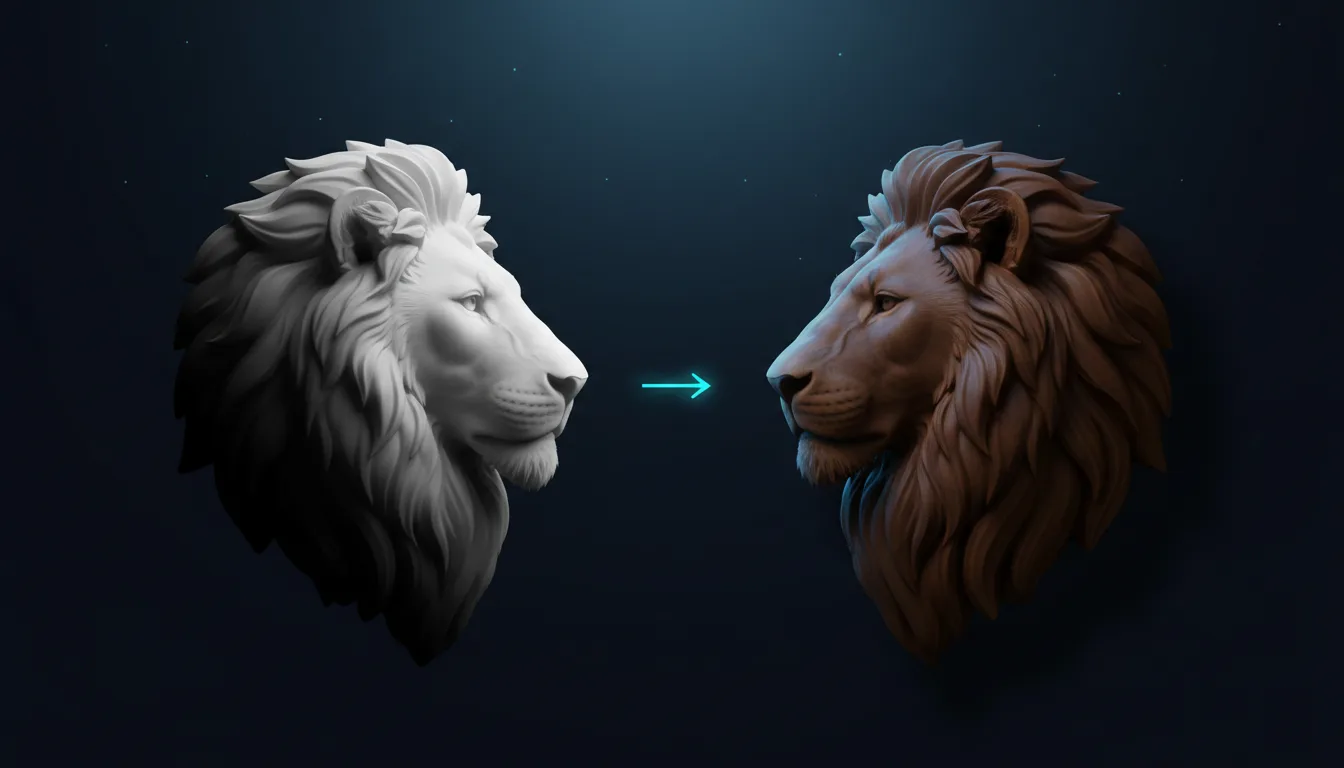
A depth map is a grayscale picture where brightness means height: white is closest to you, black is furthest away. Laser and CNC software read it as a set of instructions for how deep to cut at every point, which is how a flat photo becomes a carved relief, a 3D engraving in wood or a backlit lithophane.
Two ways to make one
- Depth Map (free): runs entirely in your browser. It is fast and private, and great for simple subjects or for experimenting. Export PNG or BMP up to 4096 px.
- 3D Relief (1 credit): uses an AI depth model on our servers for more accurate shapes, especially on faces, animals and objects with many layers. Export PNG, BMP or an STL mesh ready for a 3D printer or CAM software.
Choosing the photo
Depth is estimated from shading and perspective, so the same rules as for engraving apply: one clear subject, even light, and a simple background. Side light that shows the shape of a face works well; flat, front flash does not. Remove a busy background first so the relief does not carve the wallpaper.
The settings
- Depth sets how strong the height difference is. Keep it moderate for portraits so noses do not dominate.
- Smooth removes small bumps. Raise it for skin and sky; lower it for fur and fabric.
- Detail keeps fine edges such as hair and text sharp.
- Invert swaps near and far, which you need for lithophanes and for some machines that cut white deeper.
Using it on your machine
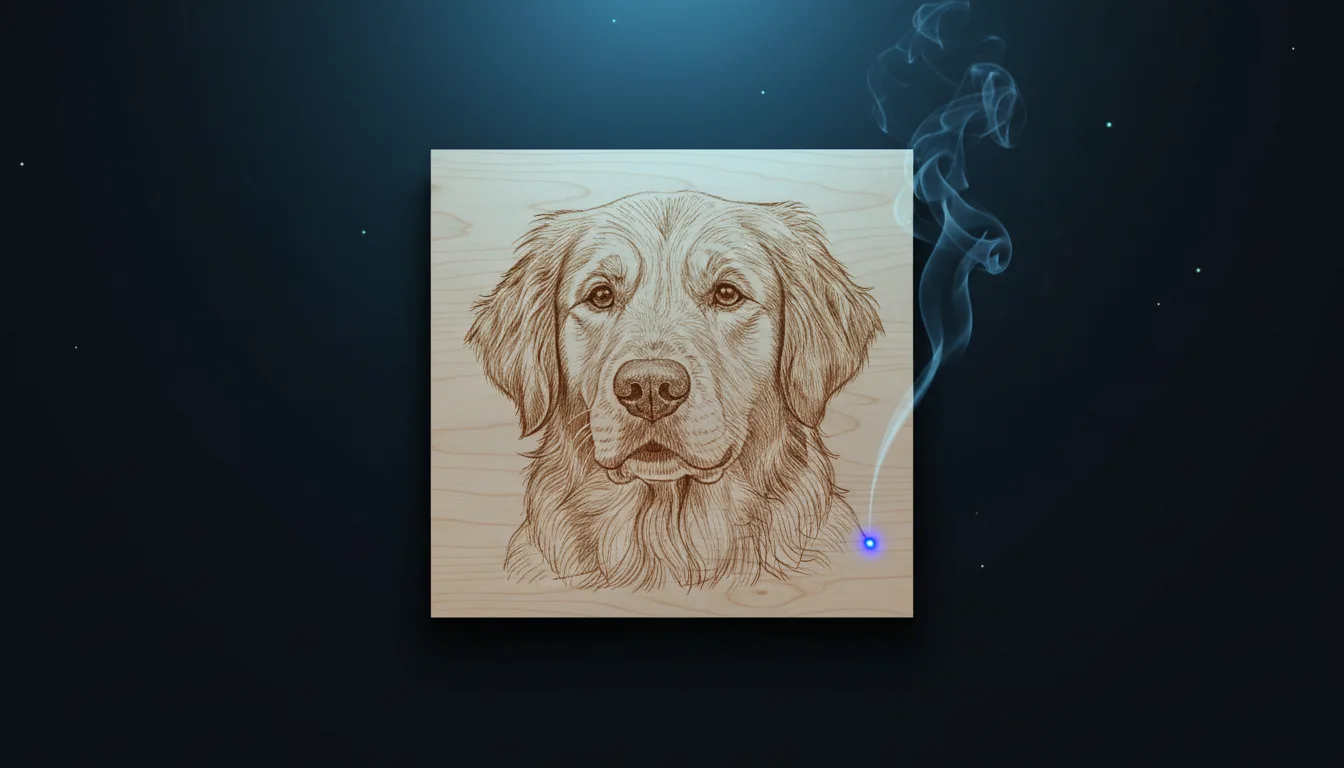
- Laser (3D engraving): in LightBurn, import the PNG and set the layer to Grayscale with variable power. Several slow passes on deep woods such as walnut or cherry give the smoothest result.
- CNC: import the STL or the PNG as a heightmap in Vectric Aspire, Carveco or Fusion, set the maximum depth (often 3–6 mm) and carve with a ball-nose bit.
- Lithophane: invert the map, import the STL into your slicer and print it standing upright with a fine layer height.
Good to know
A depth map is an estimate, not a 3D scan. It is excellent for relief art, but it cannot see the back of an object. For the cleanest relief, combine it with the Background Remover first, and keep the subject large in the frame.
Kendin dene
Kendi SVG'ni stüdyoda yap
Bir tasarımı tarif et ya da fotoğraf yükle, 17 stilden birini seç ve saniyeler içinde temiz bir SVG ya da lazere hazır bir görsel indir. Krediler her ücretli planla gelir.