
Skip to content

Blog

Guides pour les makers SVG, laser et Cricut 

Guides pas à pas, comparatifs de styles et check-lists de l'équipe VectorSVG et de la communauté, ainsi que les nouveautés du Générateur SVG IA.

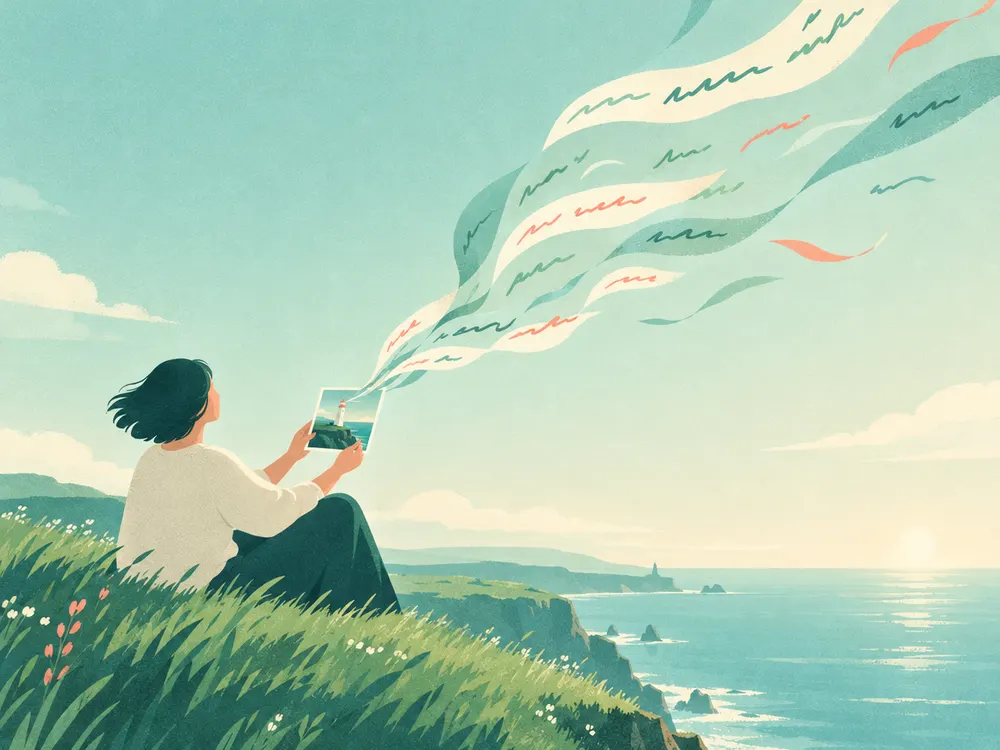
Image to Prompt: Turn Any Picture into a Better AI Prompt
GuidesÀ la une

Image to Prompt: Turn Any Picture into a Better AI Prompt

Upload a picture and get a detailed prompt that describes its subject, style, light and composition. Learn how to use it for Midjourney, FLUX and the studio.

Par VectorSVG Team2 min de lecture

Lire l'article
Derniers articles

How to Prepare a Photo for Laser Engraving
Laser

How to Prepare a Photo for Laser Engraving

Get crisp laser engravings on wood, slate and leather. How to choose and clean the photo, which laser style to use, and the settings that keep faces clear.

Par VectorSVG Team3 min de lecture

How to Make Cut-Ready SVG Files for Cricut with AI
Cricut

How to Make Cut-Ready SVG Files for Cricut with AI

Describe a design and get a real SVG with closed, bold paths that Cricut and Silhouette cut cleanly. Prompts, styles and settings that work every time.

Par VectorSVG Team3 min de lecture

How to Convert a PNG or JPG to SVG: 3 Modes Explained
Guides

How to Convert a PNG or JPG to SVG: 3 Modes Explained

Turn a logo, drawing or photo into a clean SVG. Learn when to use black & white, flat colour or colour photo tracing, and how to get smooth, cut-ready paths.

Par VectorSVG Team3 min de lecture

AI Background Removal: Clean Cutouts in Seconds
Guides

AI Background Removal: Clean Cutouts in Seconds

Remove the background from any photo in one click and get a transparent PNG. How it works, which mode to pick, and how to use cutouts for laser, Cricut and shops.

Par VectorSVG Team2 min de lecture

AI Image Upscaling: Sharpen Small Photos for Print
Guides

AI Image Upscaling: Sharpen Small Photos for Print

Enlarge small or blurry images 2× or 4× with AI and keep them sharp. Which model to choose, and how upscaling helps printing, laser engraving and vectorizing.

Par VectorSVG Team2 min de lecture

Créez votre propre SVG avec le Générateur SVG IA

Décrivez un design ou importez une photo, choisissez l'un des 20 styles et téléchargez en quelques secondes un SVG propre ou une image prête pour le laser. Les crédits sont inclus dans chaque forfait payant.