AI SVG Generator
Describe a design, add a reference photo or pick a style. You get clean SVG vectors or laser-ready art.
1 credit
How the AI SVG Studio works
How to make an SVG with AI
- Step 1
Choose a style
Pick Vector SVG for cut files and line engraving, or Laser engraving for shaded, photo-like results. Each style shows what it is best for.
- Step 2
Describe your design
Write one or two sentences about the subject, or tap an idea. Add a reference photo if you need a likeness or a specific shape.
- Step 3
Generate and download
Press Generate (or Cmd/Ctrl + Enter). Download SVG or PNG, or vectorize and upscale it in one click.
More in Create with AI
Describe an idea or add a reference and get a clean SVG or a laser-ready image in 17 styles.
What is the AI SVG Studio?
The AI SVG Studio turns a short description, or a photo, into artwork you can actually make: clean SVG vectors for cutting machines and print, or high-resolution PNG files tuned for laser engraving. You choose a style, describe your idea and get up to four variations in about a minute.
It is built for makers: Cricut and Silhouette crafters, laser engravers using Glowforge, xTool or LightBurn, sign makers and print-on-demand sellers. Vector results have closed paths with few nodes, so they cut, weed and engrave without clean-up.
One image costs 1 credit. Credits come with a paid plan, along with commercial use.
- Formats
- SVG, PDF and DXF for vector styles; PNG up to 4096 px for laser styles
- Price
- 1 credit per image; credits come with every paid plan
- Works with
- Cricut, Silhouette, Glowforge, xTool, LightBurn, Inkscape, Illustrator
- Usage
- Commercial use on paid plans; your images stay private unless you share them
17 styles in two families
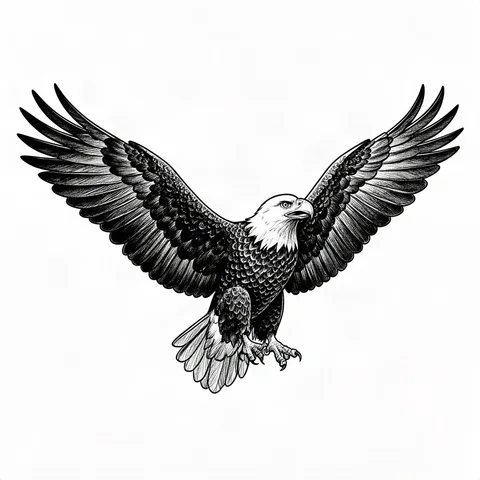
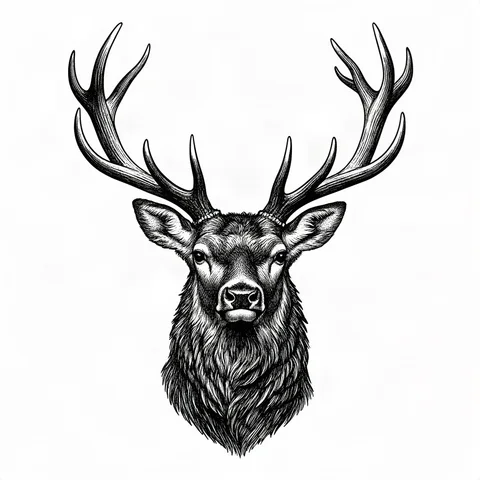
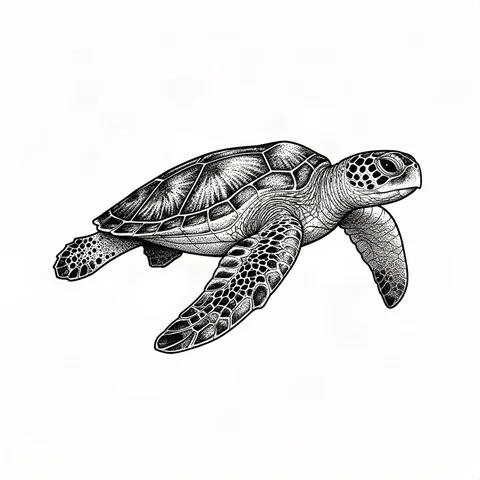
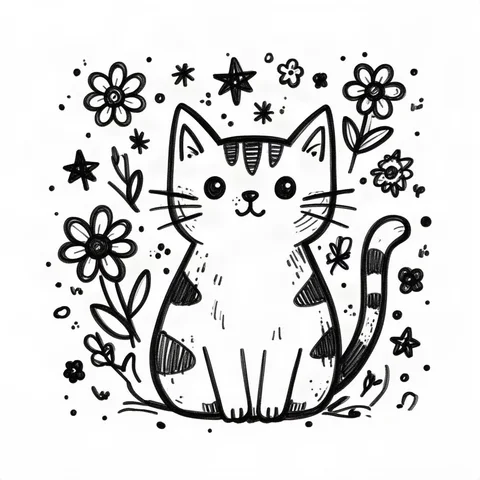
Vector styles give you editable SVG paths. Laser styles keep shading and depth as a high-resolution picture for engraving.
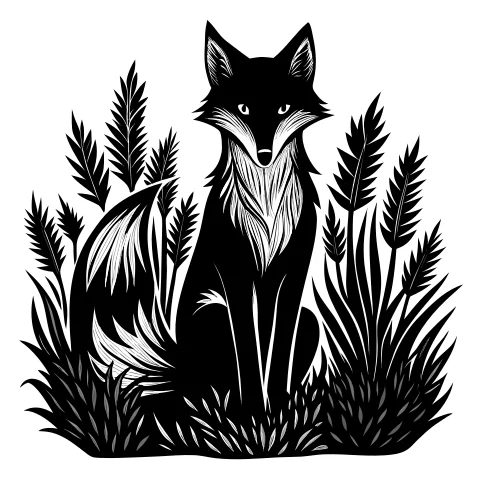
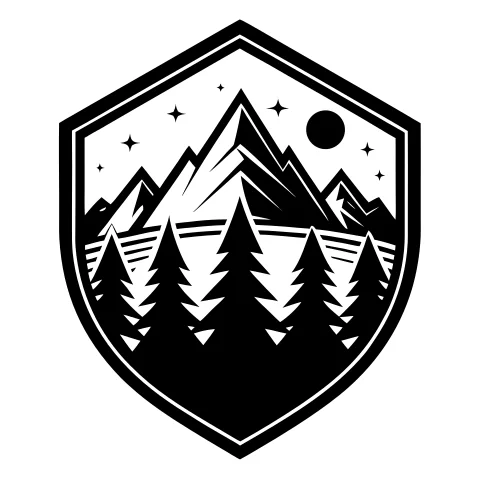
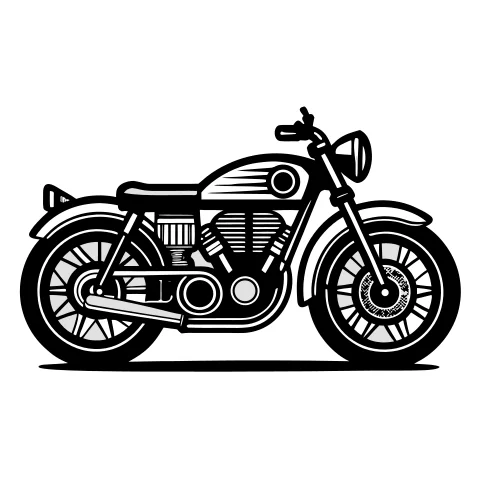
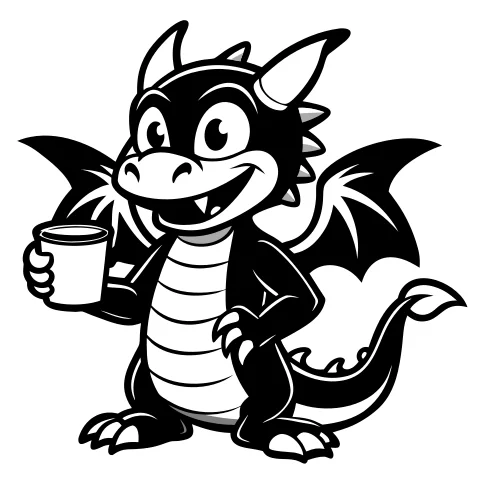
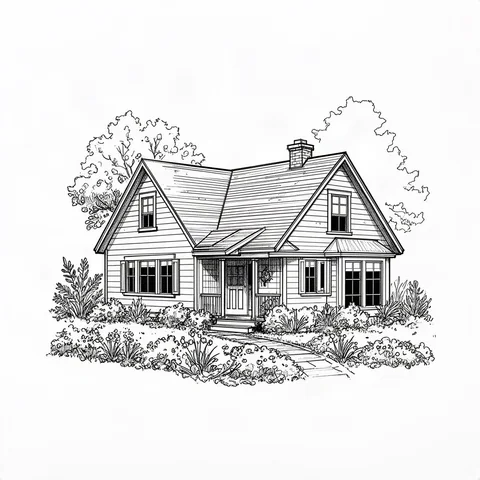
Vector SVG styles
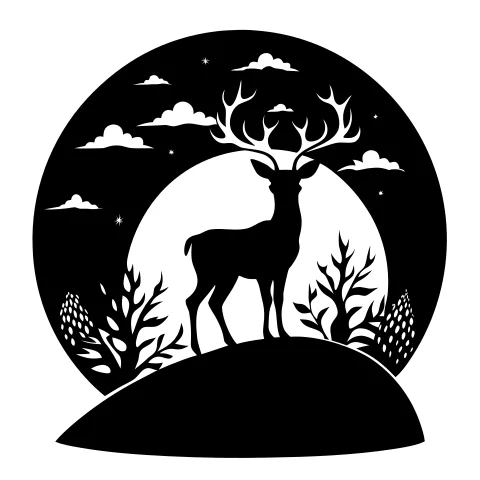
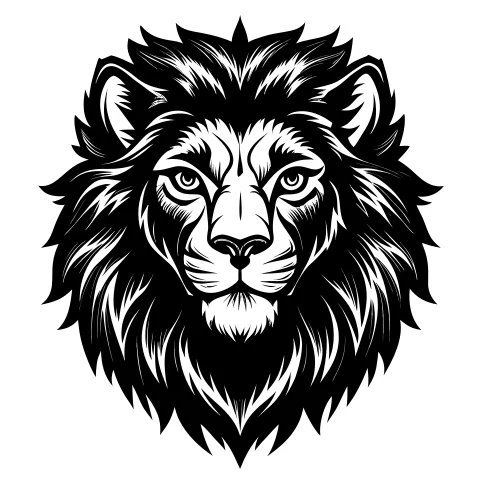
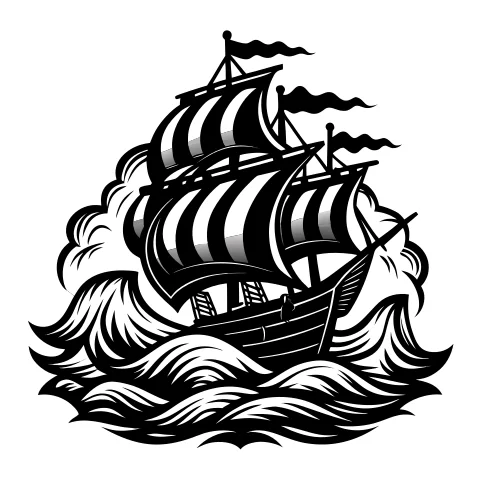
Best when you will cut, score, weed or scale the design: logos, decals, vinyl, signs, stencils and line engraving.
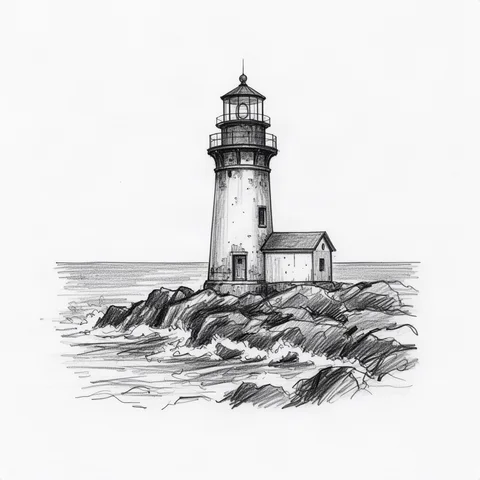
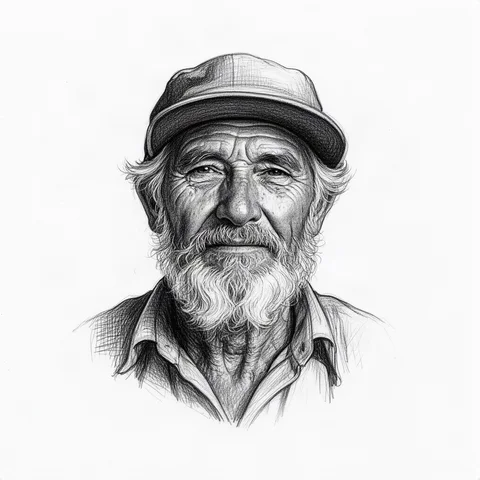
Laser engraving styles
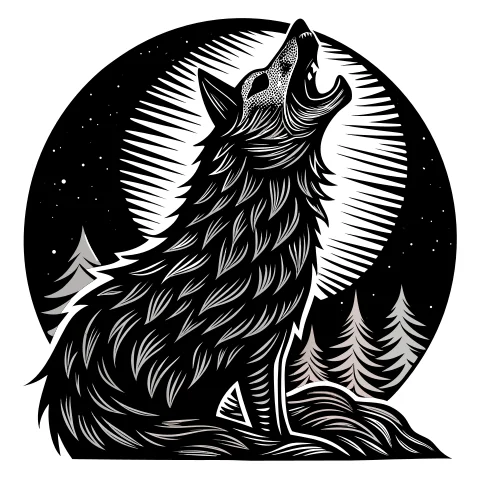
Best for photo-like engravings on wood, slate, leather and metal, and for 3D relief and deep engraving.
How to write a prompt that works
The style decides the look, so your words only need to say what to draw. Five habits make the biggest difference.
- 1
Name one clear subject
"A lighthouse on rocks" beats a list of ten things. Cutting and engraving reward simple, readable shapes.
- 2
Add pose, angle and framing
Side view, front view, centered, inside a circle: these words decide how well the design fits your product.
- 3
Say what to leave out
Use the negative prompt for text, background, gradients or tiny details that will not survive the cut.
- 4
Pick the ratio of your product
Square for coasters and badges, 4:5 or 3:4 for frames and boards, 3:2 or 16:9 for signs and banners.
- 5
Use a reference for likeness
For pets, people and existing logos, upload a photo and raise the strength; describe the style, not the face.
A quick before and after
Too vague
owl
Ready to engrave
A wise owl perched on a pine branch, front view, centered inside a circle, crescent moon behind, plain background
The second prompt names the subject, the pose, the framing and the background, so the result fits a round coaster without editing.
Try this promptQuestions about the AI SVG Studio
Is the AI SVG generator free?
Creating an account and every free tool cost nothing. AI images use credits: one image costs 1 credit, and paid plans include monthly credits, commercial use and watermark-free downloads.
Do I get a real SVG or a picture inside an SVG?
Vector styles return a real SVG made of closed paths with few nodes, ready for Cricut Design Space, Silhouette Studio, LightBurn, Inkscape and Illustrator. Laser styles return a high-resolution PNG on purpose, because shading engraves better as pixels; you can vectorize it with one click.
Which style should I choose for Cricut or vinyl?
Clean Vector, Silhouette, Outline and Cartoon cut and weed best. For layered vinyl, try Flat Illustration with two or three tones.
Which style is best for laser engraving a photo?
Pencil Sketch and Pencil Line are made for portraits and pets on wood and leather. For glass and slate, try Stipple or Scratchboard. For depth, use Deep Engraving or Stone Relief.
Can I start from my own picture?
Yes. Add a reference photo or sketch and choose whether the studio should follow its shape and pose or only borrow its drawing style. Your words still decide the subject.
Can I cancel a generation?
Yes. For five seconds after you press Generate you can cancel and nothing is charged. If a job is still waiting in the queue, cancelling also returns your credits.
Can I sell products made with my designs?
On paid plans, everything you generate comes with a commercial licence, so you can sell engraved, cut or printed products. Designs made on the free plan are for personal use.