Skip to content
All toolsGuide & FAQ
VECTORSVG.COMColor palette generatorCustom
  • Cashmere Black
  • Midnight Violet
  • Bordeaux
  • Bridge Gold
  • Linen White

Free color palettes, new every day

15 new palettes every day in 14 moods, from pastel to luxury. Hover a palette to see its colours move, click a colour to copy its HEX code, and download any palette free as PNG or SVG.

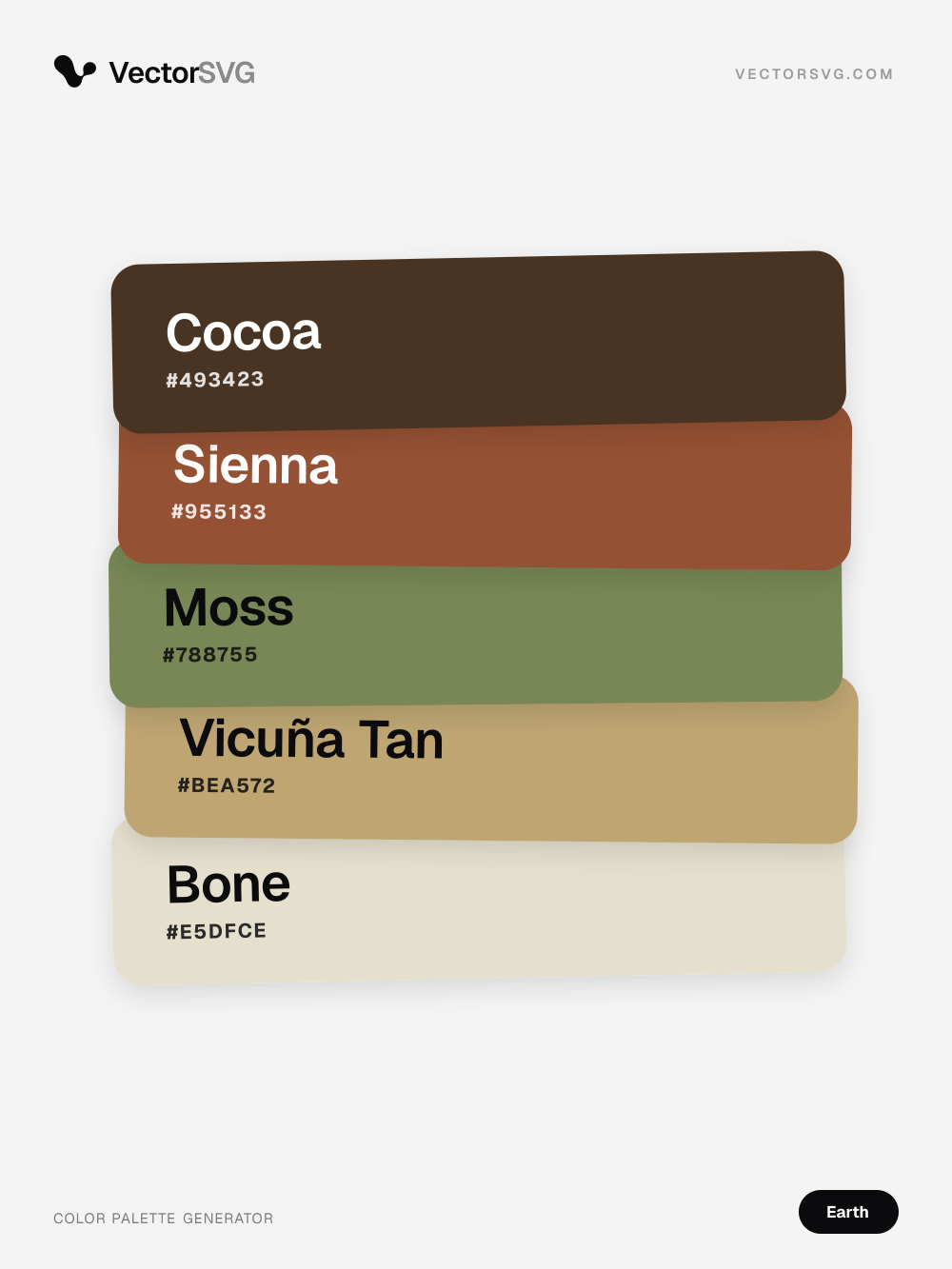
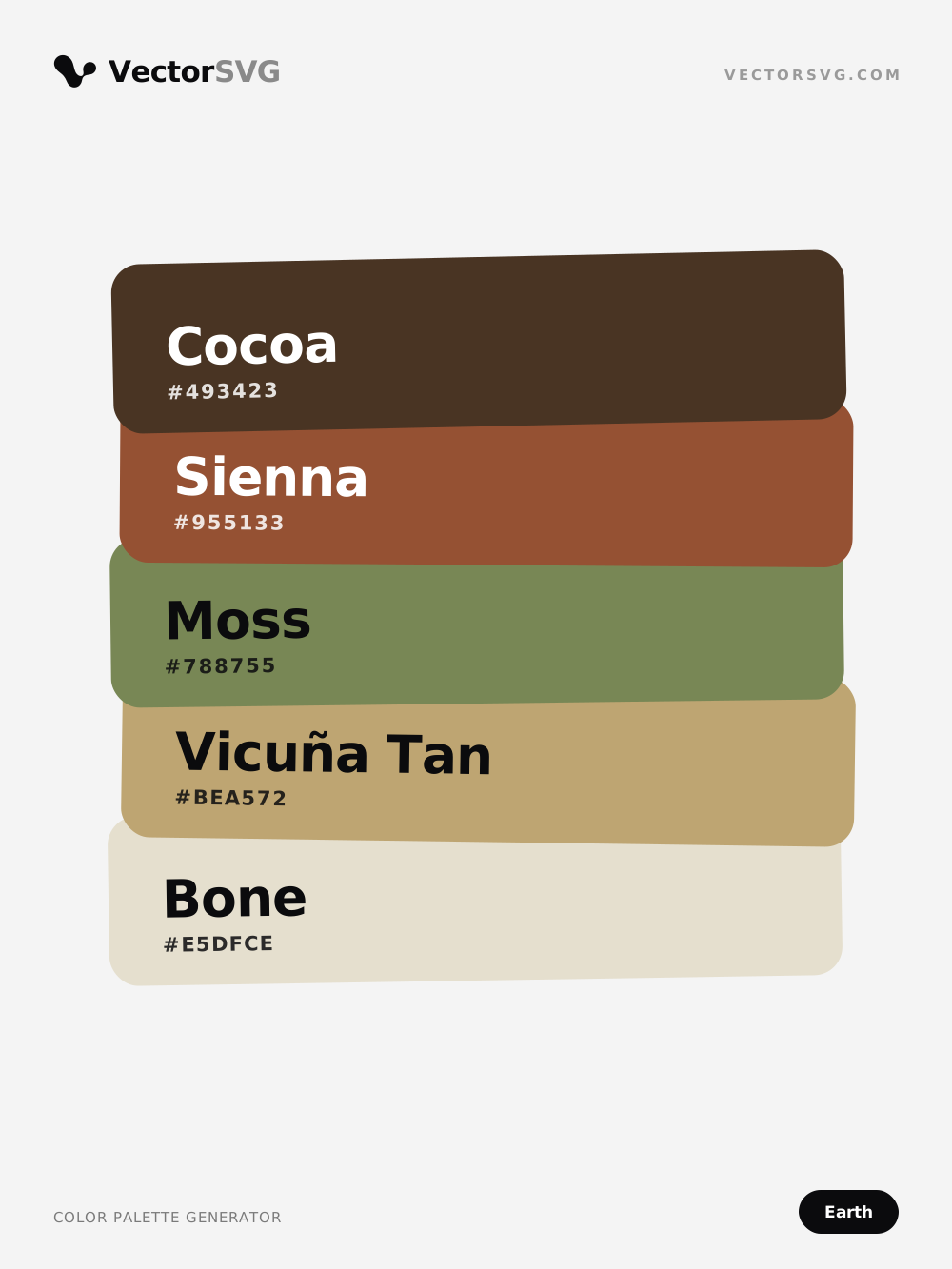
Savanna Kiln Earth tones color palette: Cocoa #493423, Sienna #955133, Moss #788755, Vicuña Tan #BEA572, Bone #E5DFCE

Savanna Kiln color palette

Earth tones · brown · green · beige · warm

Cocoa #493423 · Sienna #955133 · Moss #788755 · Vicuña Tan #BEA572 · Bone #E5DFCE

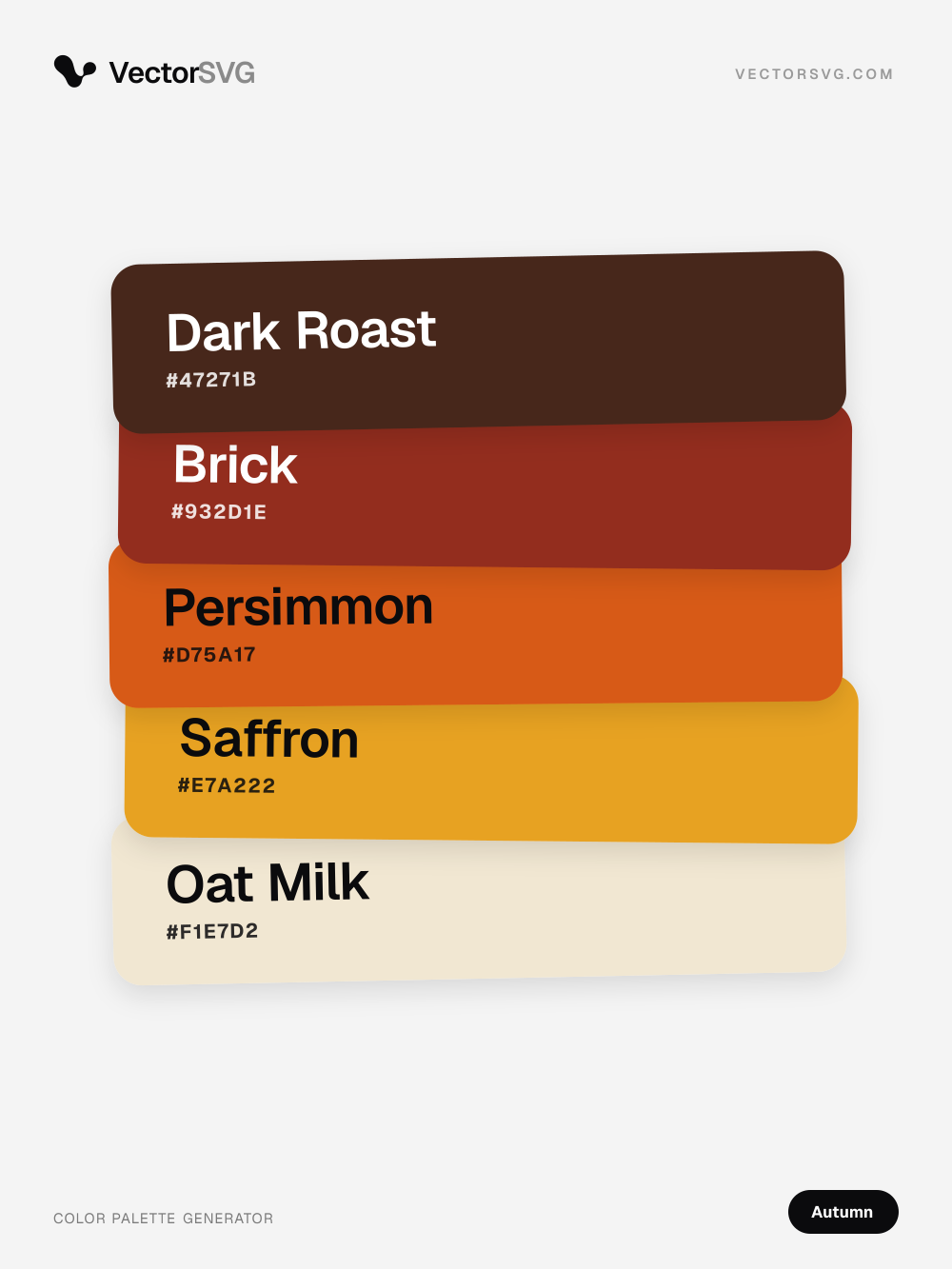
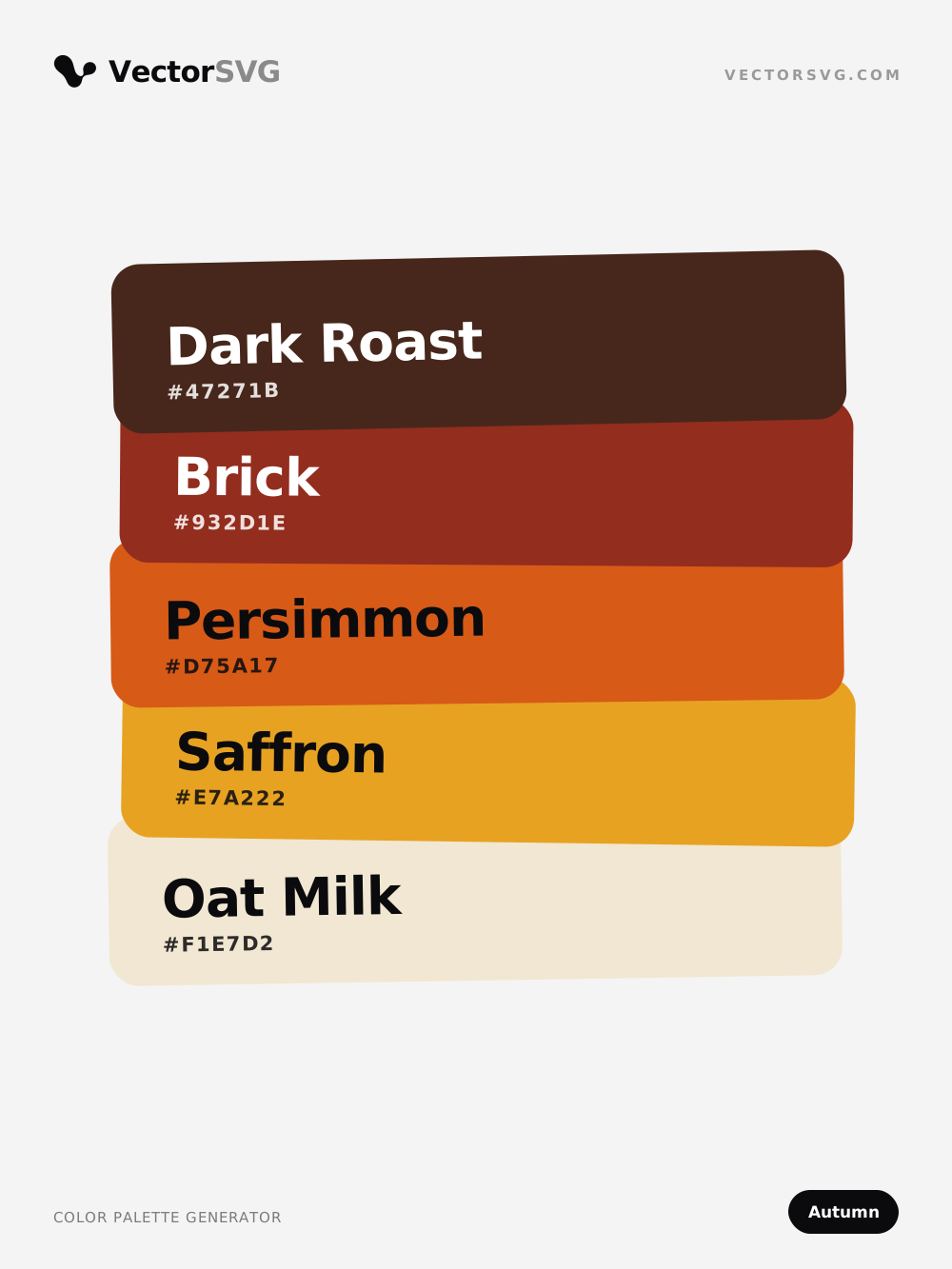
Rust Leaves Autumn color palette: Dark Roast #47271B, Brick #932D1E, Persimmon #D75A17, Saffron #E7A222, Oat Milk #F1E7D2

Rust Leaves color palette

Autumn · brown · red · orange · warm

Dark Roast #47271B · Brick #932D1E · Persimmon #D75A17 · Saffron #E7A222 · Oat Milk #F1E7D2

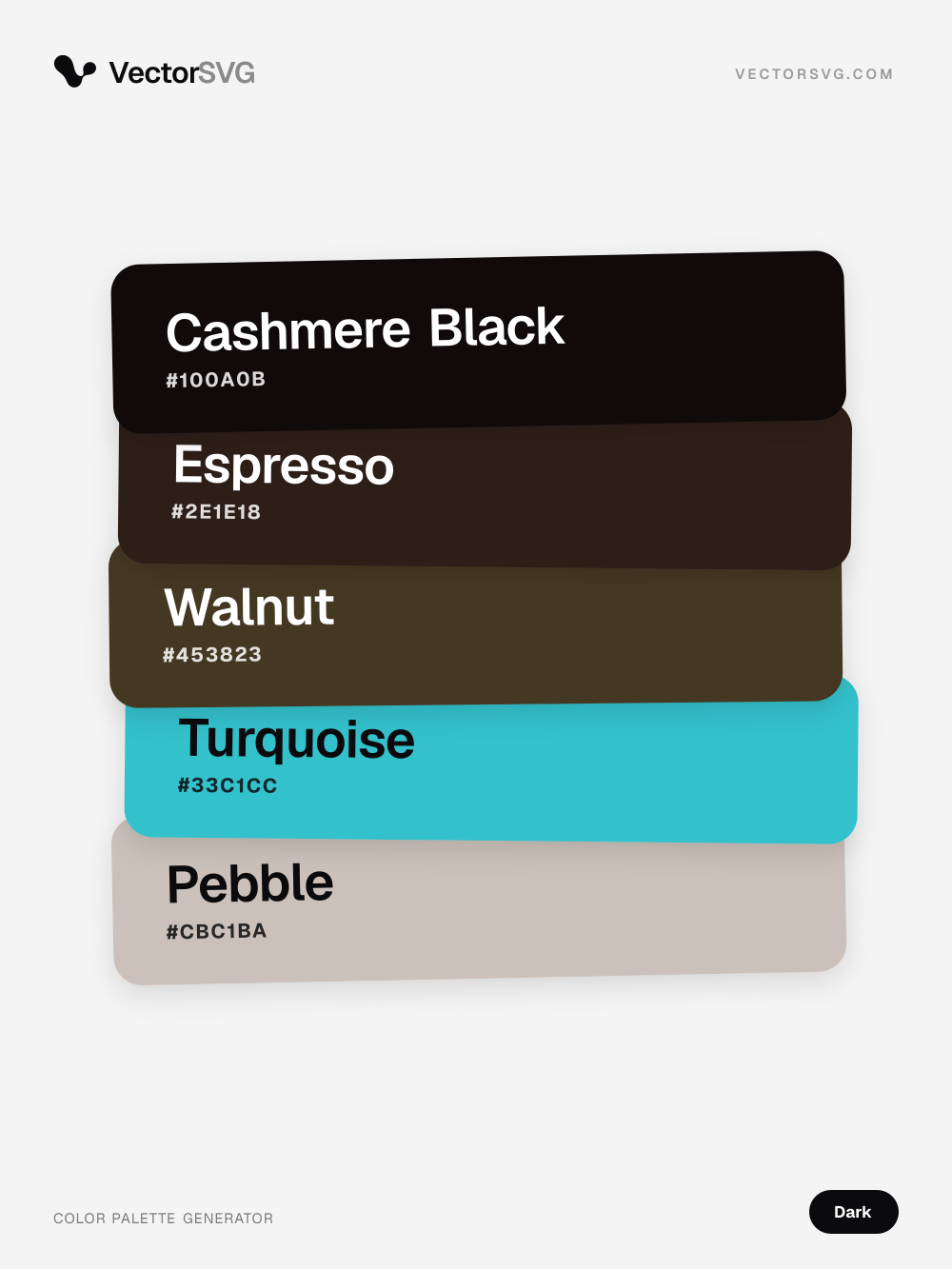
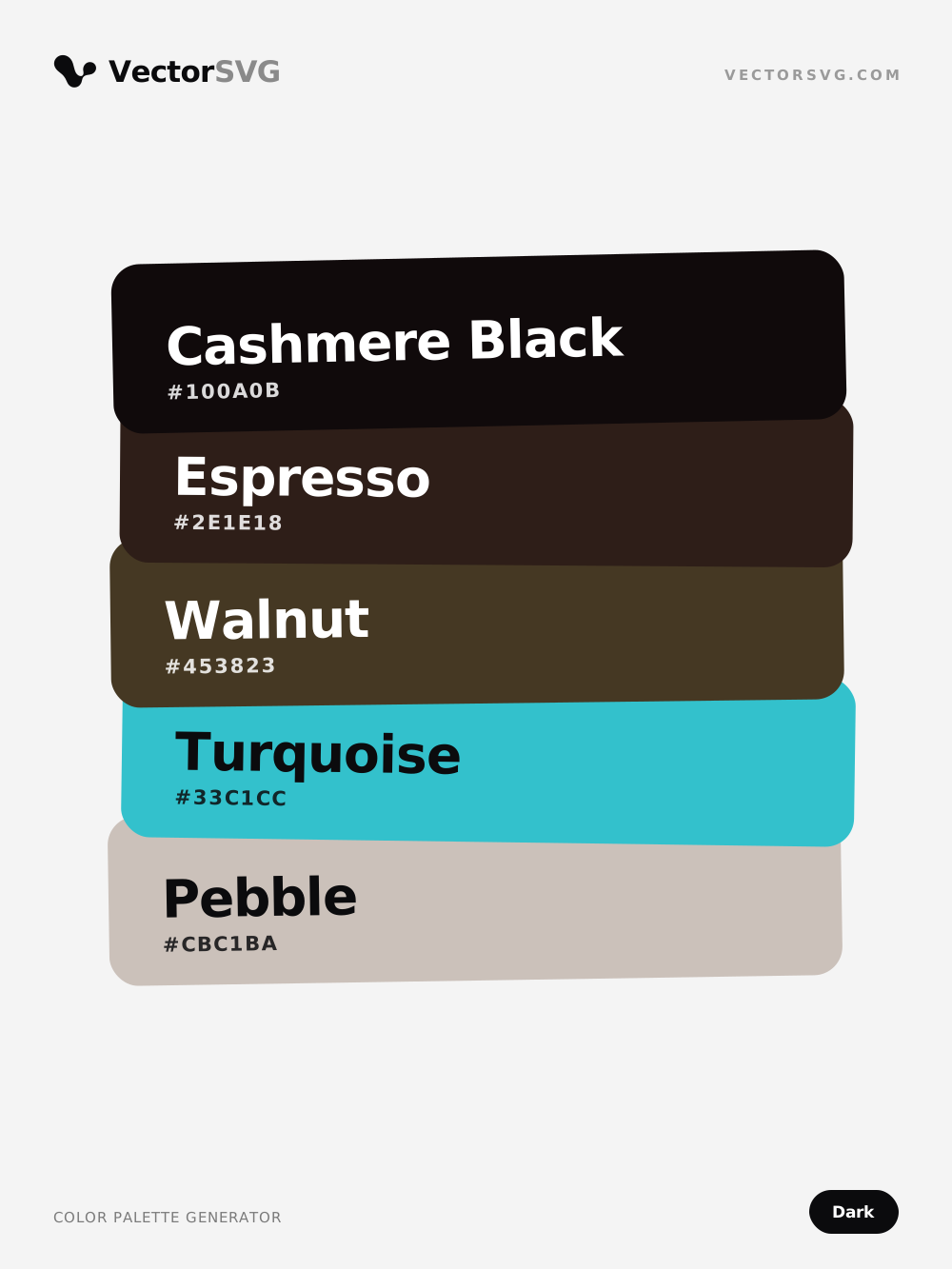
Smoky Mode Dark color palette: Cashmere Black #100A0B, Espresso #2E1E18, Walnut #453823, Turquoise #33C1CC, Pebble #CBC1BA

Smoky Mode color palette

Dark · black · brown · teal · warm

Cashmere Black #100A0B · Espresso #2E1E18 · Walnut #453823 · Turquoise #33C1CC · Pebble #CBC1BA

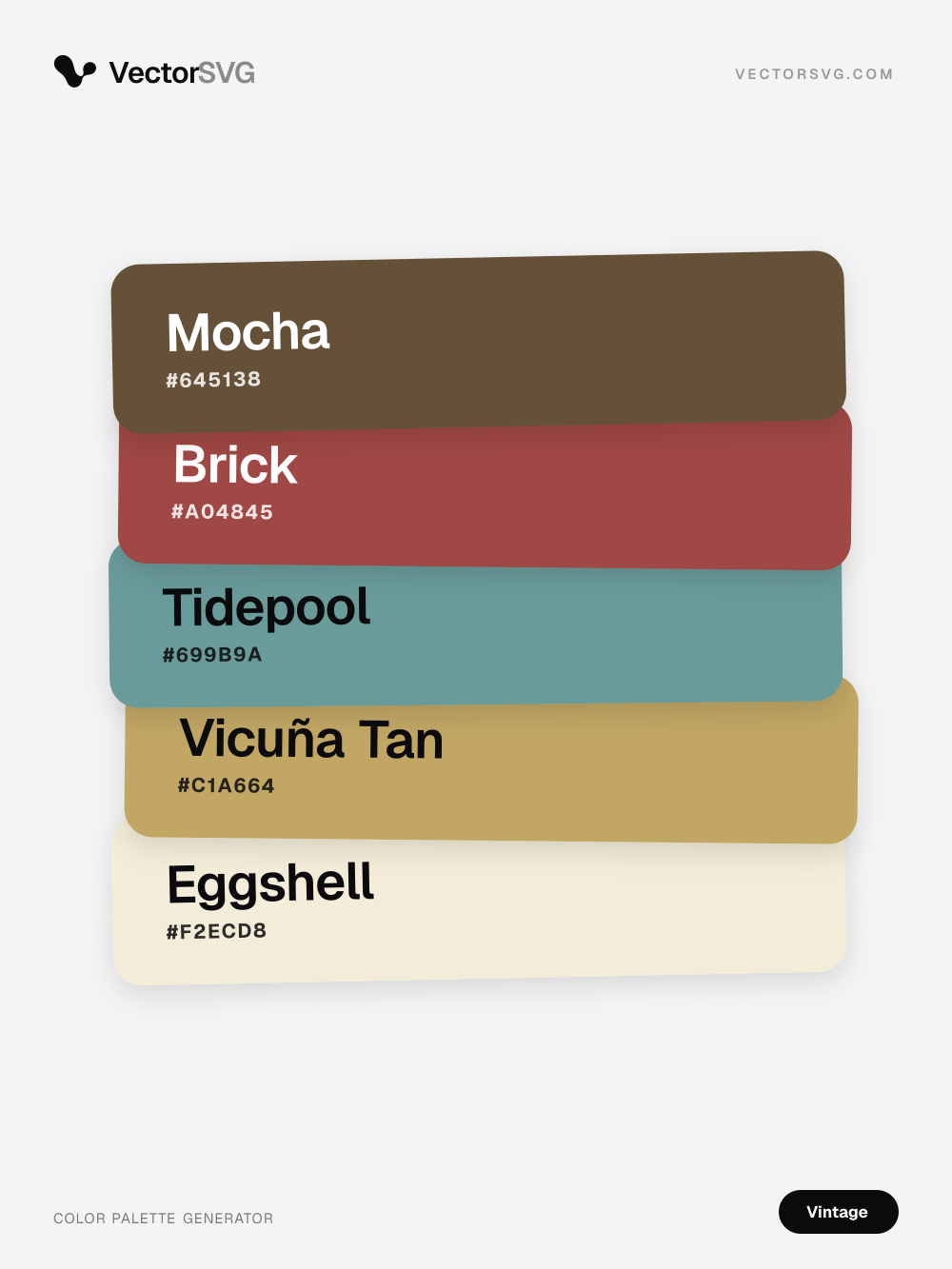
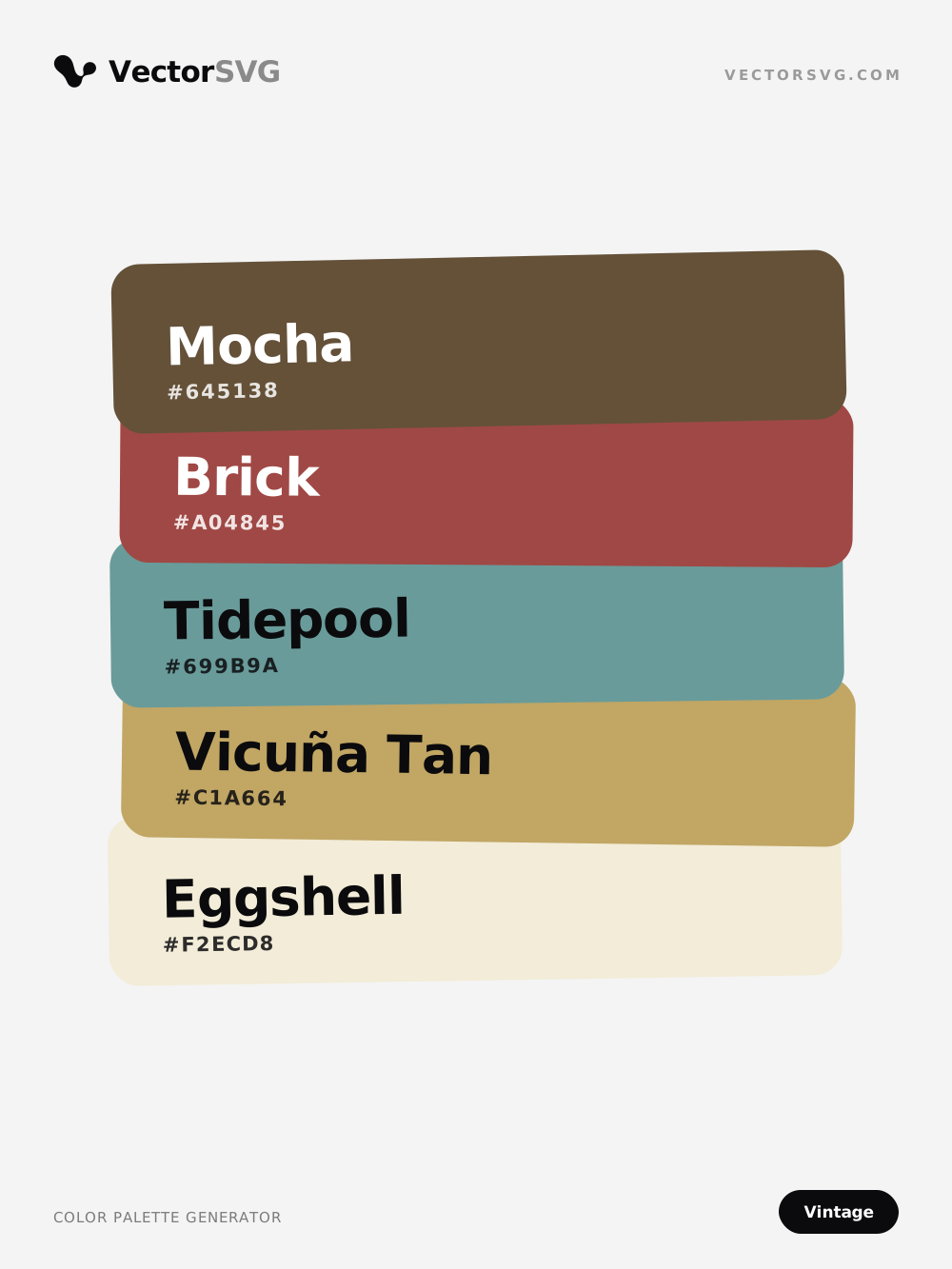
Old Archive Vintage color palette: Mocha #645138, Brick #A04845, Tidepool #699B9A, Vicuña Tan #C1A664, Eggshell #F2ECD8

Old Archive color palette

Vintage · brown · red · teal · warm

Mocha #645138 · Brick #A04845 · Tidepool #699B9A · Vicuña Tan #C1A664 · Eggshell #F2ECD8

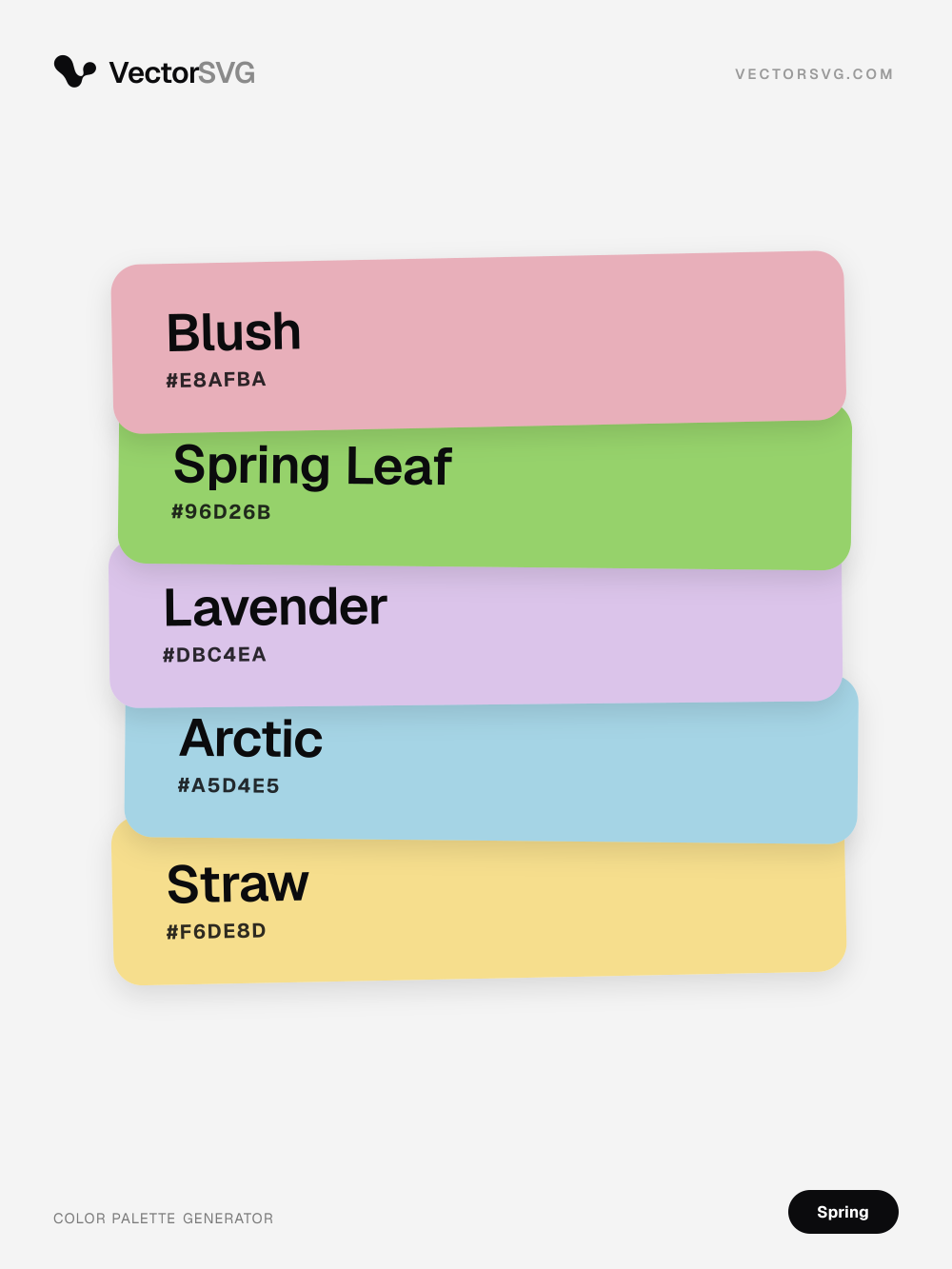
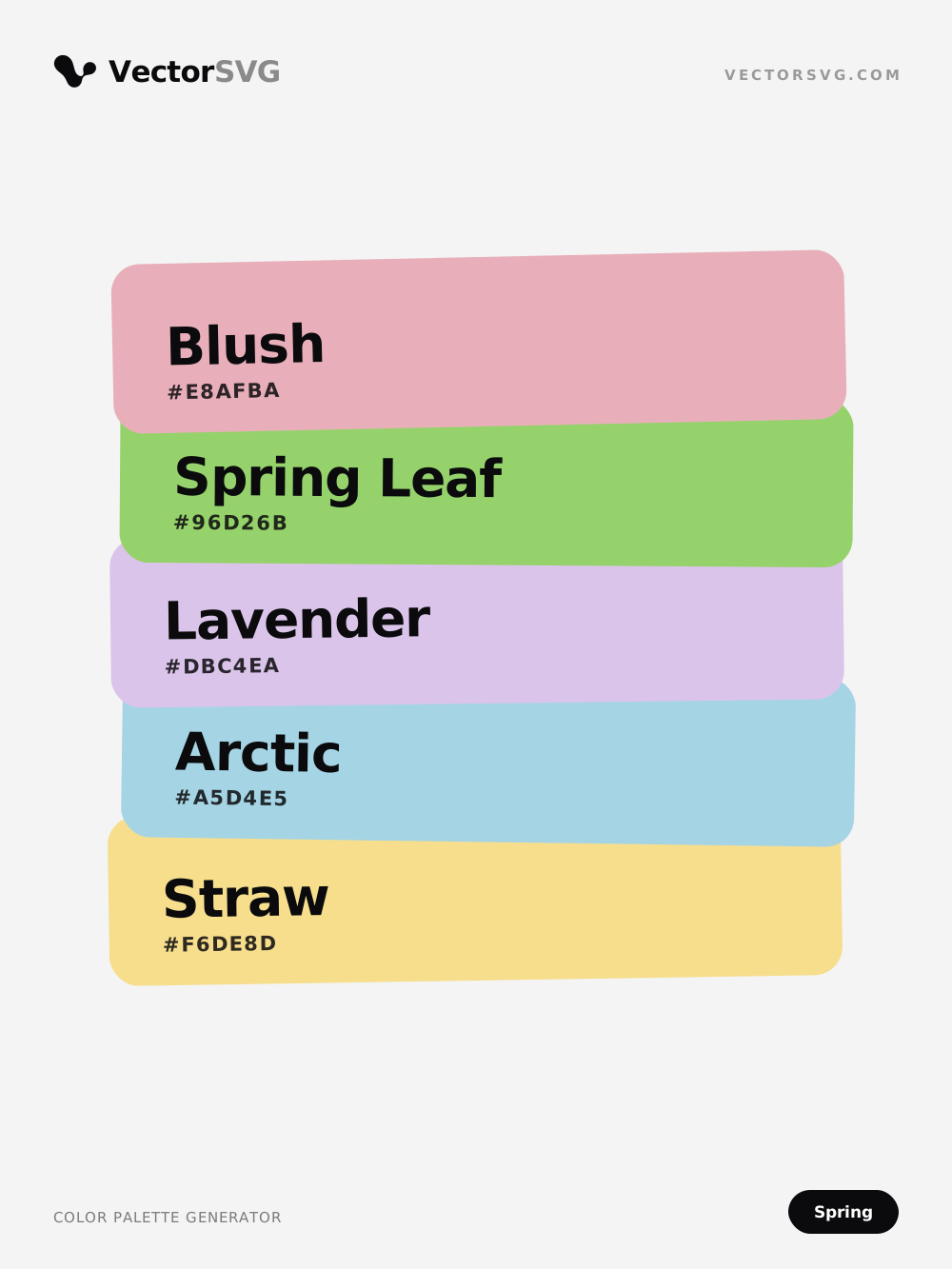
Fresh Breeze Spring color palette: Blush #E8AFBA, Spring Leaf #96D26B, Lavender #DBC4EA, Arctic #A5D4E5, Straw #F6DE8D

Fresh Breeze color palette

Spring · pink · green · purple · light

Blush #E8AFBA · Spring Leaf #96D26B · Lavender #DBC4EA · Arctic #A5D4E5 · Straw #F6DE8D

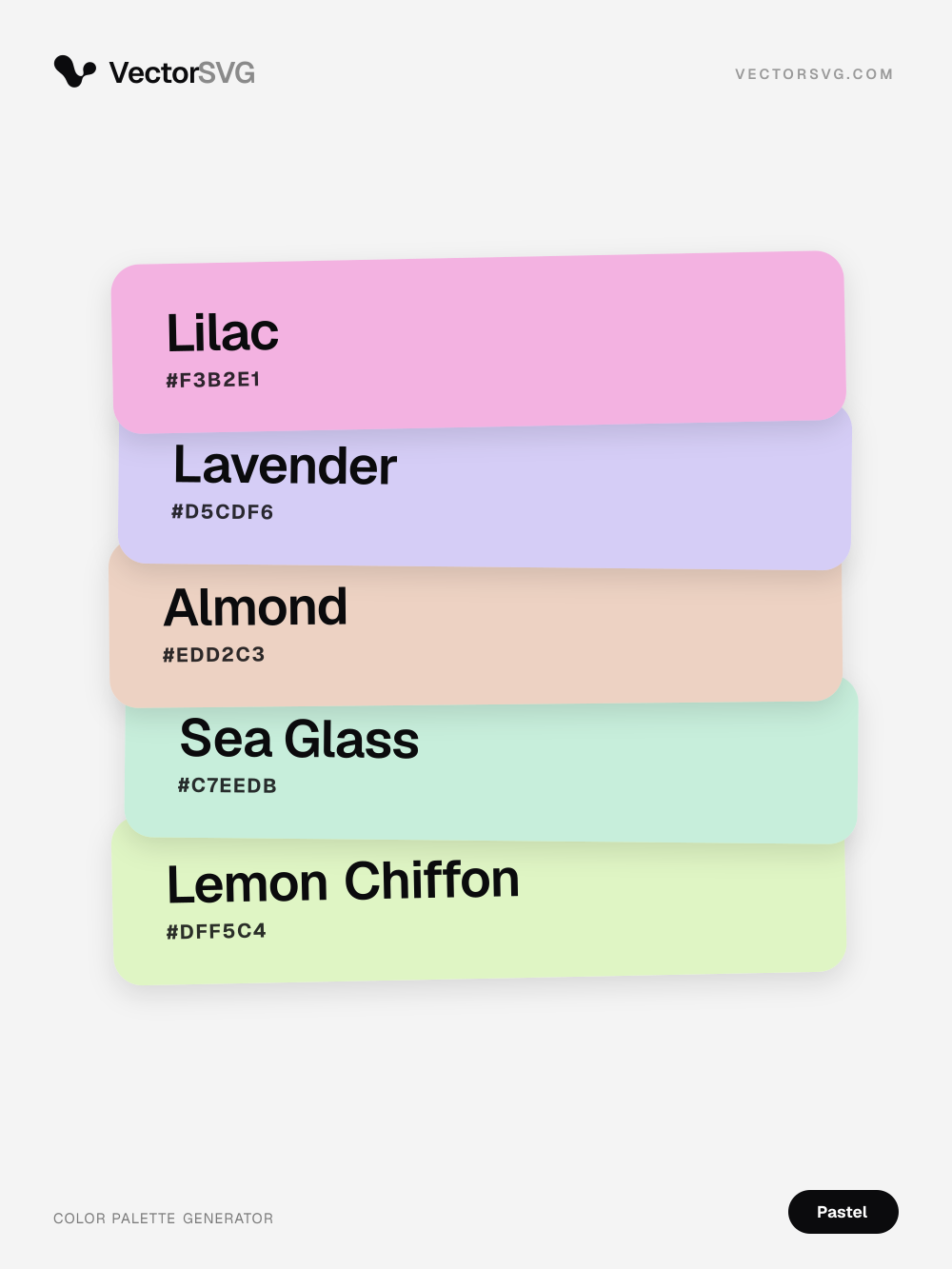
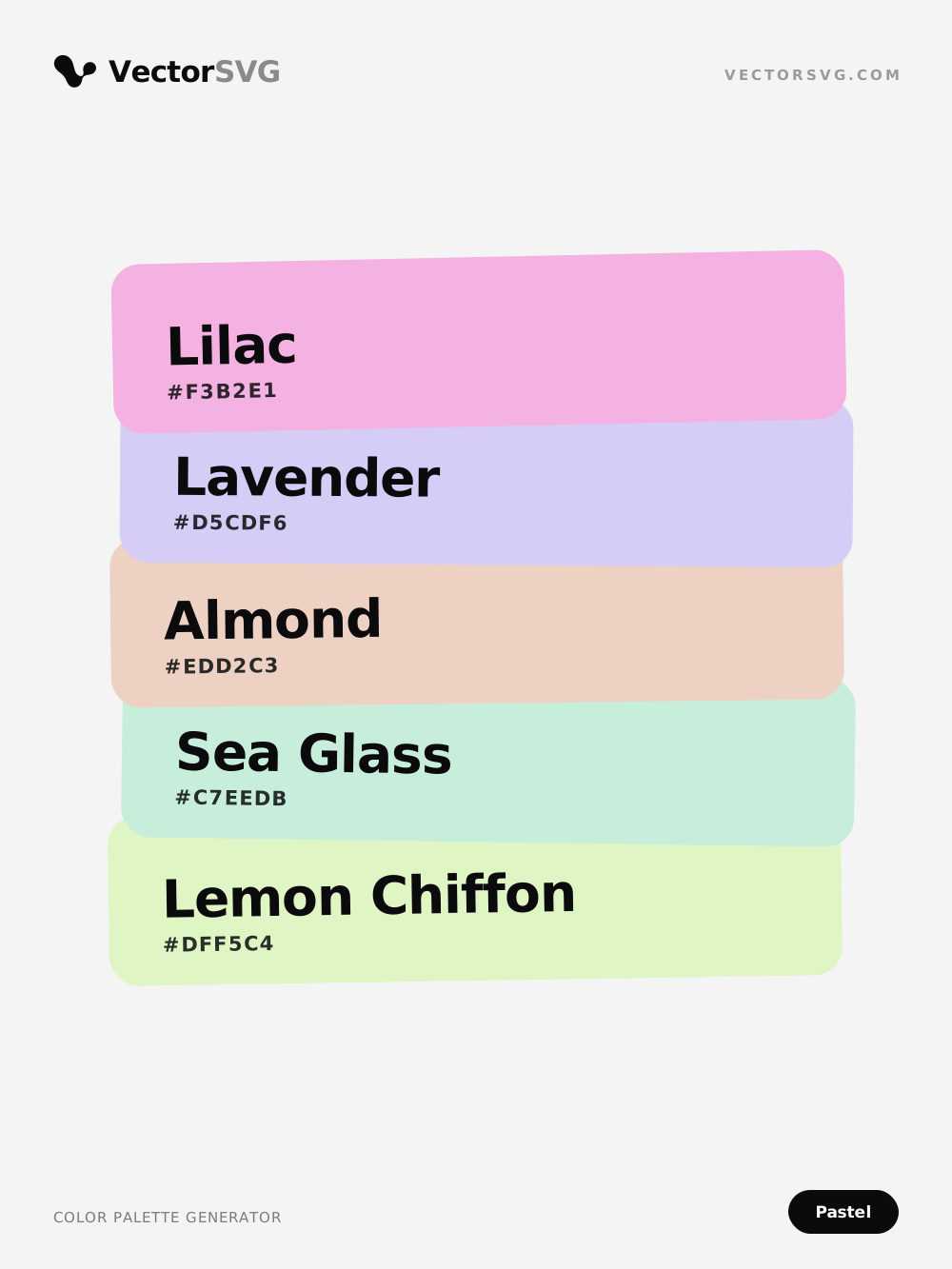
Dreamy Lullaby Pastel color palette: Lilac #F3B2E1, Lavender #D5CDF6, Almond #EDD2C3, Sea Glass #C7EEDB, Lemon Chiffon #DFF5C4

Dreamy Lullaby color palette

Pastel · pink · blue · beige · light

Lilac #F3B2E1 · Lavender #D5CDF6 · Almond #EDD2C3 · Sea Glass #C7EEDB · Lemon Chiffon #DFF5C4

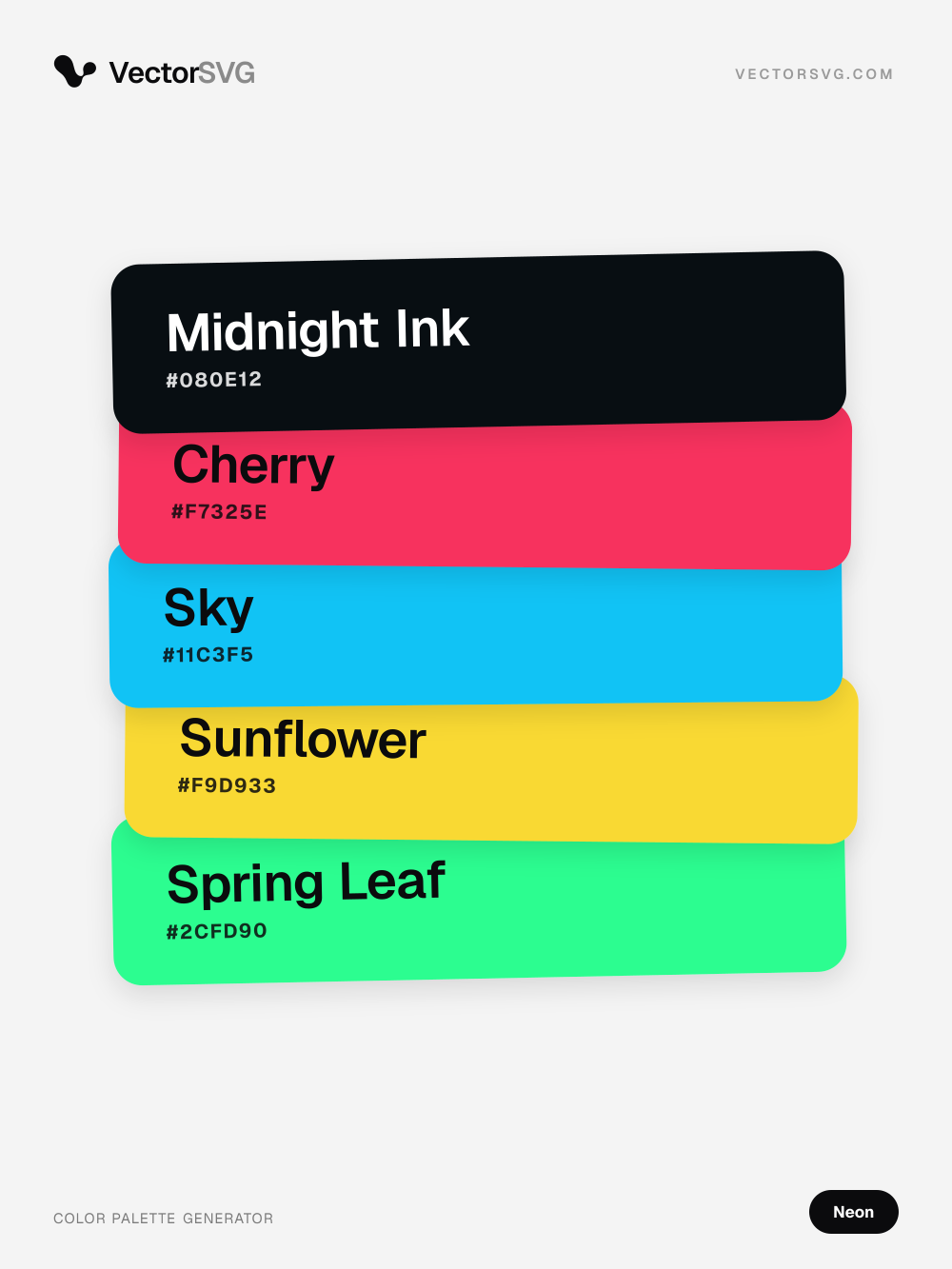
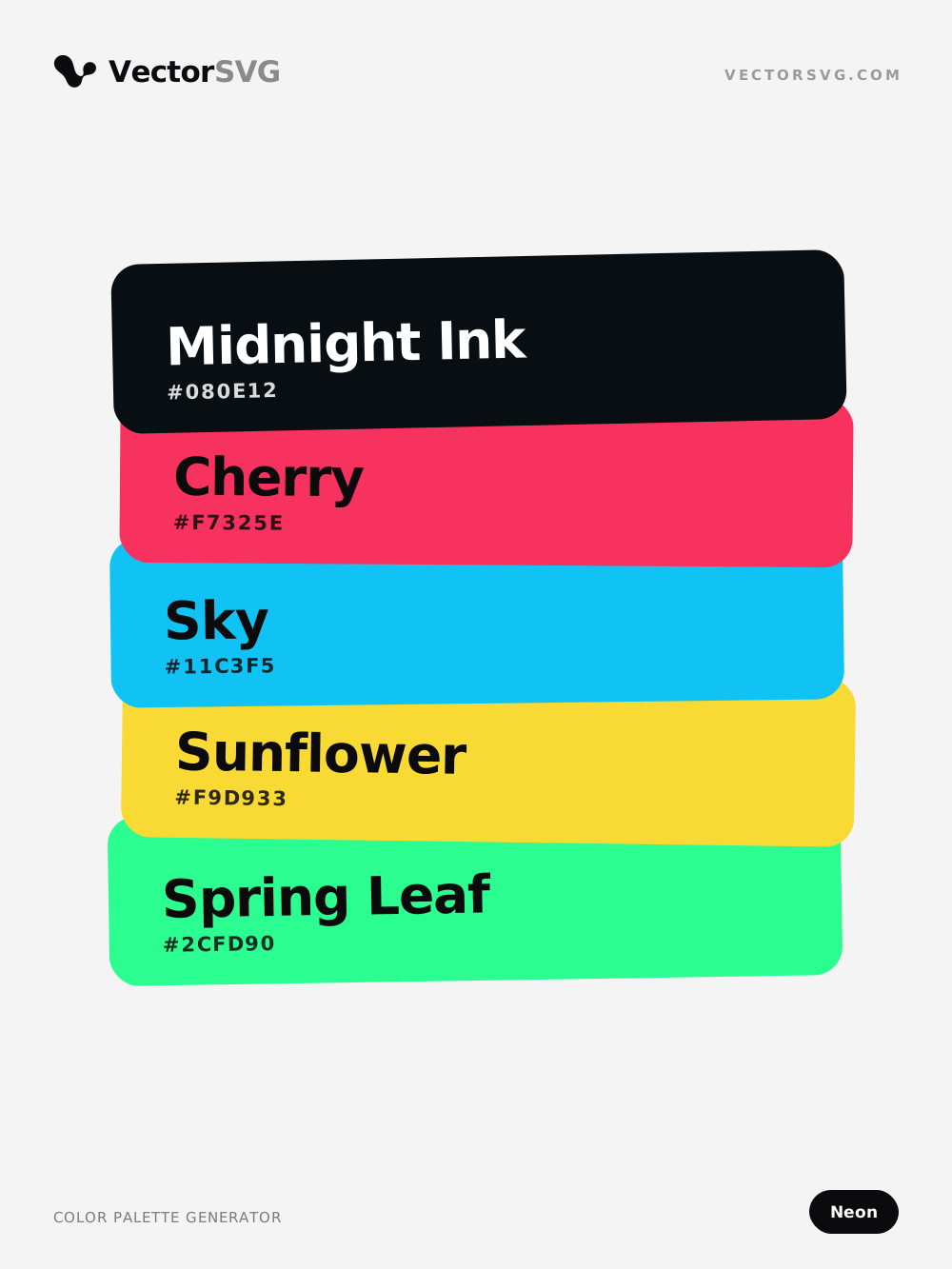
Hyper Tokyo Neon color palette: Midnight Ink #080E12, Cherry #F7325E, Sky #11C3F5, Sunflower #F9D933, Spring Leaf #2CFD90

Hyper Tokyo color palette

Neon · black · red · teal · vibrant

Midnight Ink #080E12 · Cherry #F7325E · Sky #11C3F5 · Sunflower #F9D933 · Spring Leaf #2CFD90

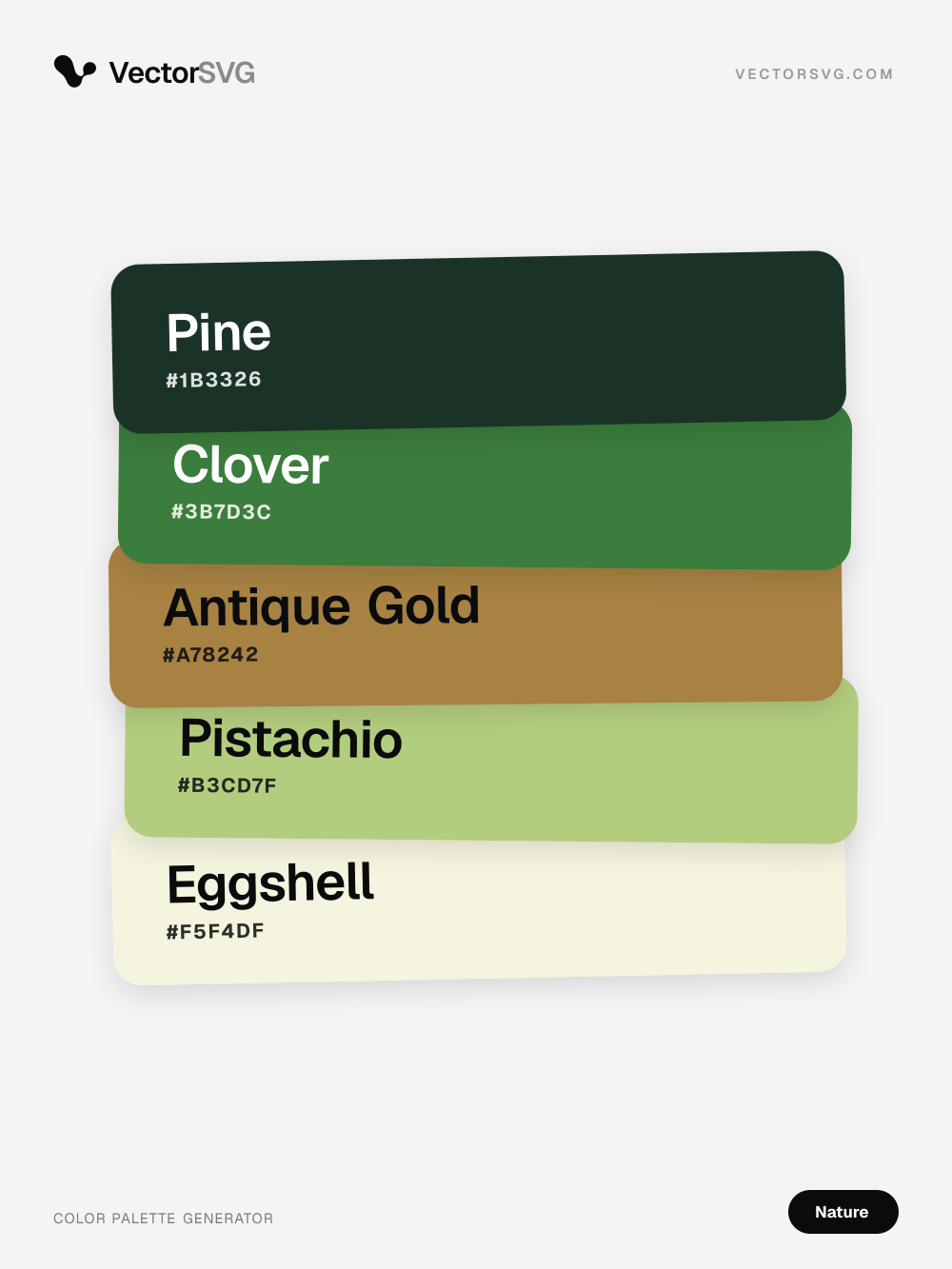
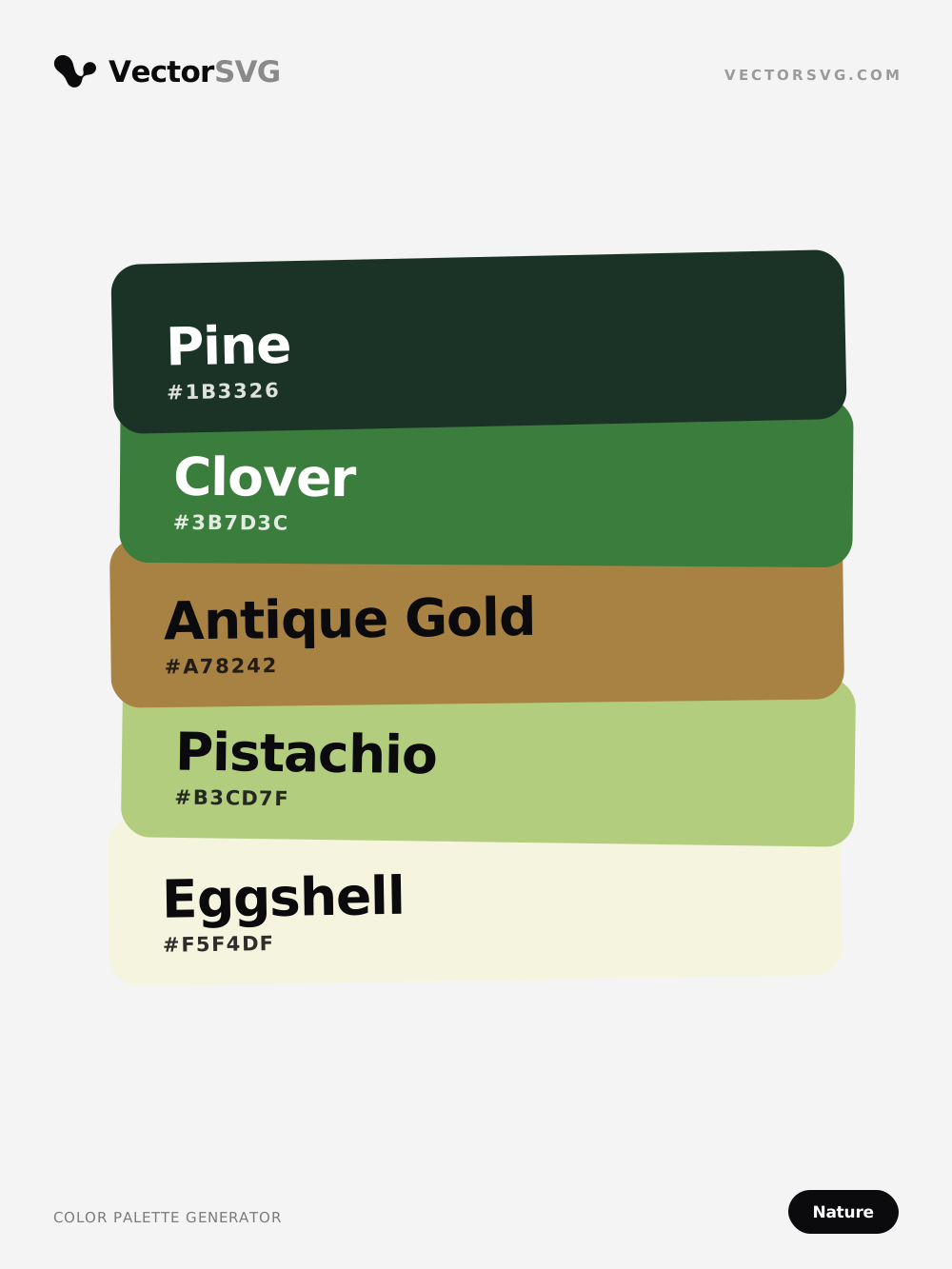
Woodland Walk Nature color palette: Pine #1B3326, Clover #3B7D3C, Antique Gold #A78242, Pistachio #B3CD7F, Eggshell #F5F4DF

Woodland Walk color palette

Nature · green · orange · yellow · warm

Pine #1B3326 · Clover #3B7D3C · Antique Gold #A78242 · Pistachio #B3CD7F · Eggshell #F5F4DF

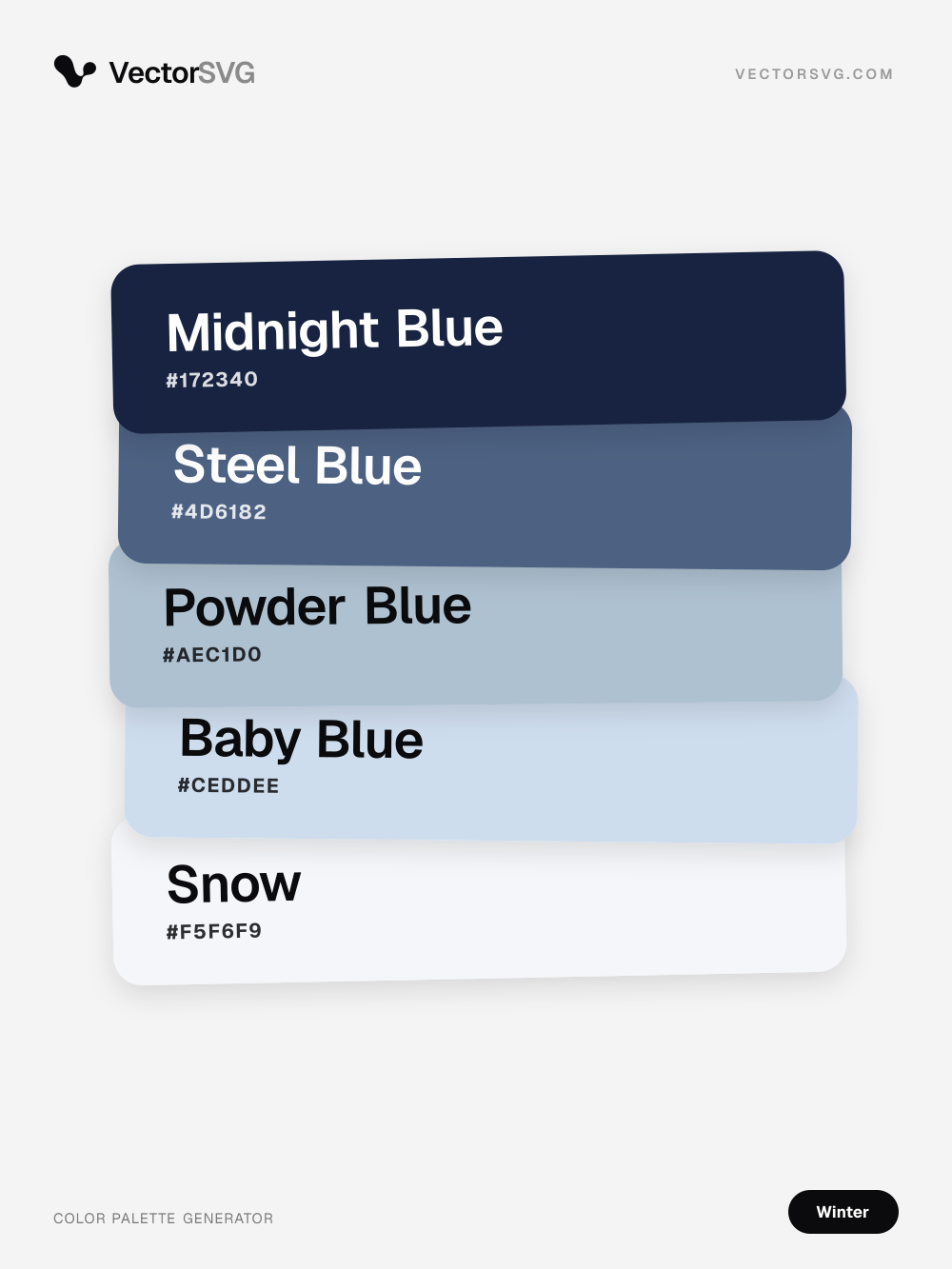
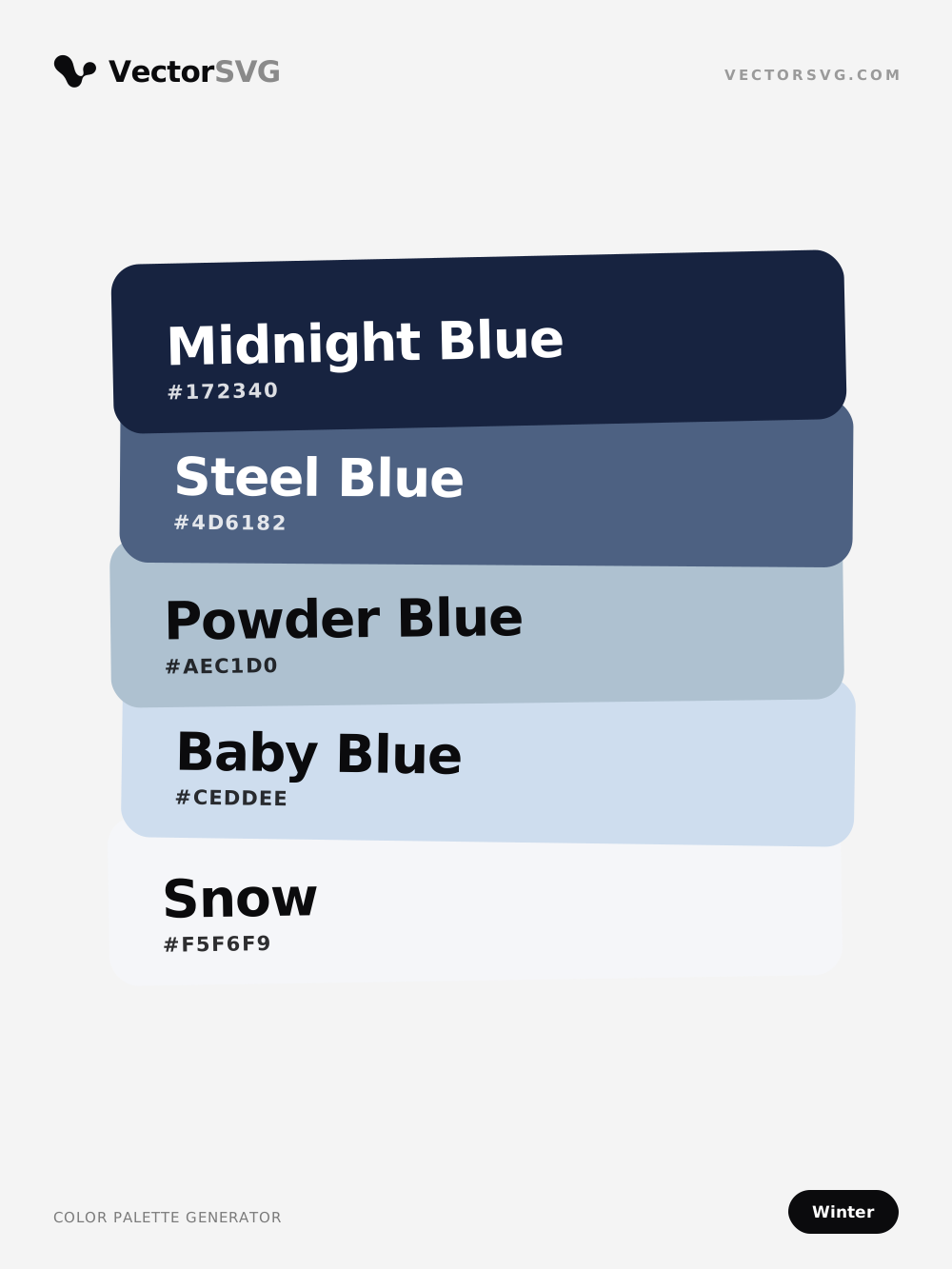
Silent Peak Winter color palette: Midnight Blue #172340, Steel Blue #4D6182, Powder Blue #AEC1D0, Baby Blue #CEDDEE, Snow #F5F6F9

Silent Peak color palette

Winter · blue · white · cool · muted

Midnight Blue #172340 · Steel Blue #4D6182 · Powder Blue #AEC1D0 · Baby Blue #CEDDEE · Snow #F5F6F9

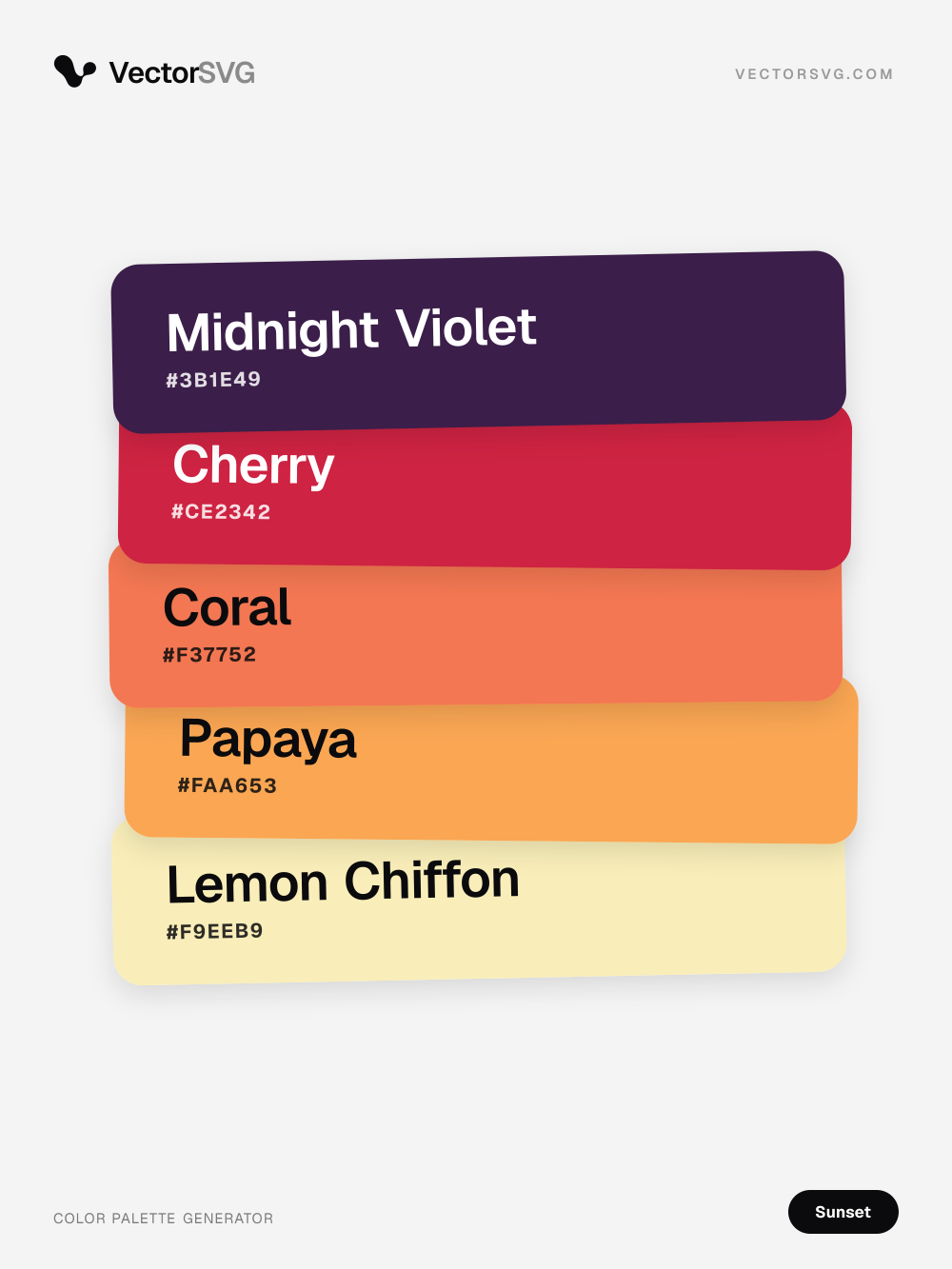
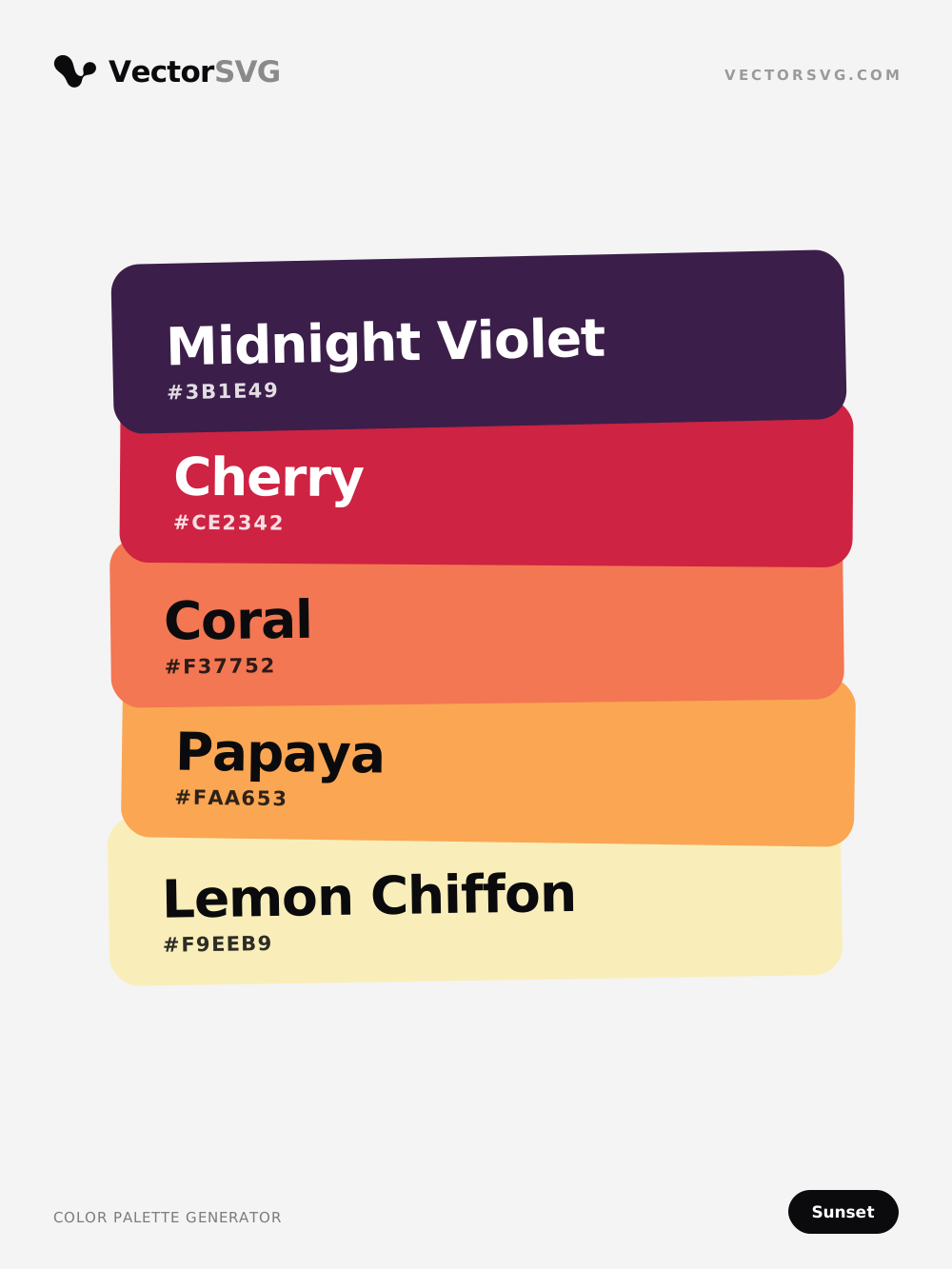
Velvet Horizon Sunset color palette: Midnight Violet #3B1E49, Cherry #CE2342, Coral #F37752, Papaya #FAA653, Lemon Chiffon #F9EEB9

Velvet Horizon color palette

Sunset · purple · red · orange · warm · vibrant

Midnight Violet #3B1E49 · Cherry #CE2342 · Coral #F37752 · Papaya #FAA653 · Lemon Chiffon #F9EEB9

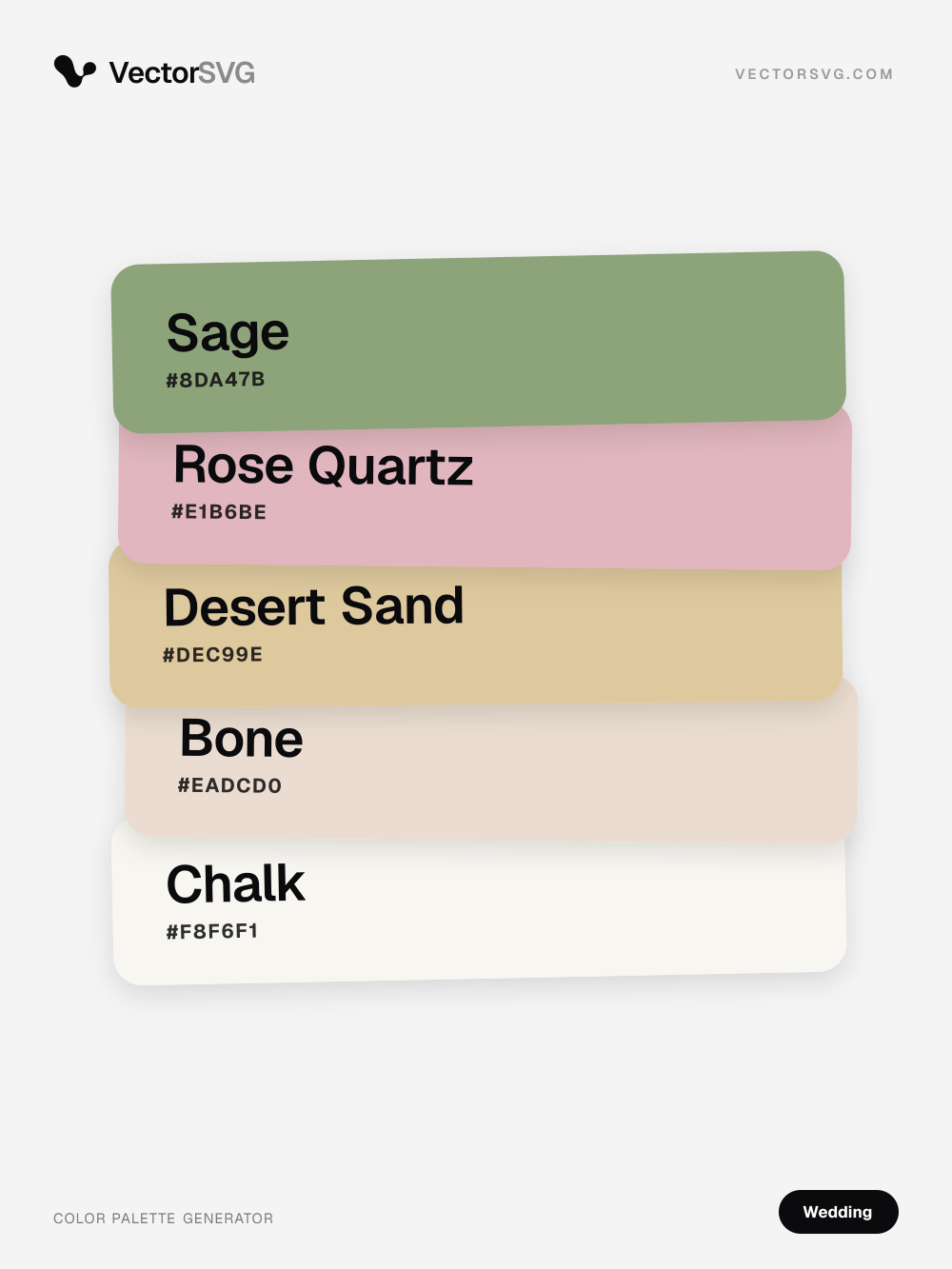
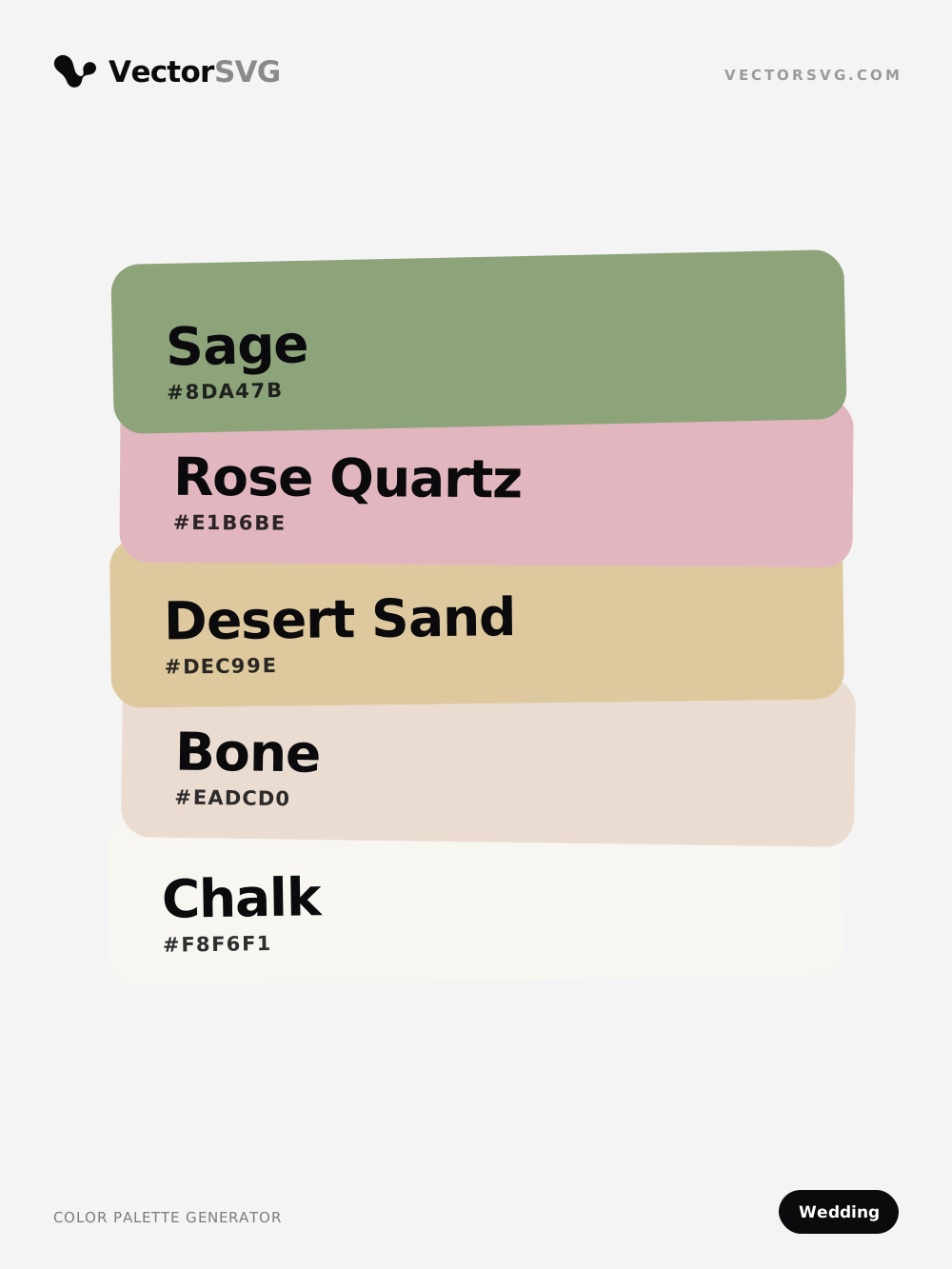
Blush Ceremony Wedding color palette: Sage #8DA47B, Rose Quartz #E1B6BE, Desert Sand #DEC99E, Bone #EADCD0, Chalk #F8F6F1

Blush Ceremony color palette

Wedding · green · pink · beige · warm · light

Sage #8DA47B · Rose Quartz #E1B6BE · Desert Sand #DEC99E · Bone #EADCD0 · Chalk #F8F6F1

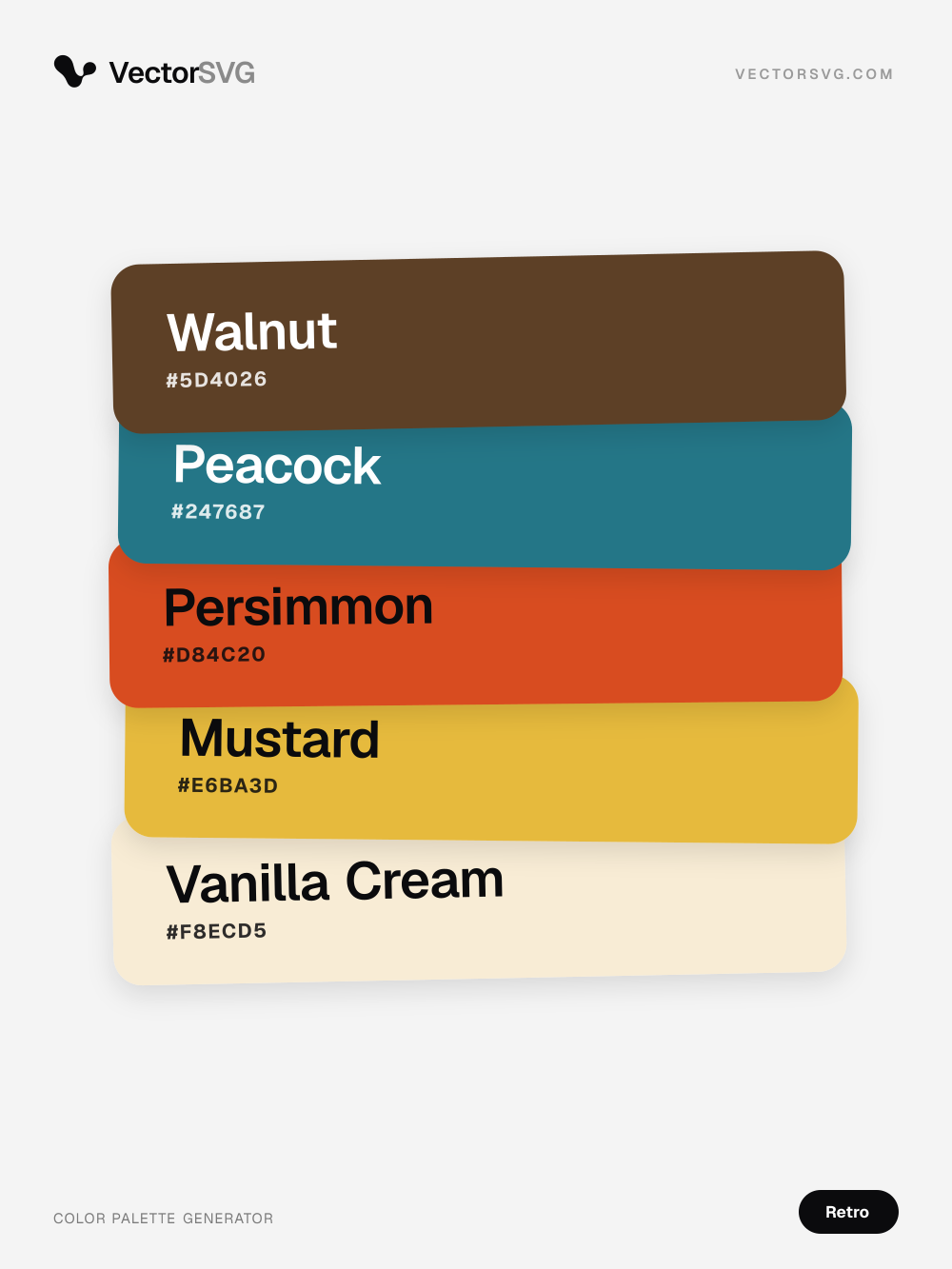
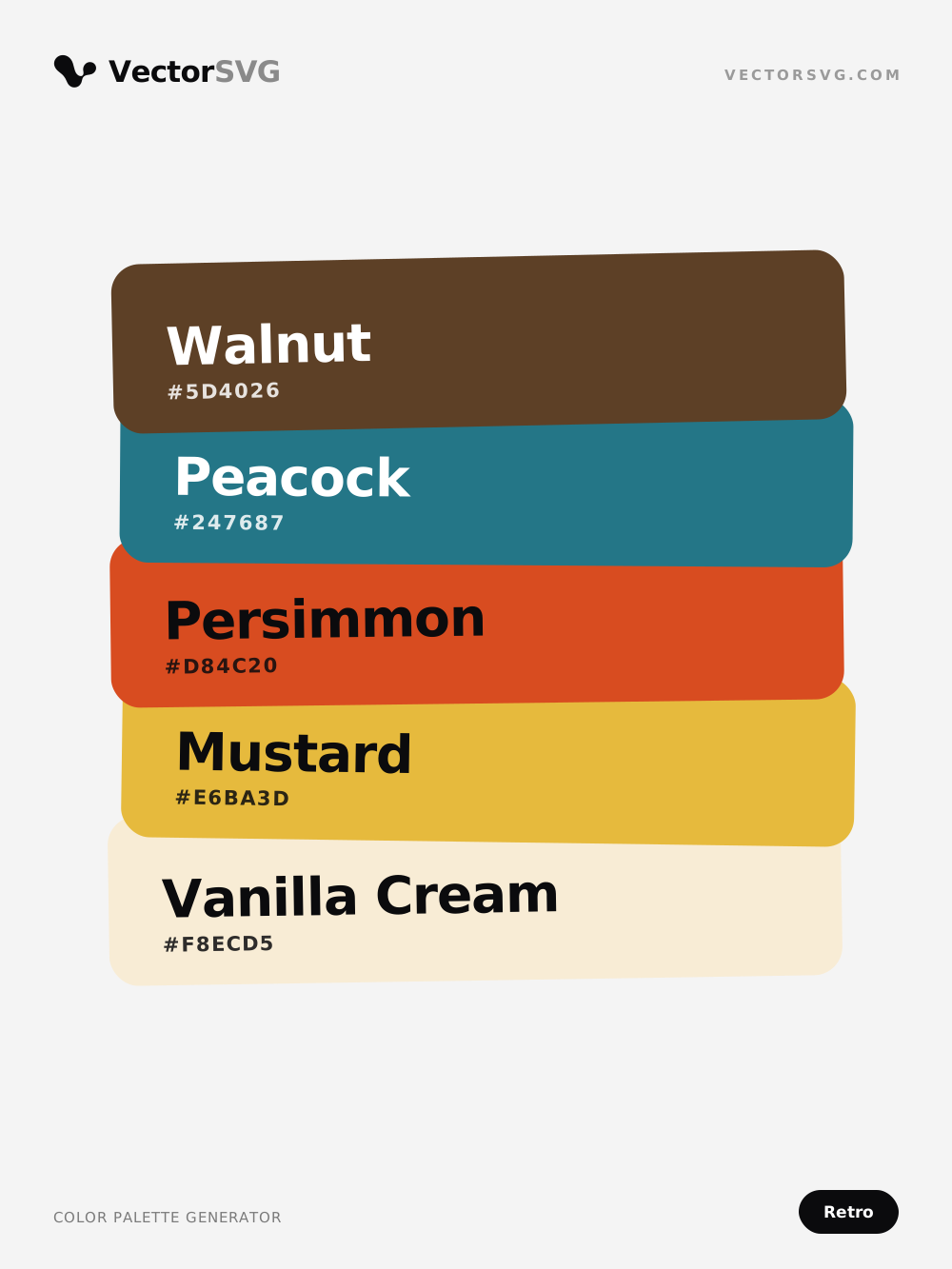
Groovy Radio Retro color palette: Walnut #5D4026, Peacock #247687, Persimmon #D84C20, Mustard #E6BA3D, Vanilla Cream #F8ECD5

Groovy Radio color palette

Retro · brown · teal · orange · warm

Walnut #5D4026 · Peacock #247687 · Persimmon #D84C20 · Mustard #E6BA3D · Vanilla Cream #F8ECD5

How to use the Color Palette Generator

Create a palette in any mood and lock the colours you like, or pull the 2 to 8 main colours from an image. Copy HEX, RGB and HSL codes and export CSS, SVG, PNG or ASE. Free, in your browser, with new ready-made palettes below every day.

  1. 1

    Choose a mode

    Create your own palette from a mood, or open an image to take its colours.

  2. 2

    Adjust the colours

    Generate until you like it and lock colours, or drag the dots on the picture to pick exact ones.

  3. 3

    Copy or export

    Click a value to copy it, or download PNG, SVG, CSS or ASE.

What is the Color Palette Generator?

The Color Palette Generator has two modes. Create your own builds a palette from a mood (pastel, vintage, luxury, neon and ten more): press Generate or the space bar for a new one and lock the colours you want to keep. From an image samples your picture and groups its pixels with k-means clustering to find the colours that represent it best.

Below the tool, the library adds 15 new palettes every day, each with named colours, HEX codes and a card you can download as PNG or SVG or save to Pinterest. Everything runs on your device; pictures are never uploaded.

Formats and limits

Input
PNG, JPG, WEBP, AVIF
Output
SVGCSSASE
Max file size
20 MB per file
Price
Free
Runs in
Your browser
Privacy
Your image never leaves your device: the browser does all the work and nothing is uploaded.

Open PNG, JPG, WEBP or AVIF up to 20 MB, or start from a mood. Export PNG, SVG, CSS or ASE. Free, unlimited, runs in your browser.

What makers use it for

  • Laser engraving and cutting

    Pick acrylic and wood stain colours that match a customer's photo for layered pieces.

  • Cricut and cutting machines

    Match vinyl and cardstock colours to an inspiration picture before you cut.

  • Print and stickers

    Build a brand or poster palette from a photo and keep every print consistent.

  • Print on demand

    Choose shirt and ink colours that suit a design across your whole product line.

Tips for the best result

  1. Tip 1: Use 5 colours for a bold, simple palette and 8 to capture subtle tones.

  2. Tip 2: Crop the image to the area you care about to avoid background colours.

  3. Tip 3: Export ASE to load the palette straight into Illustrator or Affinity Designer.

  4. Tip 4: Use the CSS export as design tokens for a website or shop banner.

Frequently asked questions

How are the colours chosen?

The tool samples thousands of pixels and groups them with k-means clustering. Each swatch is the average of one group, sorted by how much of the picture it covers.

What is an ASE file?

Adobe Swatch Exchange, a palette format that Illustrator, Photoshop, InDesign and Affinity apps can import.

Is my image uploaded?

No. All the work happens in your browser and the picture never leaves your device.

Why do I get slightly different colours each time?

You should not: the clustering starts from a fixed seed, so the same image and count always give the same palette.

Can I get more than 8 colours?

The tool works with 2 to 8, which covers most design work. For more detail, run it on cropped parts of the image or drag the dots to the colours you need.

Is it free?

Yes, free and unlimited, with no account.

Where do the ready-made palettes come from?

VectorSVG makes 15 new palettes every day from colour-theory recipes for 14 moods, names every colour and adds them to the library under the tool. They are free to use as PNG, SVG or HEX codes.

Can I change a palette from the library?

Yes. Open a palette and choose Edit in the generator: its colours load into Create your own, where you can lock, change and export them.

More in Edit and finish

Pick colour palettes, make gradients and carry photo looks over to Lightroom.

See all

Keep going in the AI SVG Generator

Turn your result into clean vectors with the vectorizer or generate a new design from a prompt.